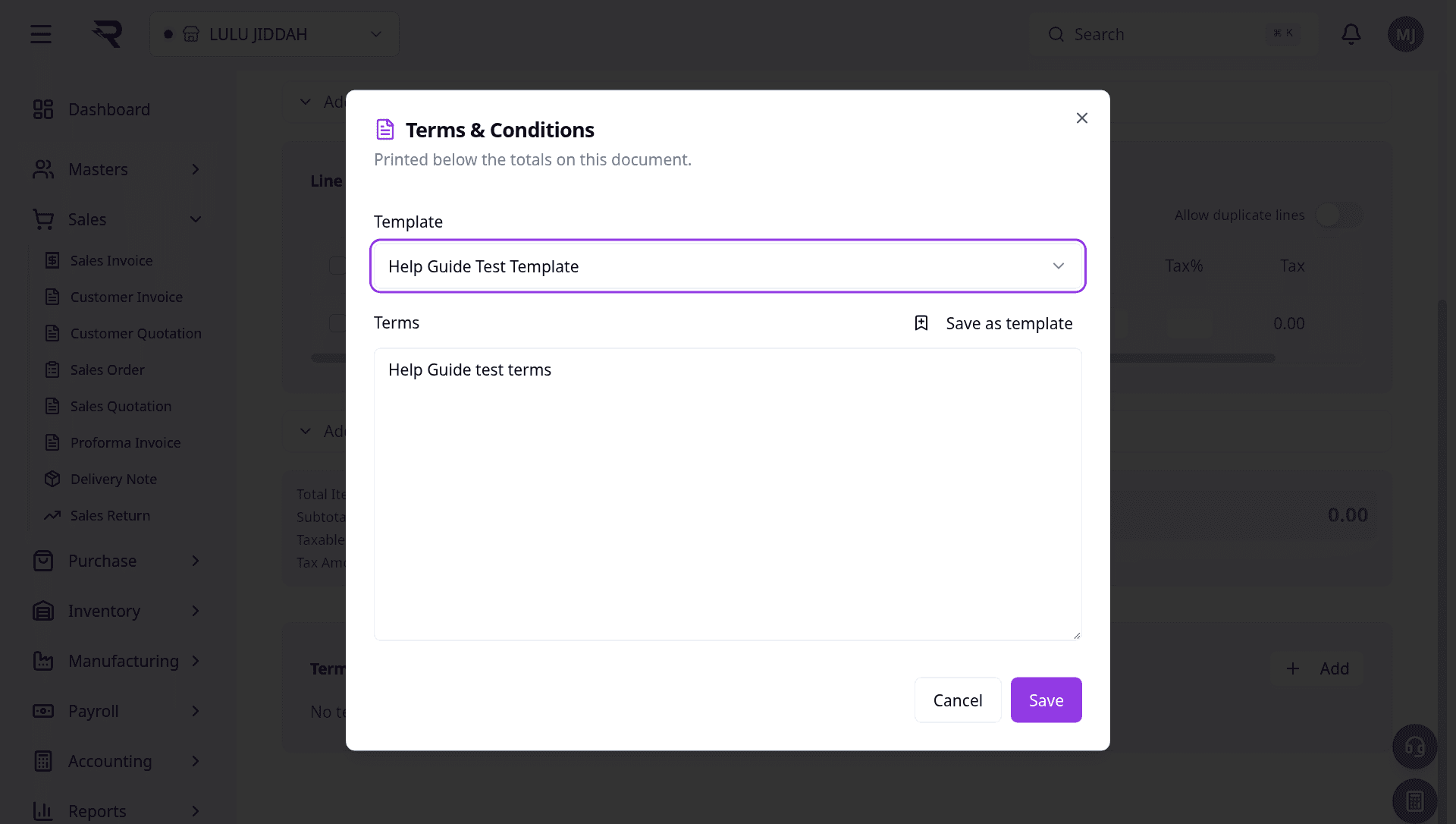
This guide shows you how to save invoice terms as a template and reuse them. For entering terms on an invoice, see Adding Terms and Conditions to an Invoice.
Go to: Sales > Sales Invoice
Step 1: Save the terms as a template
On the invoice, open the Terms & Conditions dialog and enter the terms. Click Save as template, then enter a Template name. Save template stays disabled until you enter a name. You can also mark the template as Default.
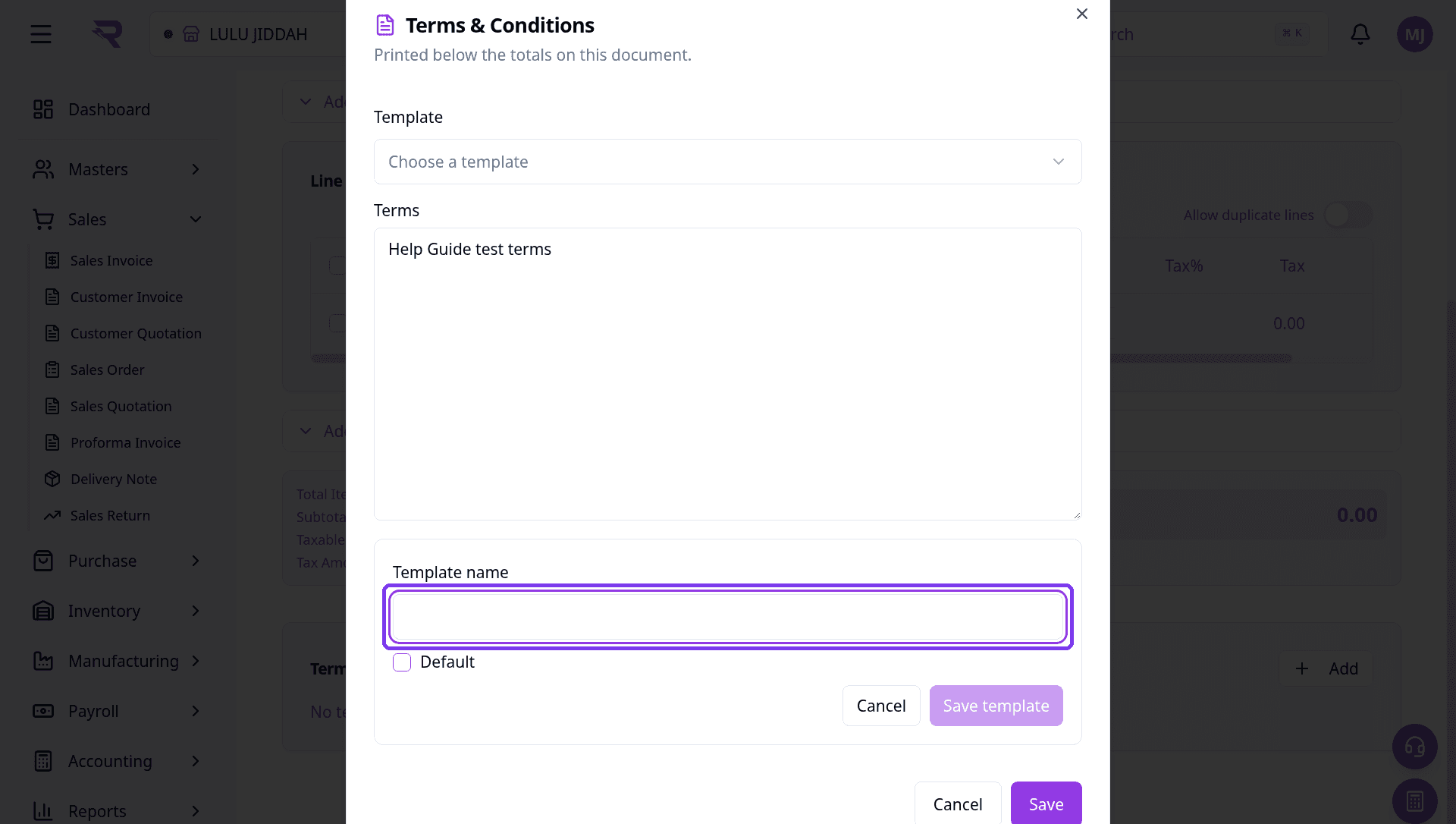
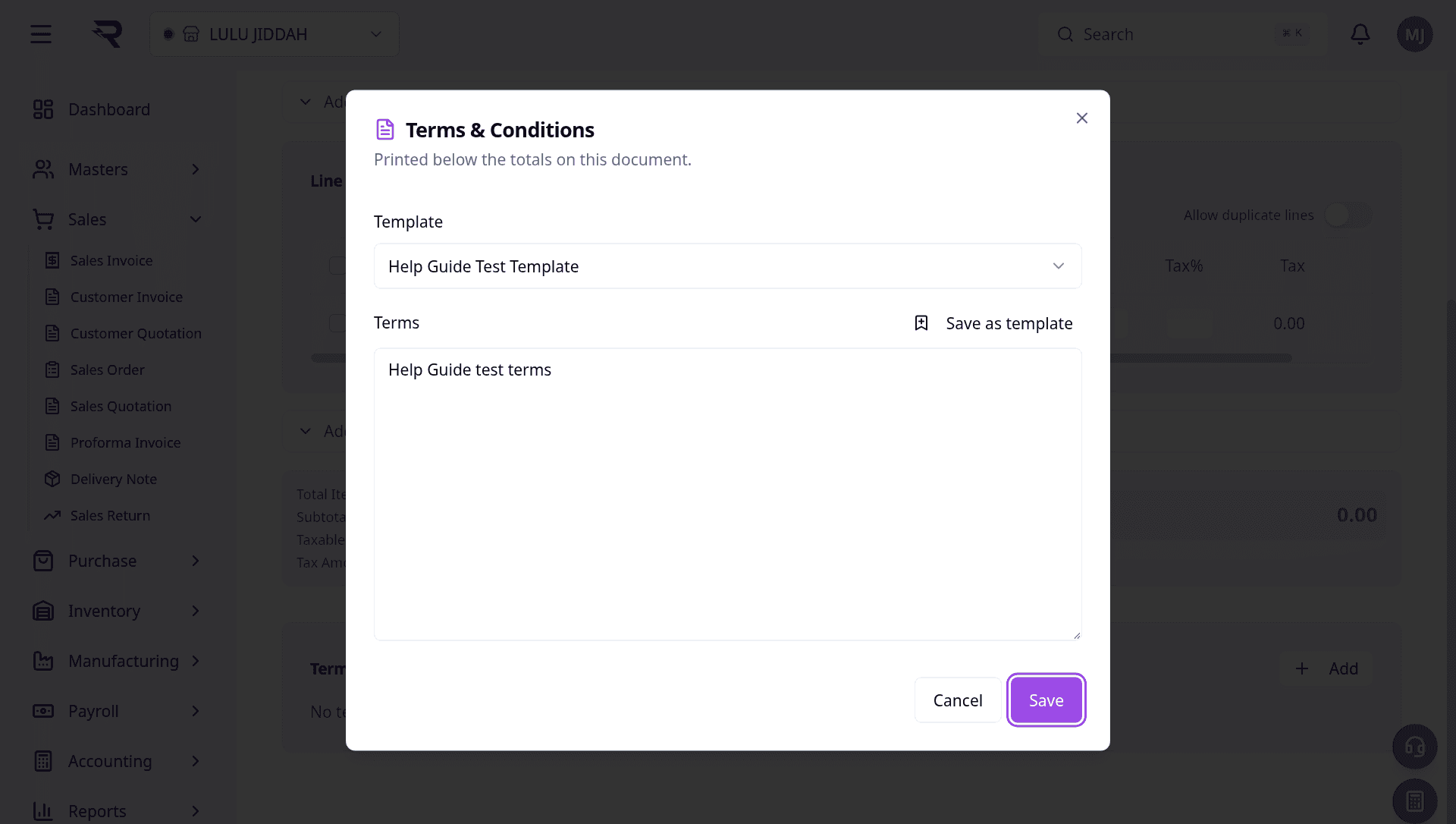
Click Save template. A toast confirms the template is saved, and it is selected in the Template field.
Step 2: Use the template on a new invoice
On a new invoice, open Terms & Conditions, then choose the template from Template. The terms fill in from the template.