
Which project
is making money?
Software for contracting companies across the GCC. The project, the bill, and whether it is making money.
- Profit per project
- Bills from the BOQ
- Arabic and English
The old way vs Raad
A normal week on site. What you do now, and what changes.
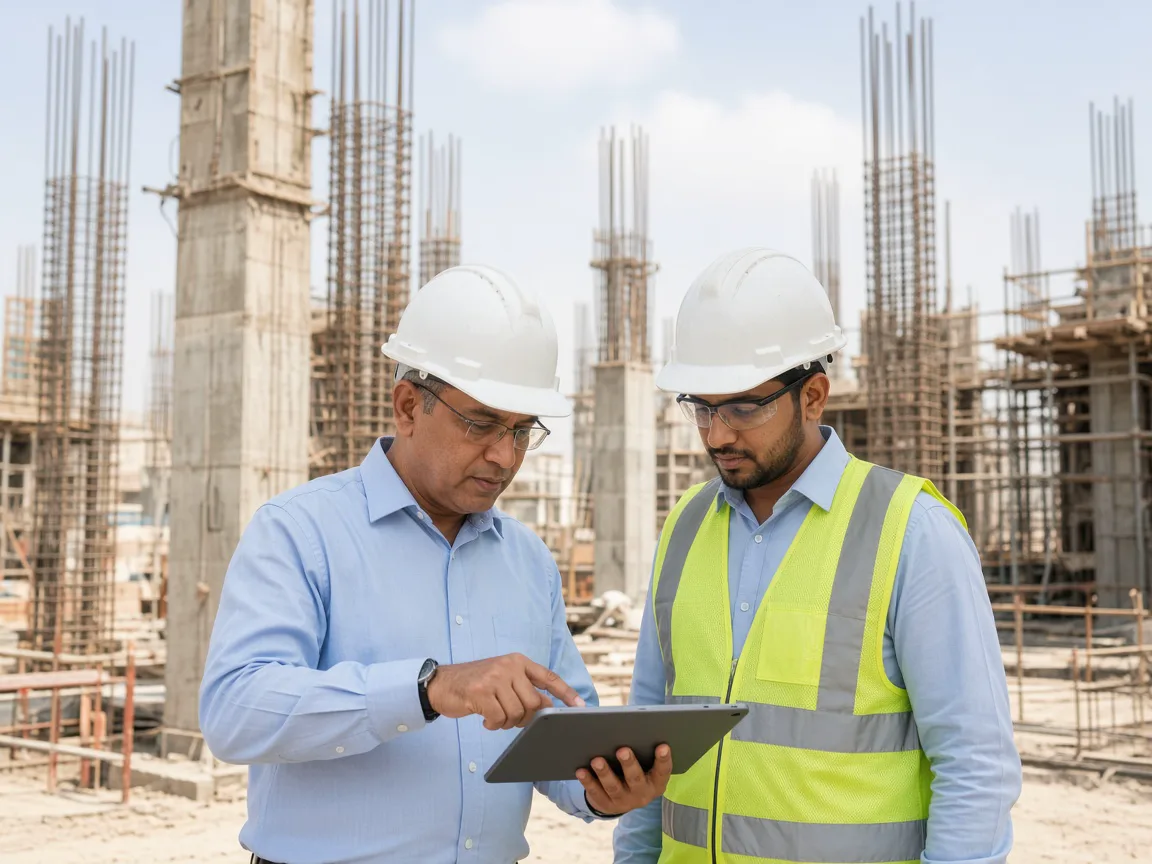
You find out after the job is finished.
See the margin while the work runs
Budget against actual cost, for every project, as the costs come in.

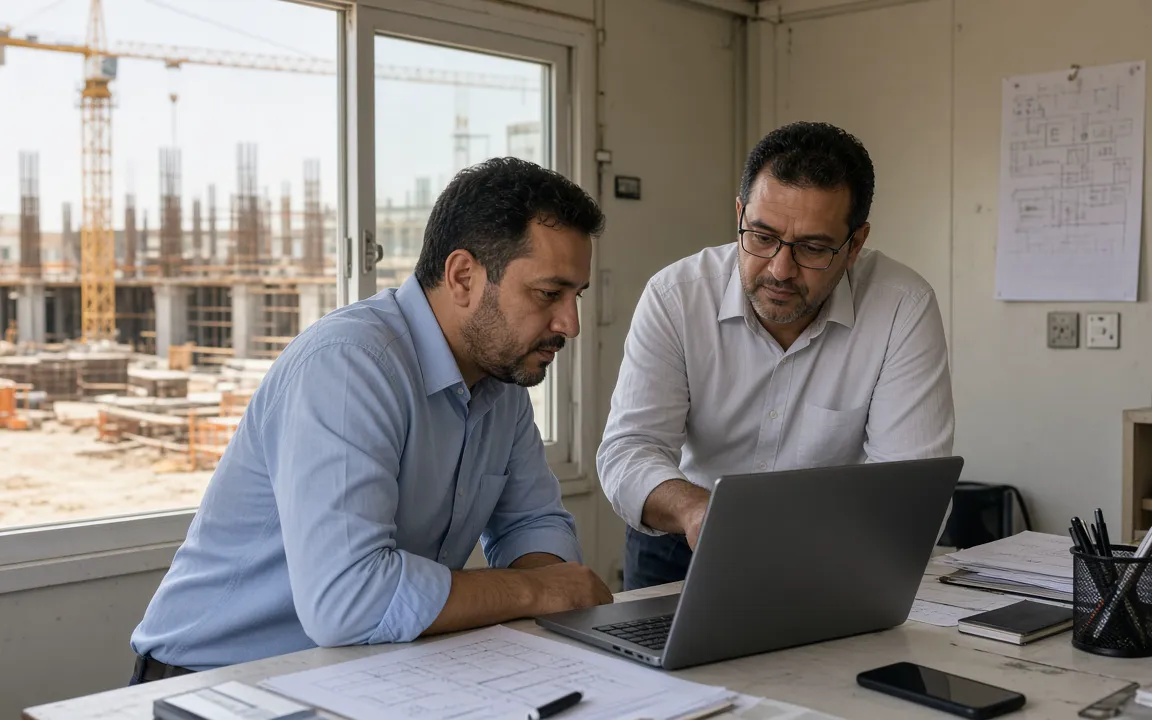
The BOQ is in Excel. The progress bill is built by hand.
Bill from the BOQ
Build the bill of quantities item by item, then raise the progress invoice against it.
The advance is in a notebook, separate from the bills.
The advance sits on the project
Advance payments settle against the project invoices, so you can see what is left.

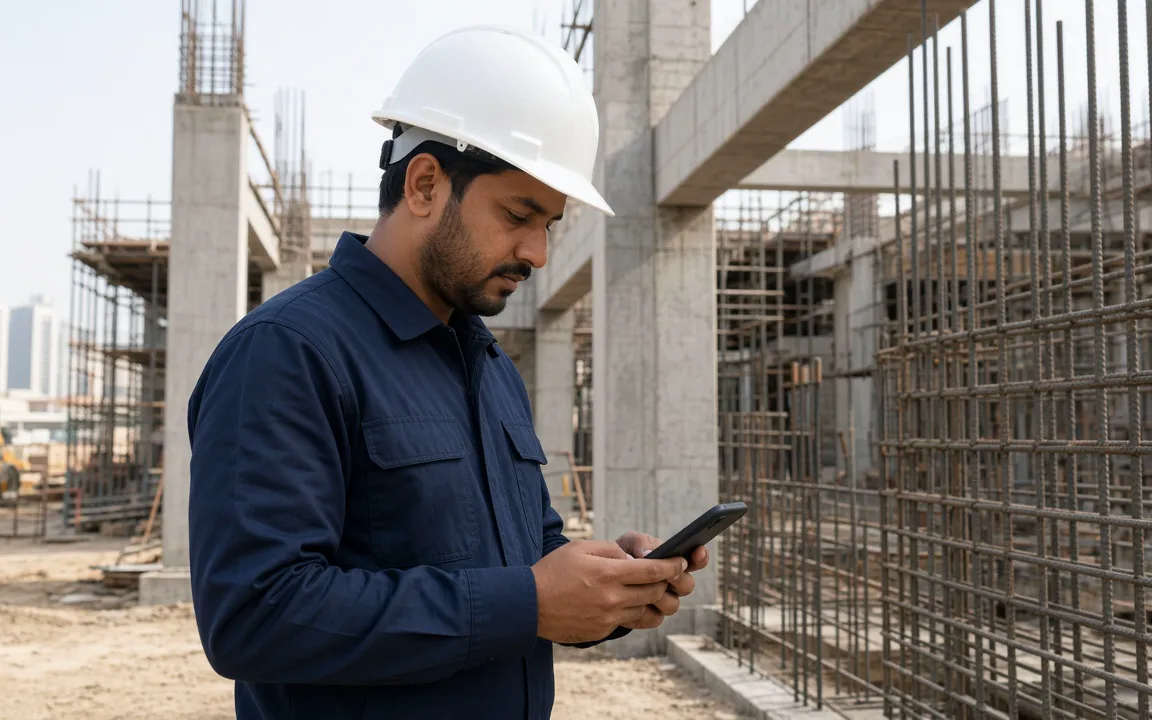
You hear about the day by phone, if you hear at all.
The daily report comes from the site
Engineers log manpower and what happened, from the phone, on the day.
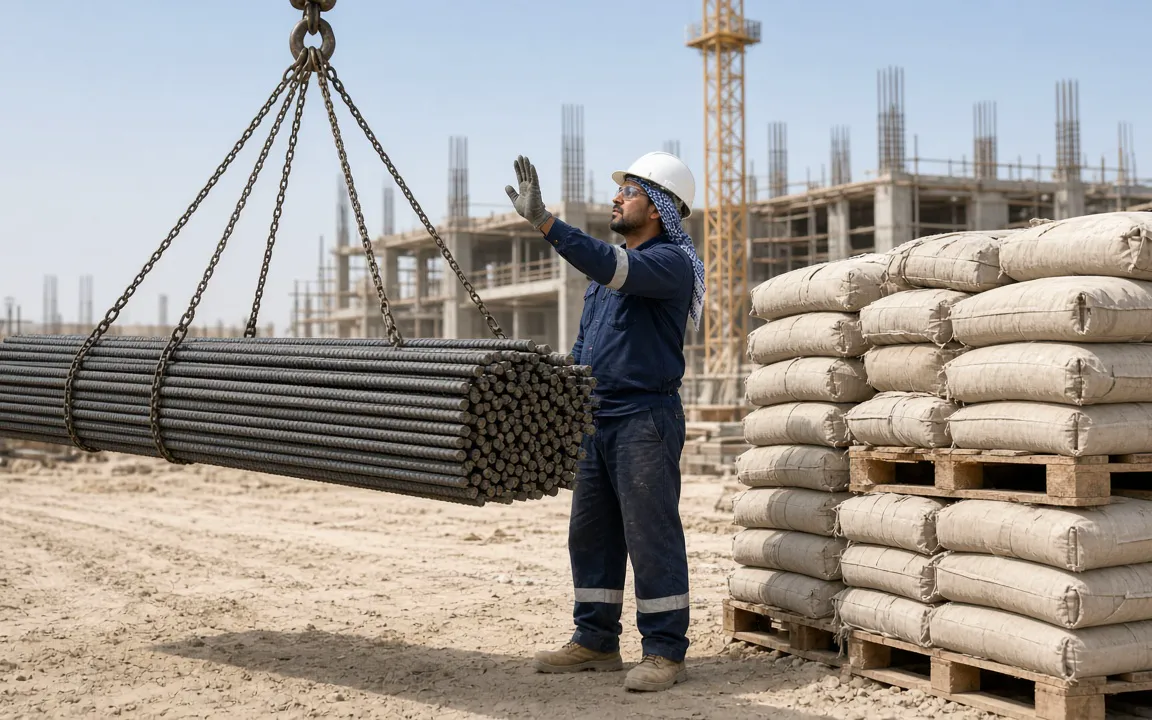
Cement and steel leave the store with no record of which project.
Site materials stay on the project
Track materials and equipment on the site they were sent to.
Bills, costs and the client balance are in different files.
The project has one set of numbers
Costs, bills and what the client owes sit on that project. The accounts update with the invoices.

From the BOQ to the project profit
Costs and bills land on the project they belong to.
The BOQ
Item by item.
The site
Materials and the daily report.
The bill
Progress, stage by stage.
The margin
While the work is still running.
The project and the books


Profit per project
Budget, cost and margin while it runs.

Bill of quantities
Build it item by item.

Progress bills
Bill the client stage by stage.
Advances
Settle them against the project invoices.
Daily site reports
Manpower and the day, from the phone.
Site materials
What was sent, and to which site.
The accounts
Invoices and VAT post on their own.
ZATCA
Saudi e-invoicing on the bills.
Arabic and English
On site and in the office.
The work behind the project
Short guides for bills, supplier costs and the reports. Site reports are in the product. These guides cover the books around them.
Up and running in a day
You won’t be left to figure it out alone. Our team does the setup with you.
Message us on WhatsApp
Tell us how your business works. We’ll show you Raad on a short call, in Arabic or English.
We set it up for you
Our team imports your products, customers and opening balances, then trains your staff.
Start working
Most businesses are running the same day, and we stay one message away after that.
E-invoicing, handled for you
Tax rules keep changing. Your invoicing shouldn’t have to.
Saudi Arabia: ZATCA Phase 1 & 2
A QR code on every invoice and receipt, and Phase 2 invoices sent to ZATCA automatically in the background.
UAE: e-invoicing on Peppol
Ready for the UAE’s 2027 mandate. Our team gets your customer and item data in shape now, so you go live on time.
Know more about UAE e-invoicingThe system the projects run on

Questions from contractors
Short answers. For anything else, ask us on WhatsApp.
Raad in your country
Set up for the tax rules where you work.