
Away from the shop?
See how much it sold.
Billing and stock for grocery shops across the GCC. Every sale at the counter shows up on your phone, with what’s left on the shelf.
- Vegetables by weight
- Stock you can trust
- Arabic and English
The old way vs Raad
A normal day in a small grocery. What you do now, and what changes.
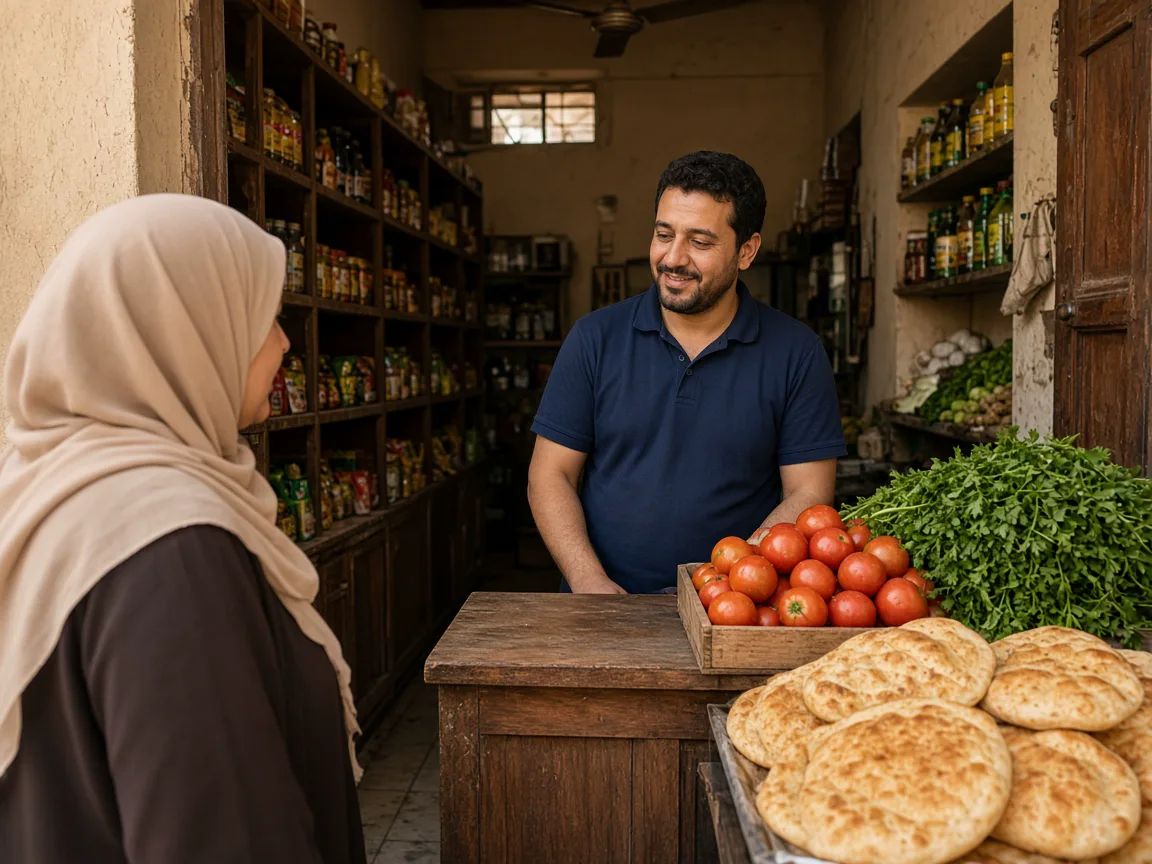
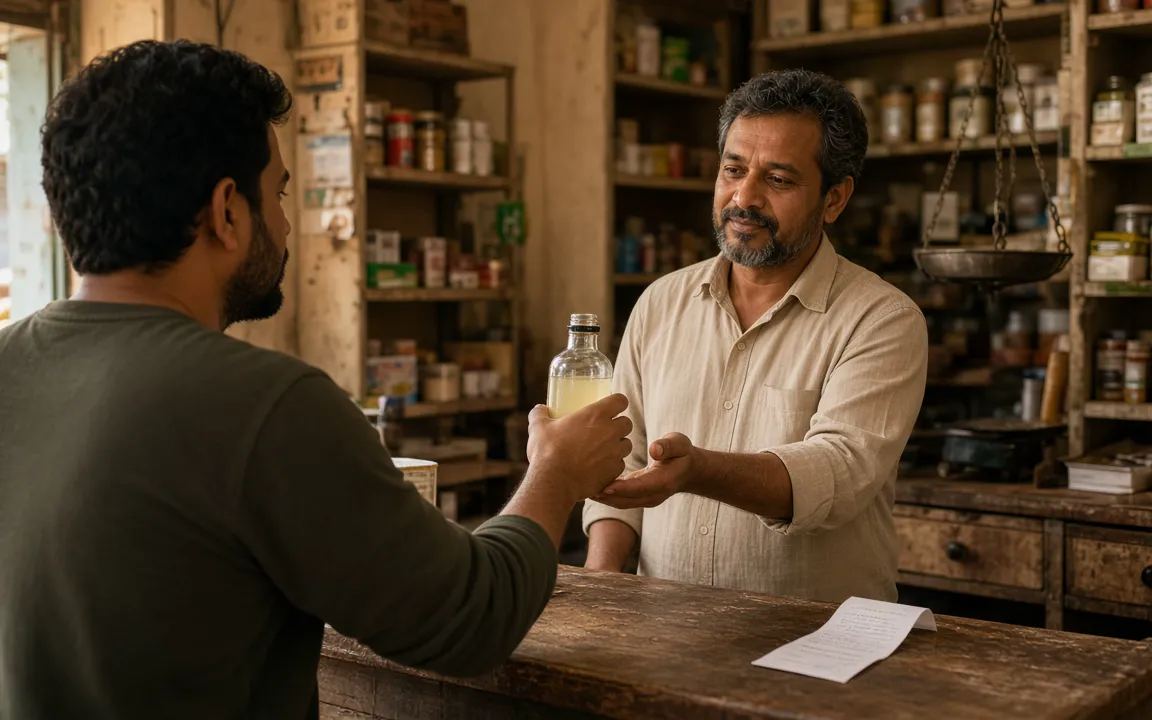
The bill goes in a drawer. The stock gets typed in later, if at all.
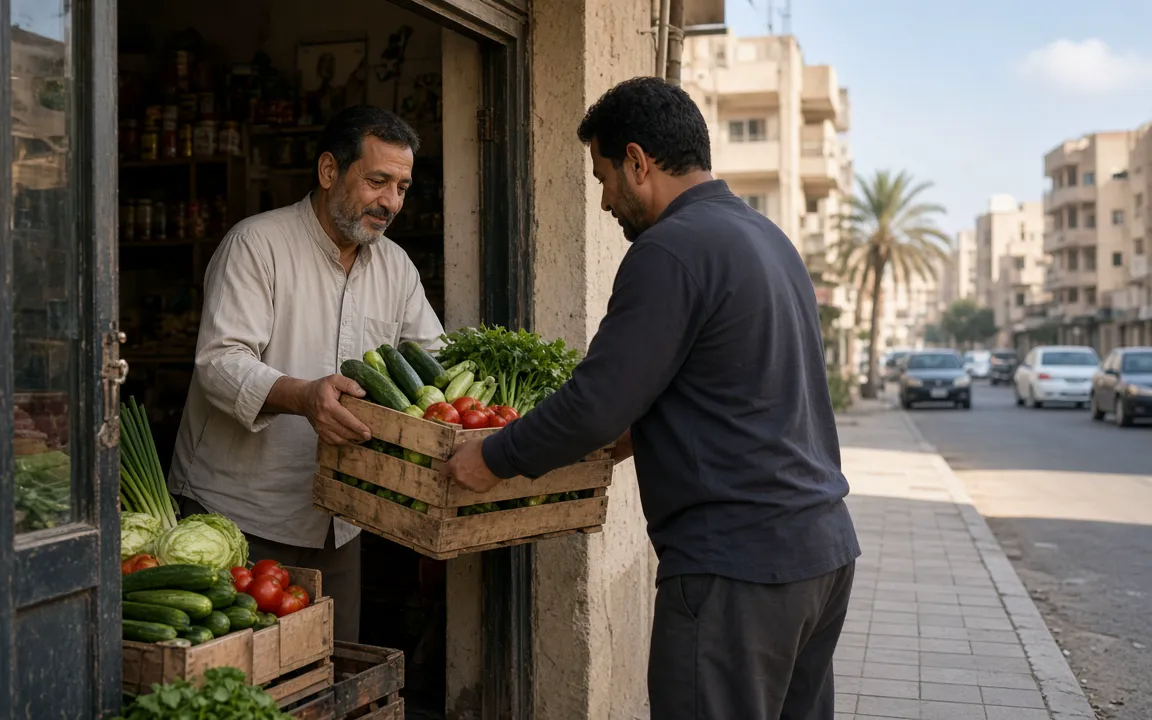
Check the goods in before he leaves
Match the delivery to what you ordered. The shelf count goes up when the goods come in.
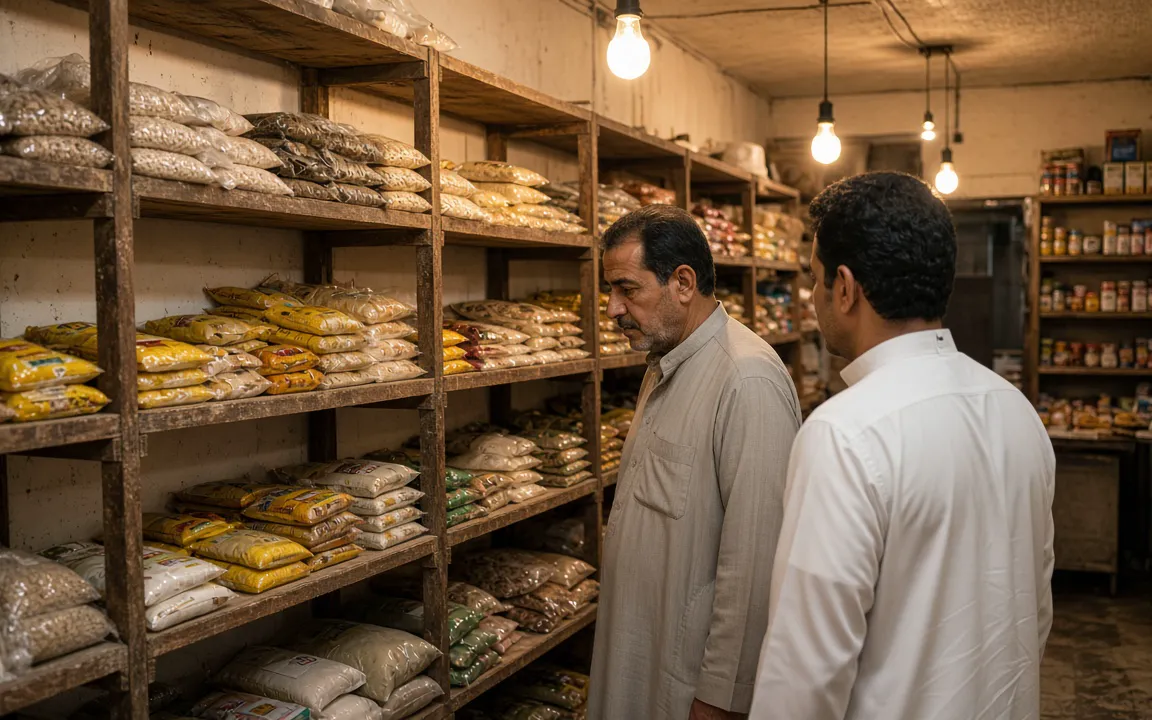
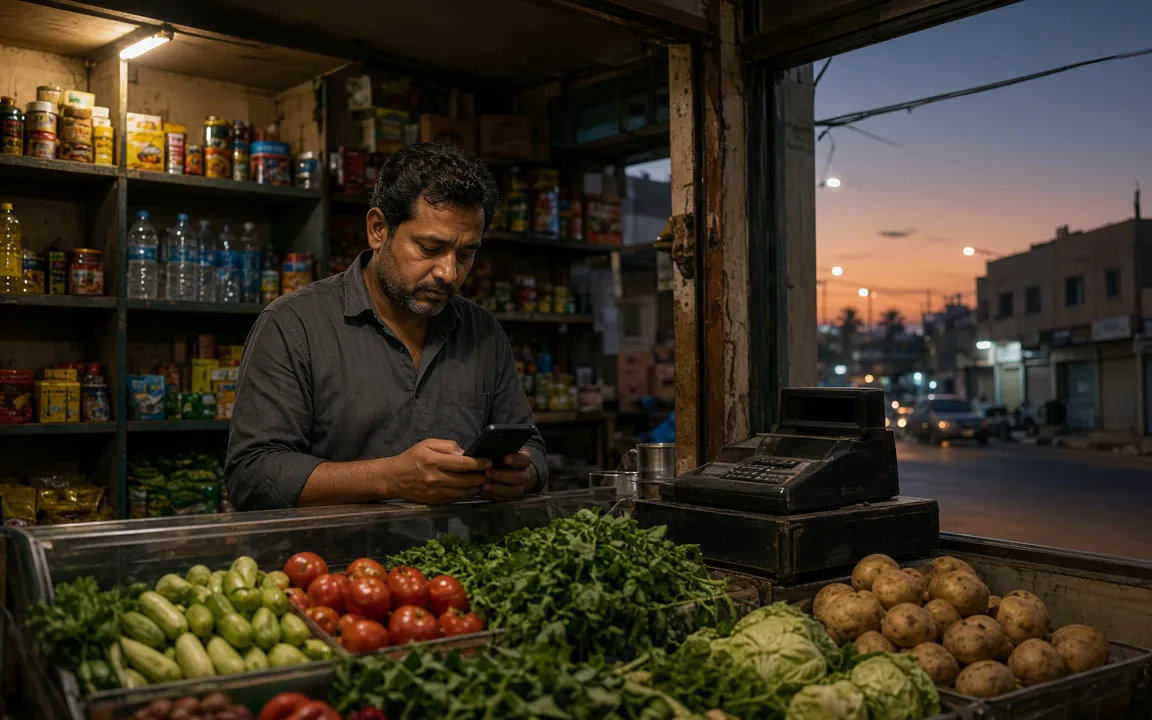
A customer asks, and you guess what’s left in the back.
See what’s actually left
Every sale and every delivery moves the count. You know before you say yes.
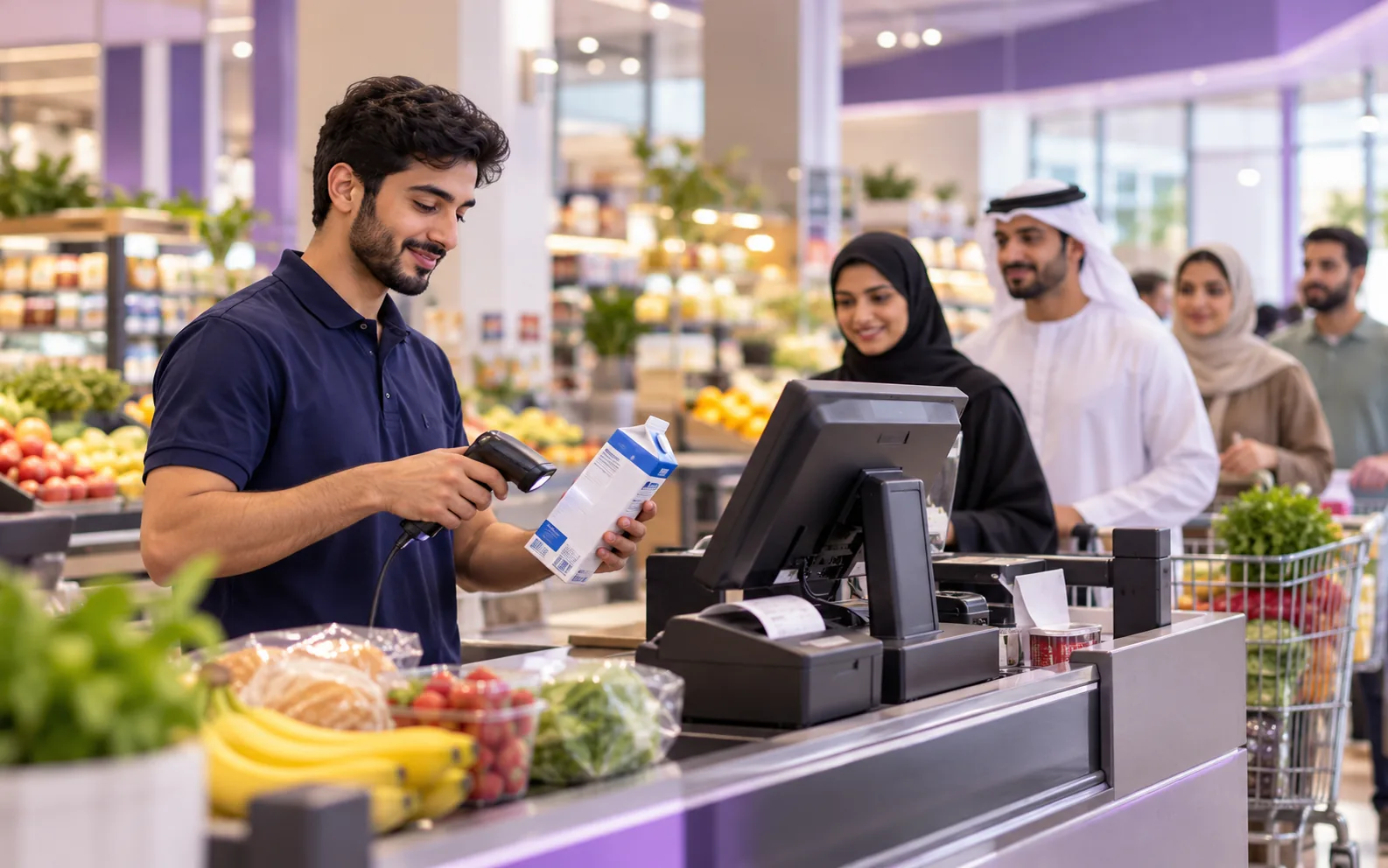
You type prices while the queue watches.
Scan it and move on
A barcode finishes the bill. The next customer doesn’t wait for you to find the price.
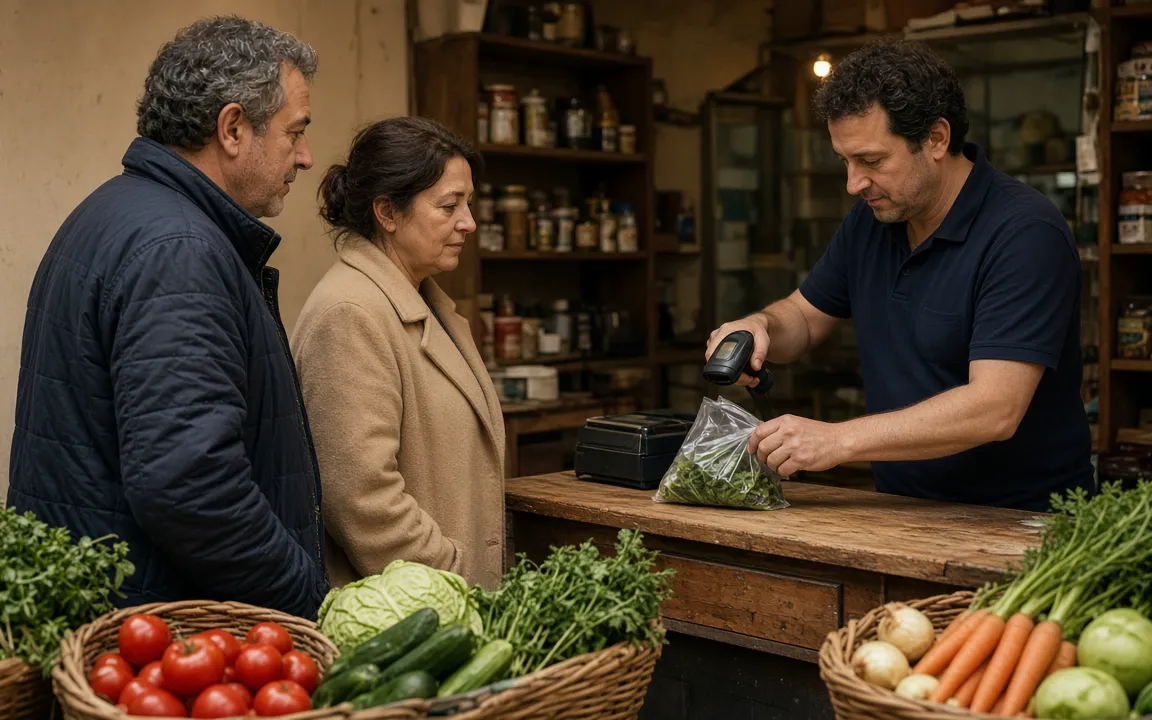
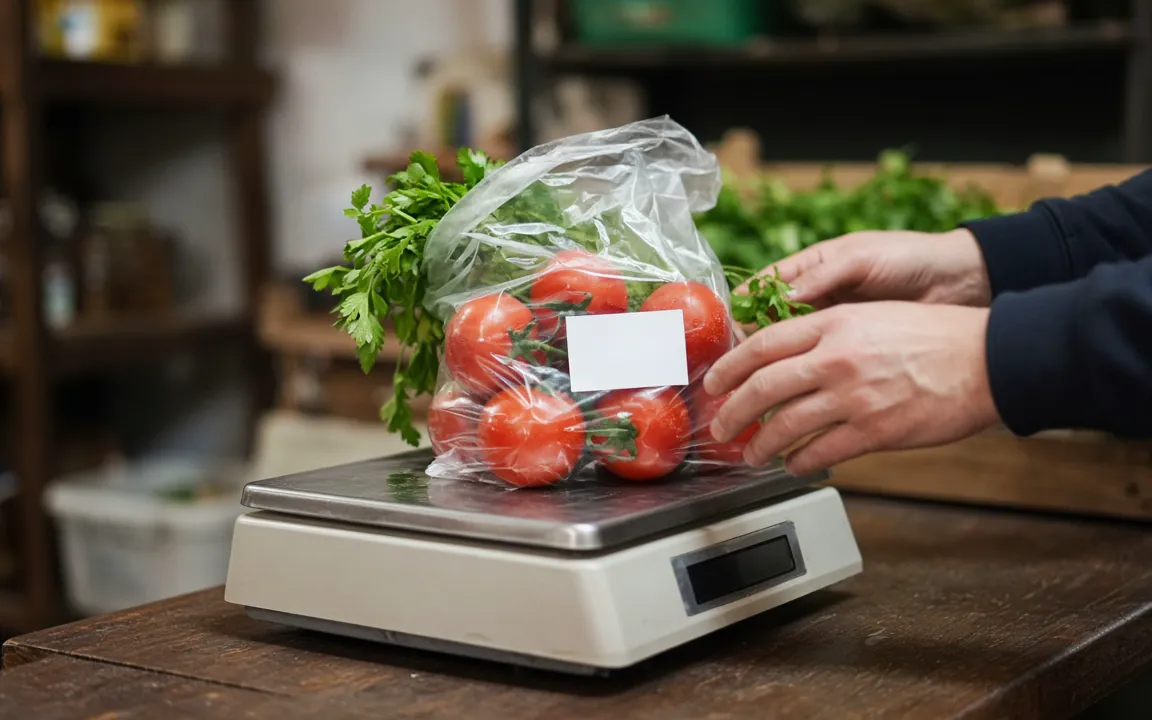
Loose vegetables get priced by hand, and the amount is often wrong.
The scale sticker has the price
Scan the sticker. Raad reads the weight or the price. No sticker? Type the weight in.
You don’t know the cash until you count it at night.
See the cash and the bank
Each bill shows cash, card or transfer. Cash goes to the cash account. A transfer goes to the bank.
Nobody can find the bill, so the refund is a guess.
Start from the receipt
Scan the receipt, pick the item, and refund it. Never more than they paid.
From the crate to the counter
The delivery, the shelf and the bill use the same count.
The delivery
What the wholesaler brought.
The shelf
The count goes up.
The bill
Barcode or scale sticker.
The takings
Cash, card or bank.
The counter and the stock


Barcode billing
Scan it. The bill is done.

Sold by weight
Fruit and veg from the scale sticker.

How they pay
Cash, card or mada on one bill.
Returns
Scan the receipt. Refund only what they paid.
Live stock
A sale or a delivery moves the count.
Buying stock
The order, what arrived, and the wholesaler’s bill.
Today’s takings
Cash and bank, from the bills.
The accounts
Sales and VAT update on their own.
Arabic and English
The till and the bills, in both.
The work behind the counter
Short guides for the goods, the cash and the reports.
Up and running in a day
You won’t be left to figure it out alone. Our team does the setup with you.
Message us on WhatsApp
Tell us how your business works. We’ll show you Raad on a short call, in Arabic or English.
We set it up for you
Our team imports your products, customers and opening balances, then trains your staff.
Start working
Most businesses are running the same day, and we stay one message away after that.
E-invoicing, handled for you
Tax rules keep changing. Your invoicing shouldn’t have to.
Saudi Arabia: ZATCA Phase 1 & 2
A QR code on every invoice and receipt, and Phase 2 invoices sent to ZATCA automatically in the background.
UAE: e-invoicing on Peppol
Ready for the UAE’s 2027 mandate. Our team gets your customer and item data in shape now, so you go live on time.
Know more about UAE e-invoicingThe till, and the stock behind it
Questions from grocery owners
Short answers. For anything else, ask us on WhatsApp.
Raad in your country
Set up for the tax rules where you work.