
Sold a lot.
Where’s the cash?
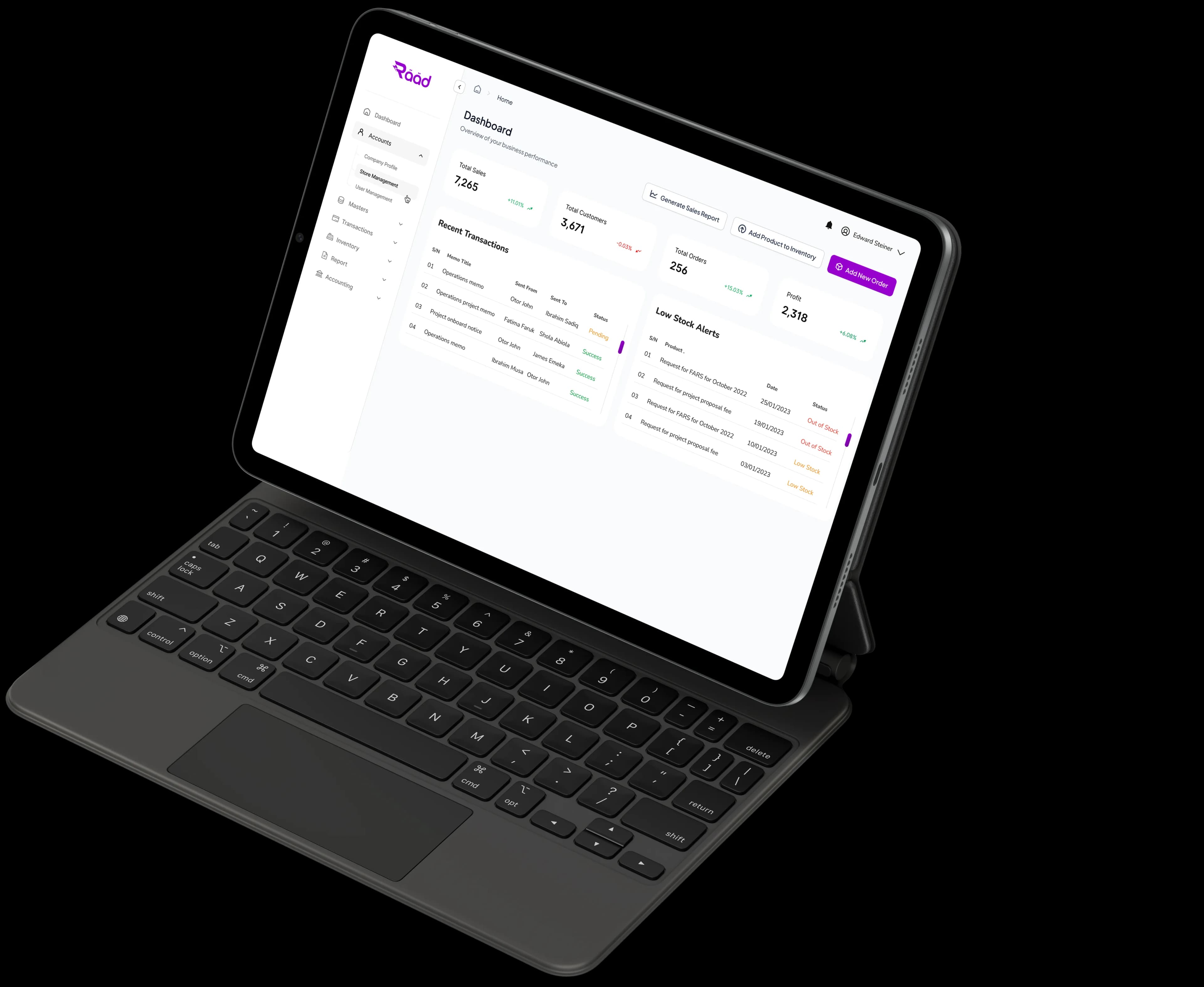
ERP for trading businesses across the GCC. Every invoice updates the stock and what that customer owes.
- Bills in a minute
- Stock that adds up
- Arabic and English

The old way vs Raad
A normal day buying and selling. What you do now, and what changes.
It’s his word against your notebook.
Show him his account
Every invoice and payment for that customer is on one screen. Send the invoice on WhatsApp when you need to.

The shelf and the spreadsheet never match.
The count moves with the sale
A sale and a purchase change the stock when they happen, in every store.
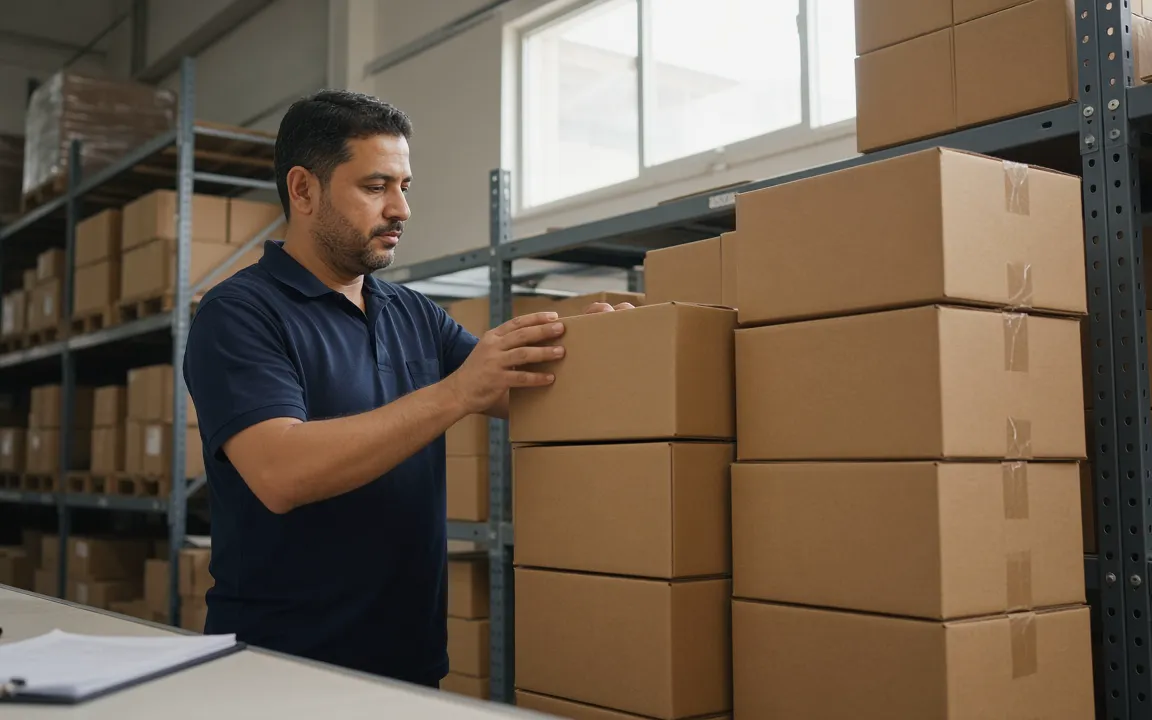
The supplier’s bill sits in a drawer until someone types it in.
Check the goods in as they arrive
Match the delivery to the order. The stock goes up when the goods come in.
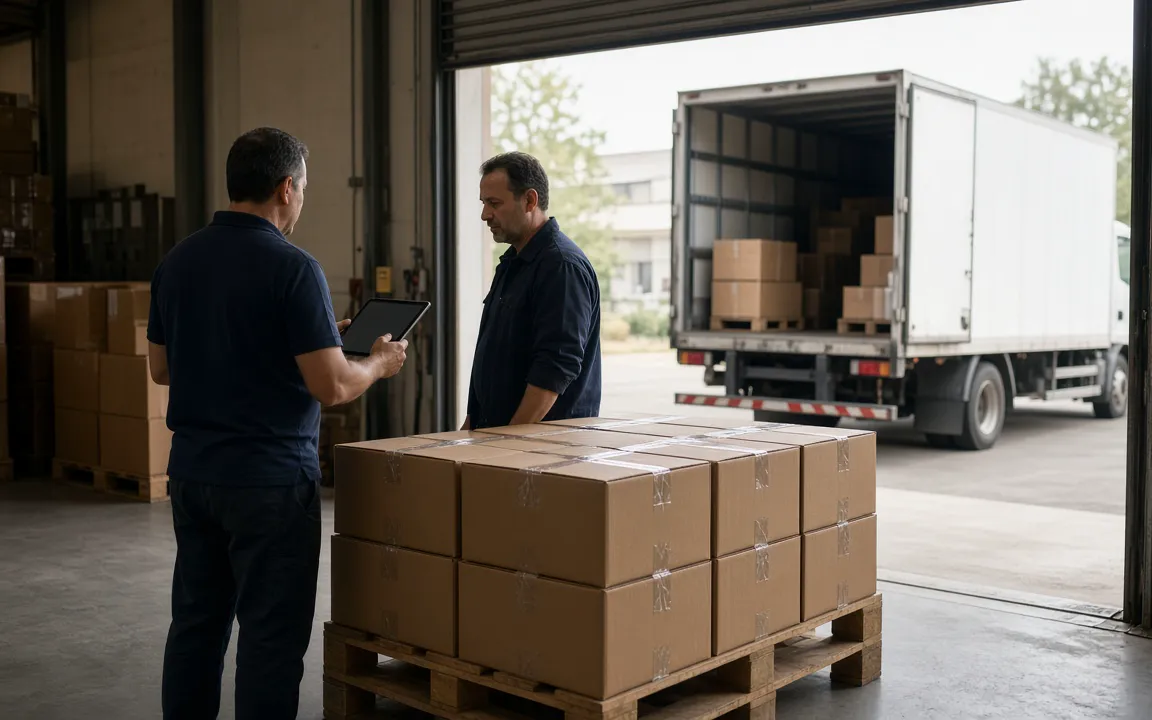
The bill is written twice, once for the customer and once for the accounts.
One bill, then it is in the books
Make the invoice, in Arabic or English, with VAT. It posts to the accounts on its own.

You don’t know the cash until someone writes it down.
See the cash and the bank
Payments go to a cash account or a bank account. You can open both, and see who paid.

You add up each shop at the end of the month.
Sales and profit, per shop
See what each store sold, and what the whole business made, from one account.

From the order to the cash
The goods, the bill and the accounts use the same numbers.
The order
What the customer wants.
The bill
Sent, with VAT.
The stock
It moves with the sale.
The cash
Who paid, and who still owes.
Bills, stock and the accounts


Invoices
Make a bill in a minute.

Live stock
A sale or a delivery moves the count.

Who owes you
Customer balances on one screen.
Buying stock
The order, what arrived, and the supplier’s bill.
Every shop
All your stores on one account.
Send the invoice from the screen.
The accounts
Sales and VAT update on their own.
Cash and bank
Payments land in the account you choose.
Arabic and English
Bills and screens in both.
The work behind the sale
Short guides for bills, stock and who has paid.
Up and running in a day
You won’t be left to figure it out alone. Our team does the setup with you.
Message us on WhatsApp
Tell us how your business works. We’ll show you Raad on a short call, in Arabic or English.
We set it up for you
Our team imports your products, customers and opening balances, then trains your staff.
Start working
Most businesses are running the same day, and we stay one message away after that.
E-invoicing, handled for you
Tax rules keep changing. Your invoicing shouldn’t have to.
Saudi Arabia: ZATCA Phase 1 & 2
A QR code on every invoice and receipt, and Phase 2 invoices sent to ZATCA automatically in the background.
UAE: e-invoicing on Peppol
Ready for the UAE’s 2027 mandate. Our team gets your customer and item data in shape now, so you go live on time.
Know more about UAE e-invoicingThe system behind the trade
Questions from trading owners
Short answers. For anything else, ask us on WhatsApp.
Raad in your country
Set up for the tax rules where you work.