
What did this
batch cost?
ERP for small factories across the GCC. Materials, the batch, and what it cost to make.
- Materials in, goods out
- Cost of the batch
- Arabic and English
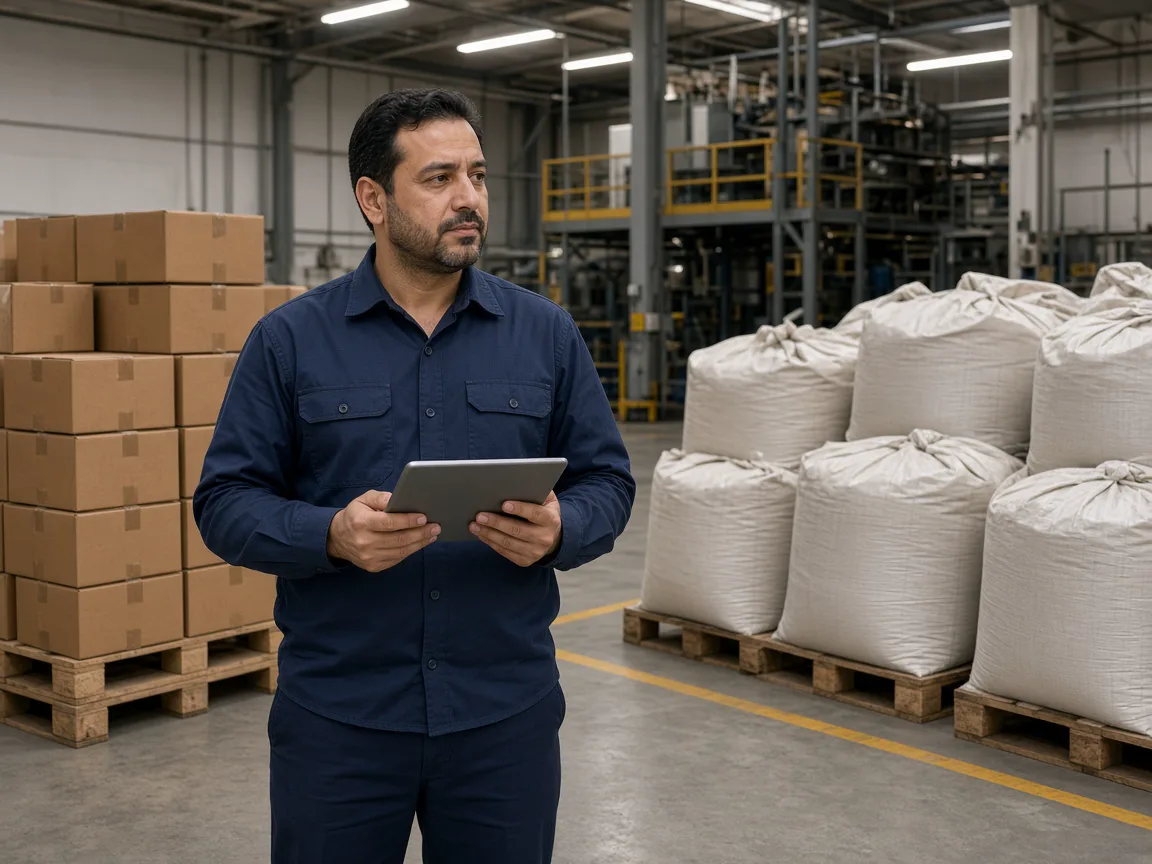
The old way vs Raad
A day on the floor. What you do now, and what changes.
Material, waste and labour live in three different sheets.
The batch carries its cost
Material, wastage and labour go into the production run, down to the finished item.
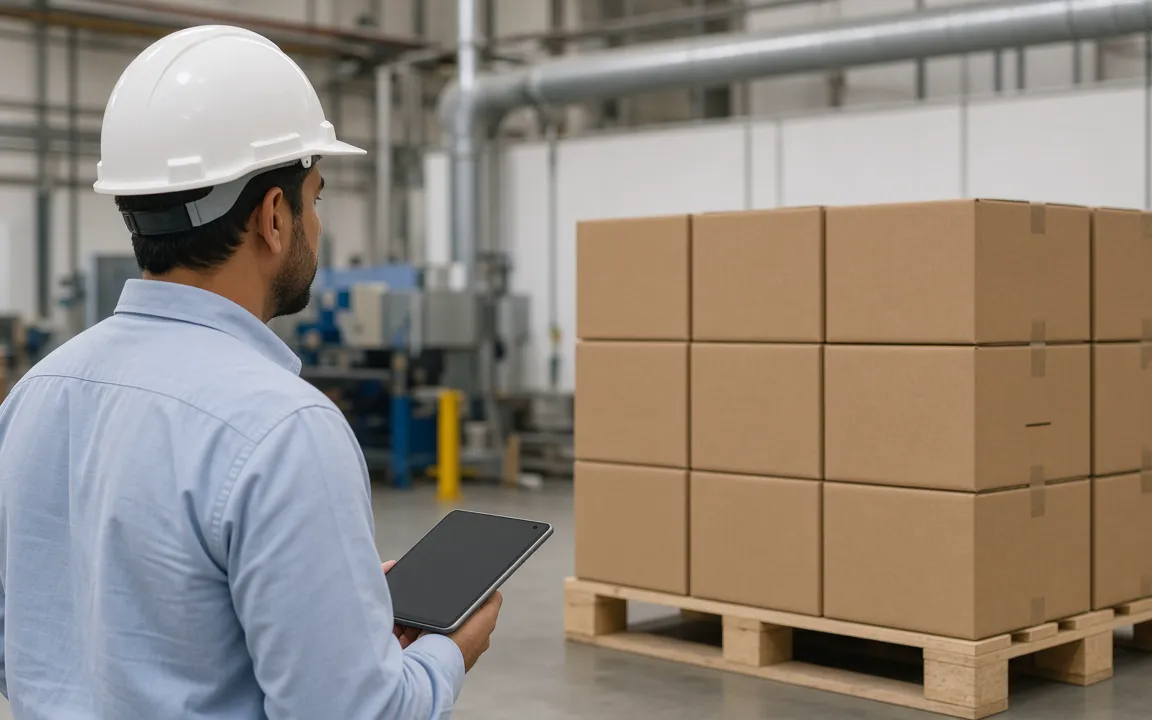
The delivery is written in a book. The stock is updated later.
Check the material in as it arrives
Match it to the order. The material count goes up when the goods come in.
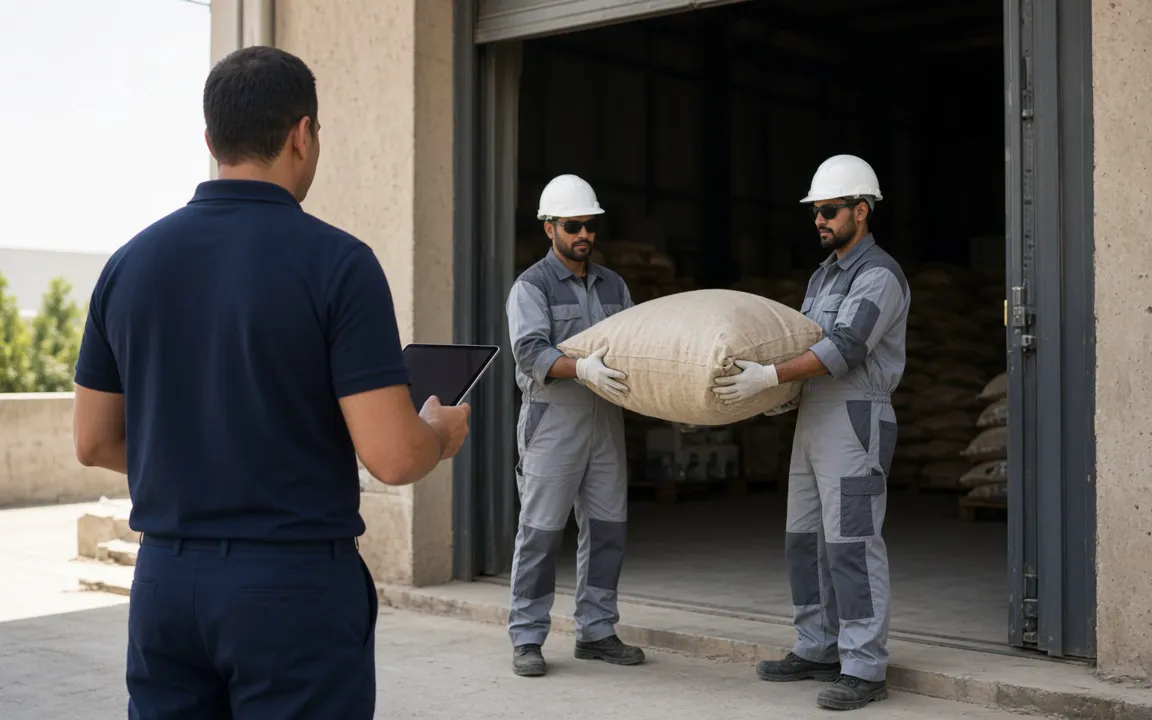
The run is done, but the store still shows zero.
Finishing the batch puts the goods in stock
Complete the production batch and the finished items are there to sell.
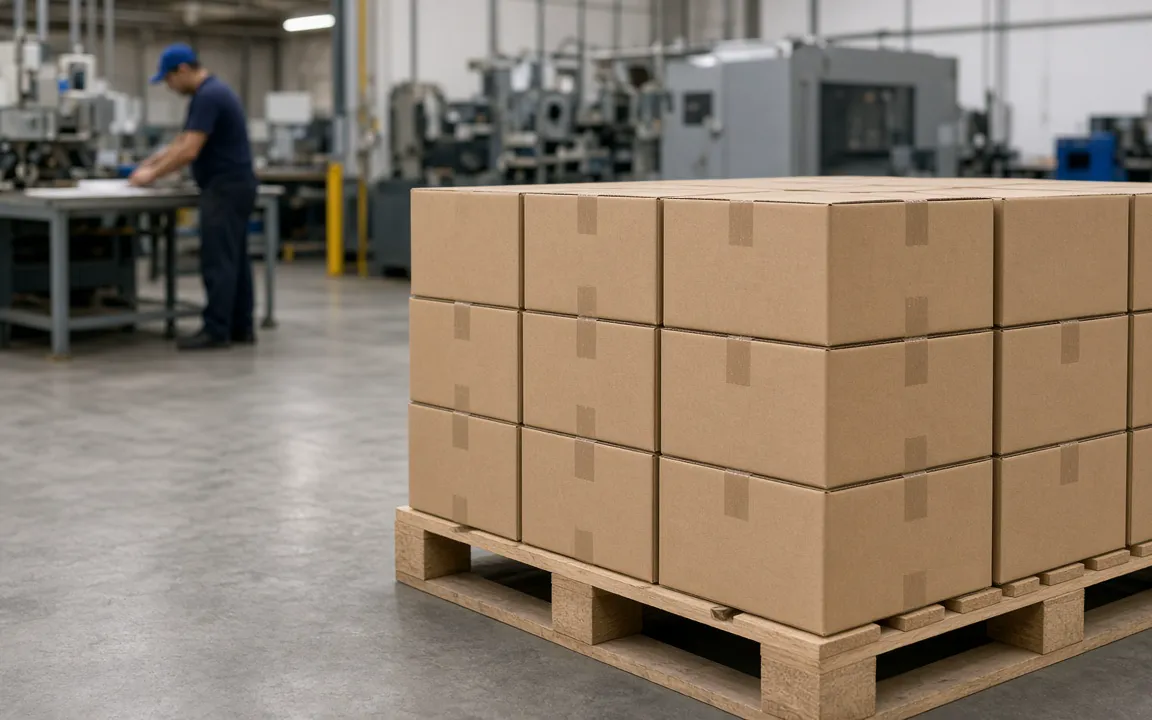
Production and invoicing are two jobs, typed twice.
Bill from the same system
The sales invoice uses the same items and the same accounts. VAT is on the bill.
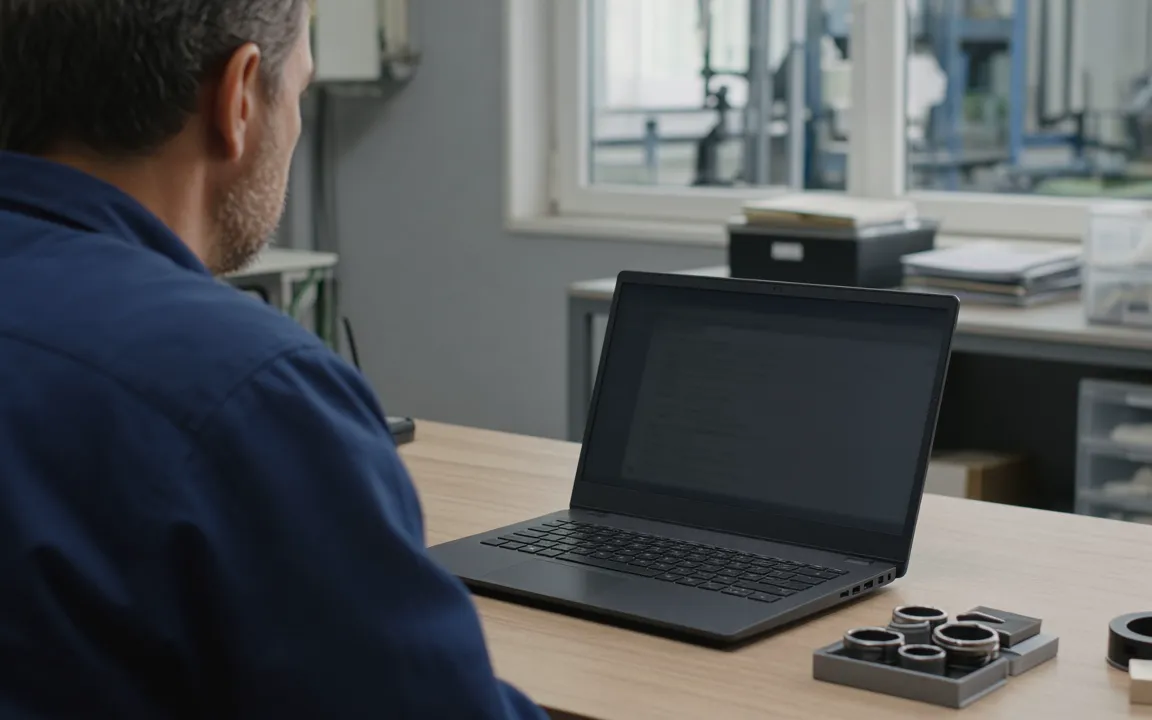
The recipe is in someone’s head. The books don’t match the floor.
Start the batch from the material list
Each batch starts from the saved material list, so every run uses the same mix, and the stock and the accounts follow it.
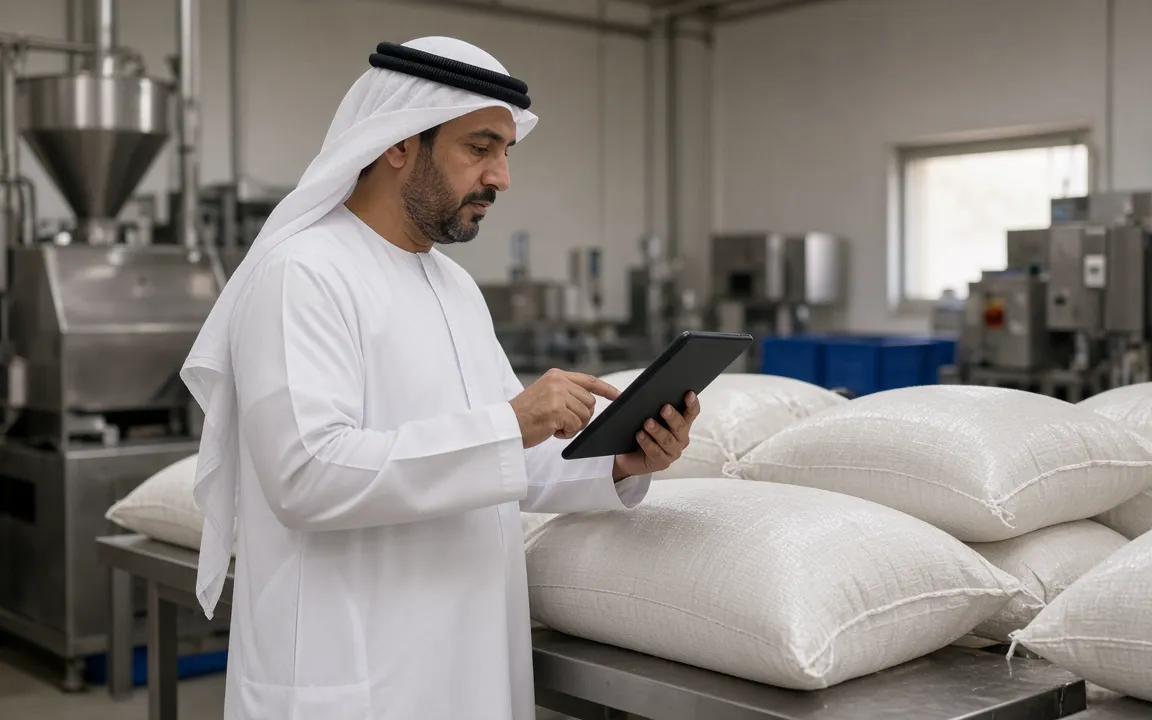
You hear the number from the floor at the end of the shift.
The batch is already in the reports
When the batch is completed, the stock and the accounts have moved. You don’t wait for a second typing.

From material to finished goods
The list, the batch and the stock stay in one place.
Materials
What arrived.
The list
What the item needs.
The batch
Made, then completed.
The goods
In stock, ready to bill.
The floor and the books


Material list
A bill of materials for what you make.

Production batch
Start it, save it, then complete it.

What it cost
Material, wastage and labour on the run.
Raw materials
The count moves when they arrive or get used.
Finished goods
Completing the batch puts them in stock.
Customer bills
Invoice from the same items.
Buying materials
The order, the delivery, the supplier’s bill.
The accounts
The completed batch posts.
Arabic and English
Screens and bills in both.
The work behind the batch
Short guides for the batch, the materials and the reports.
Up and running in a day
You won’t be left to figure it out alone. Our team does the setup with you.
Message us on WhatsApp
Tell us how your business works. We’ll show you Raad on a short call, in Arabic or English.
We set it up for you
Our team imports your products, customers and opening balances, then trains your staff.
Start working
Most businesses are running the same day, and we stay one message away after that.
E-invoicing, handled for you
Tax rules keep changing. Your invoicing shouldn’t have to.
Saudi Arabia: ZATCA Phase 1 & 2
A QR code on every invoice and receipt, and Phase 2 invoices sent to ZATCA automatically in the background.
UAE: e-invoicing on Peppol
Ready for the UAE’s 2027 mandate. Our team gets your customer and item data in shape now, so you go live on time.
Know more about UAE e-invoicingThe system the factory runs on
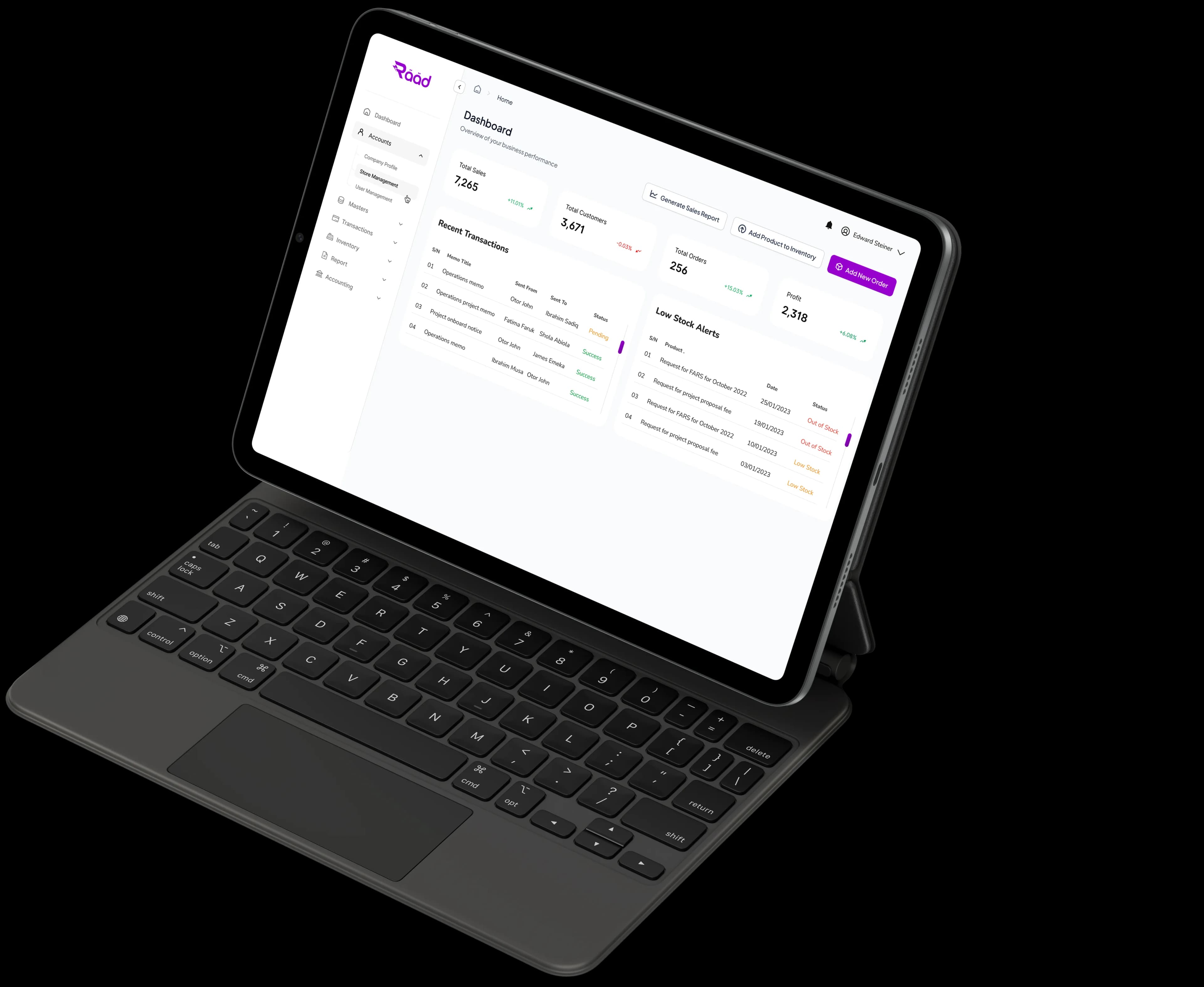
Questions from factory owners
Short answers. For anything else, ask us on WhatsApp.
Raad in your country
Set up for the tax rules where you work.