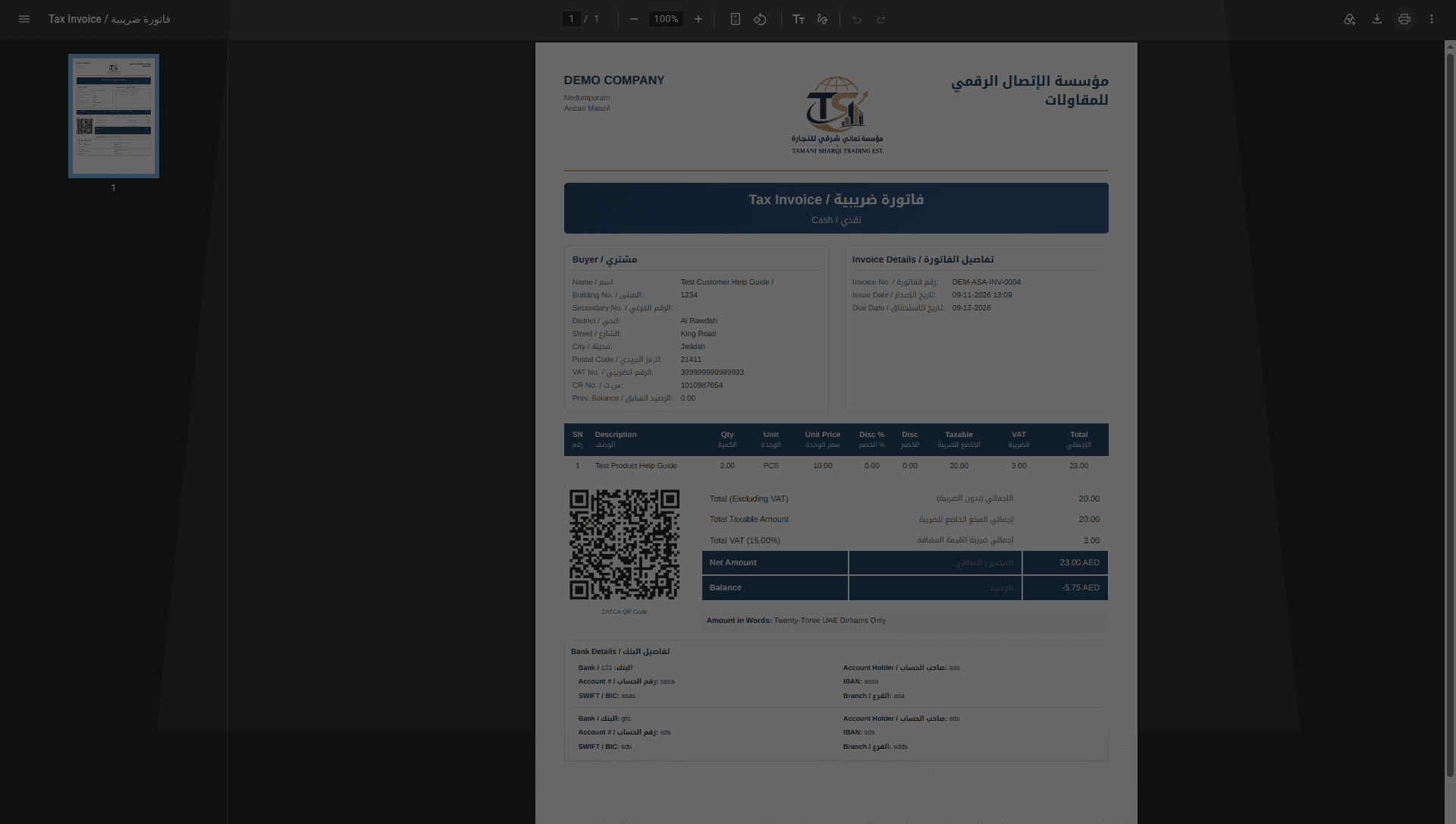
This guide shows you how to print a posted Sales Invoice as a PDF.
Go to: Sales > Sales Invoice
Step 1: Open the invoice and click Print
Open the posted invoice, then click Print.
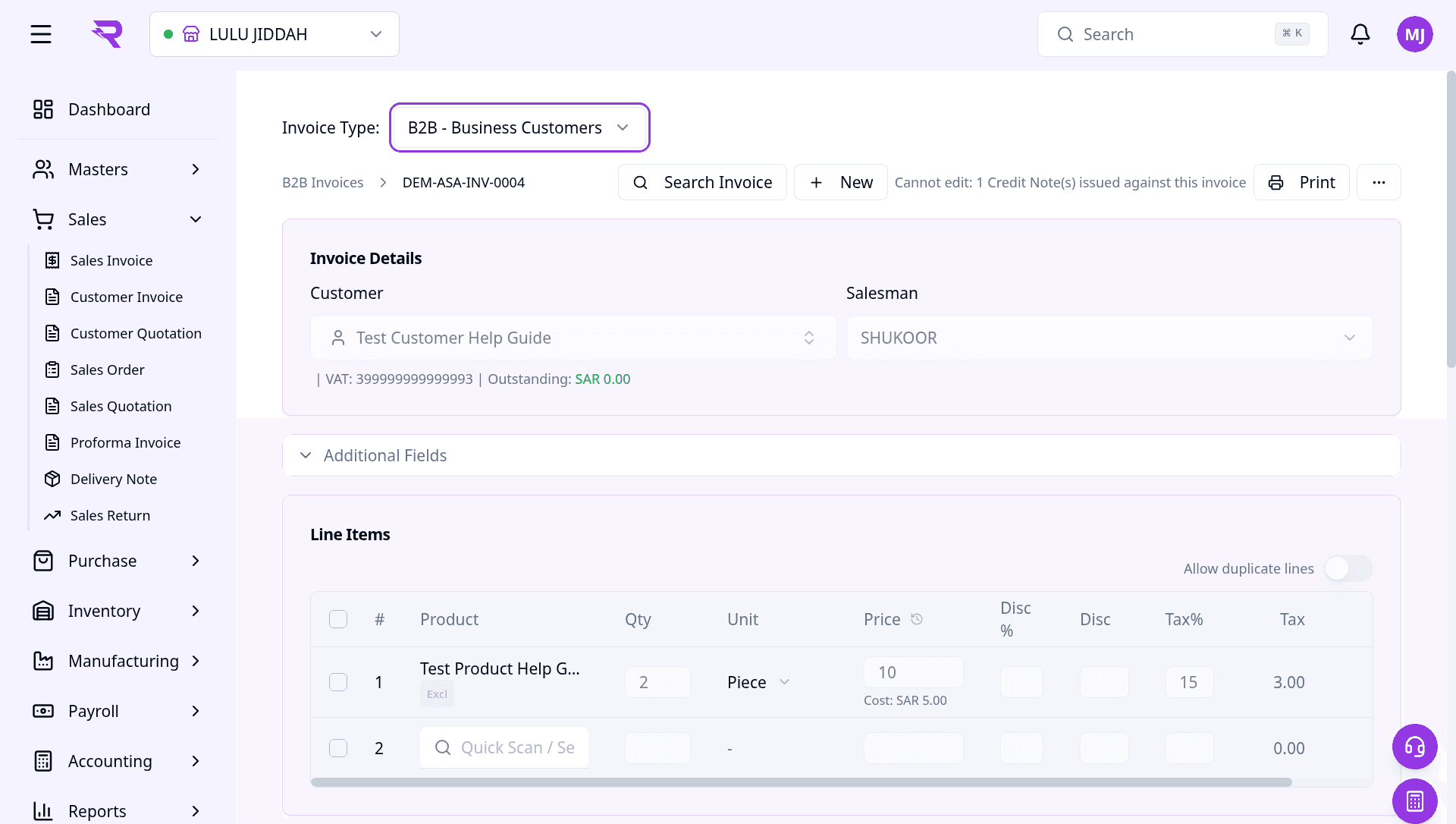
Step 2: Choose a print template
A Select Print Template dialog opens. Choose a template and continue.
Step 3: Print from the PDF
The invoice opens as a PDF in a new window. Your browser may block the popup; allow it if you are asked. Use the PDF viewer to print or download the file.