When you receive money from a customer and do not allocate all of it to invoices, the form records the unallocated amount as an advance payment. For a receipt that you allocate in full, see Recording a Customer Receipt. To allocate a receipt against individual invoices, see Allocating Customer Receipts Against Individual Invoices.
Go to: Accounting > Receipts & Payments
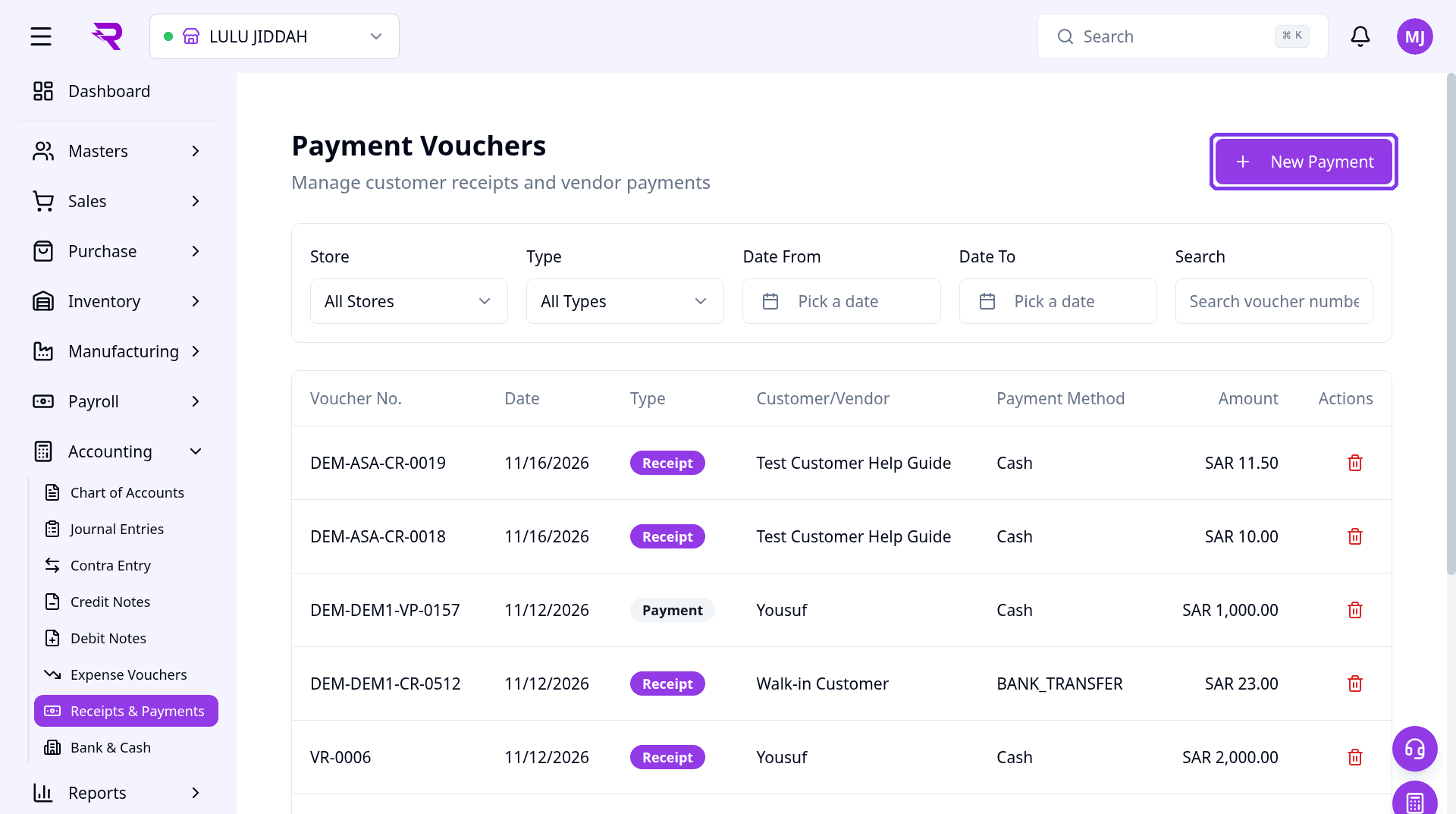
Step 1: Click New Payment
The Payment Vouchers list opens. Click New Payment.
Step 2: Leave an amount unallocated and post
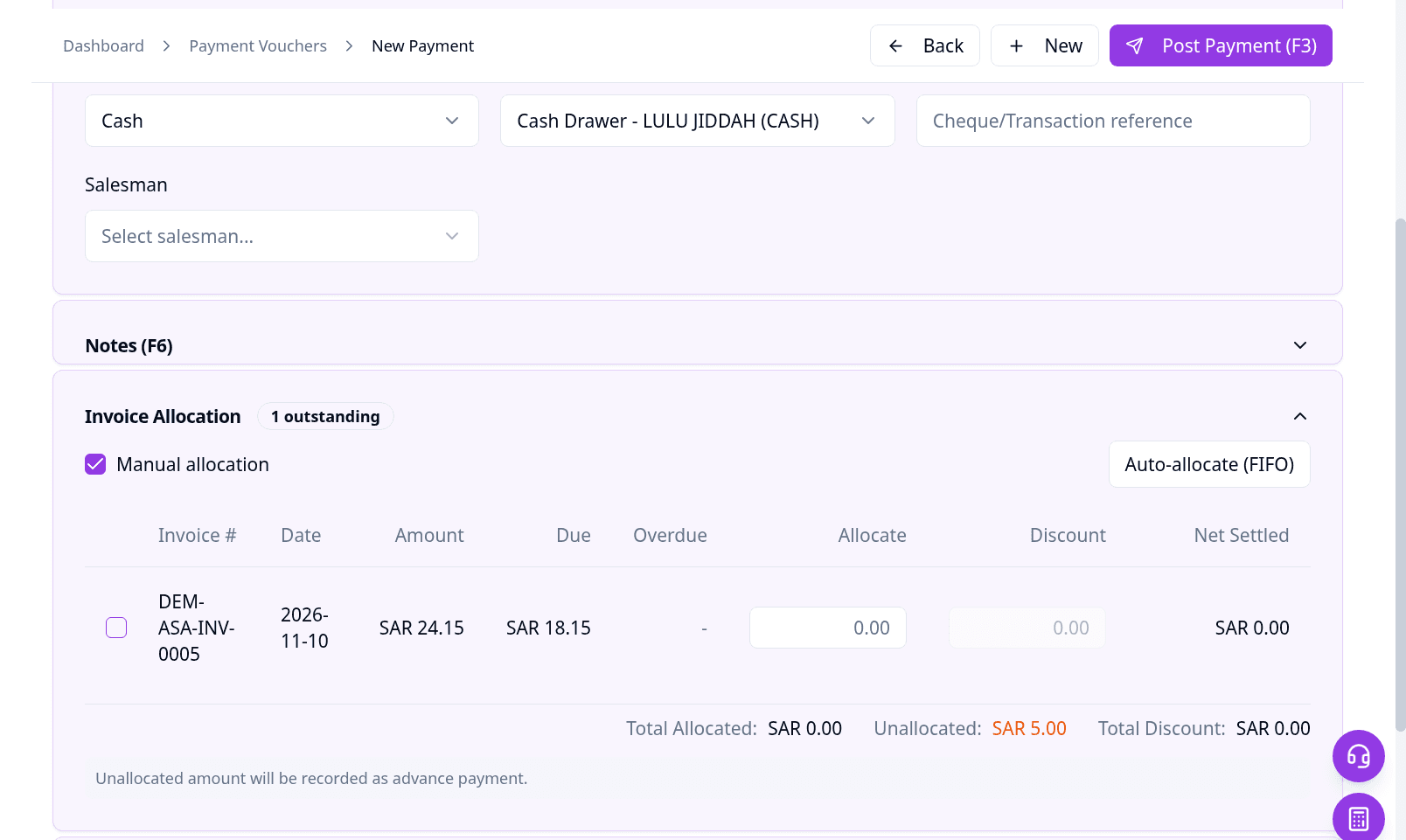
Create a customer receipt and leave some or all of the amount unallocated. The form states that the unallocated amount will be recorded as an advance payment. Click Post Payment (F3).
Step 3: Check the receipt in the list
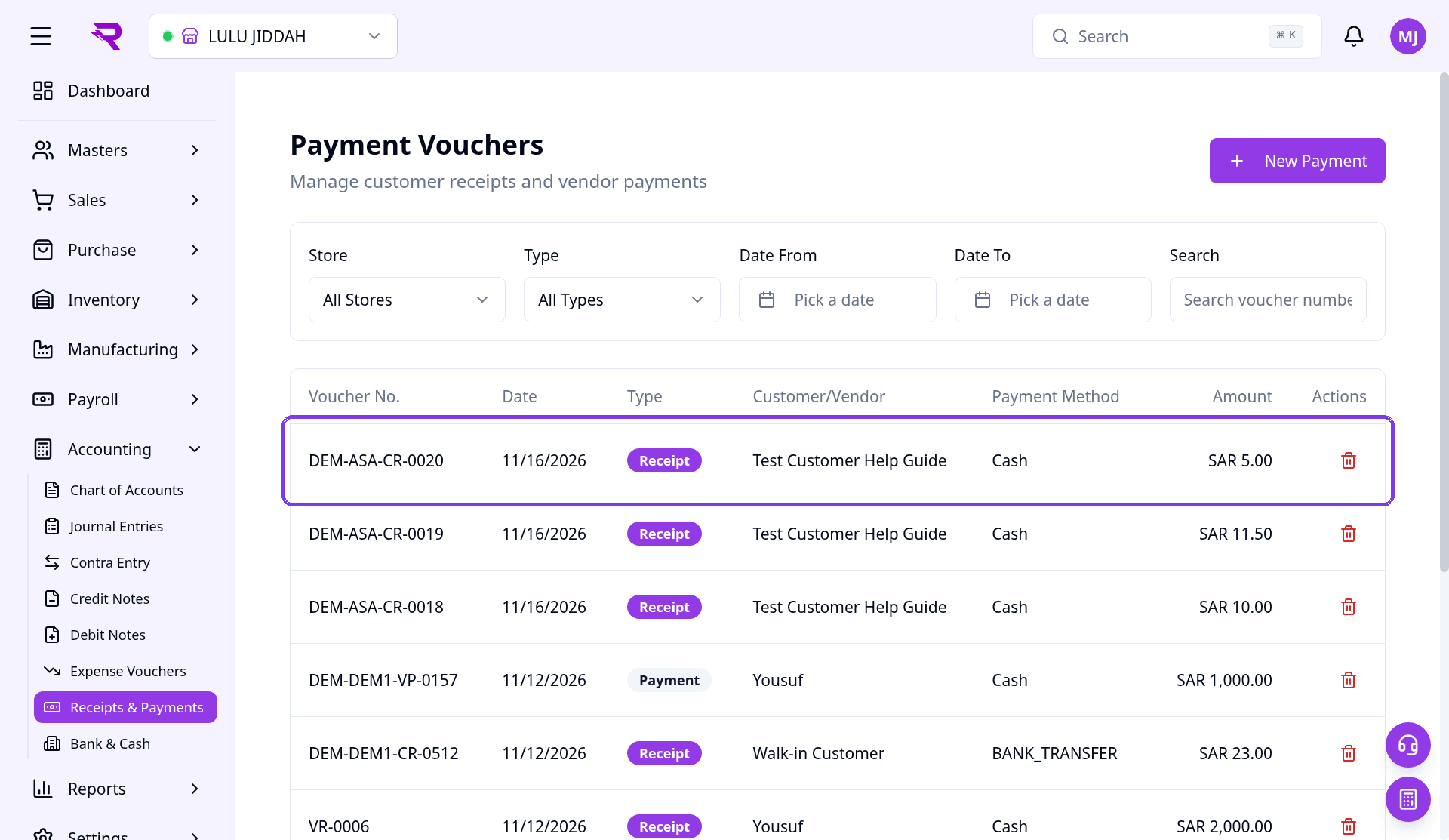
The posted receipt appears in the Payment Vouchers list.