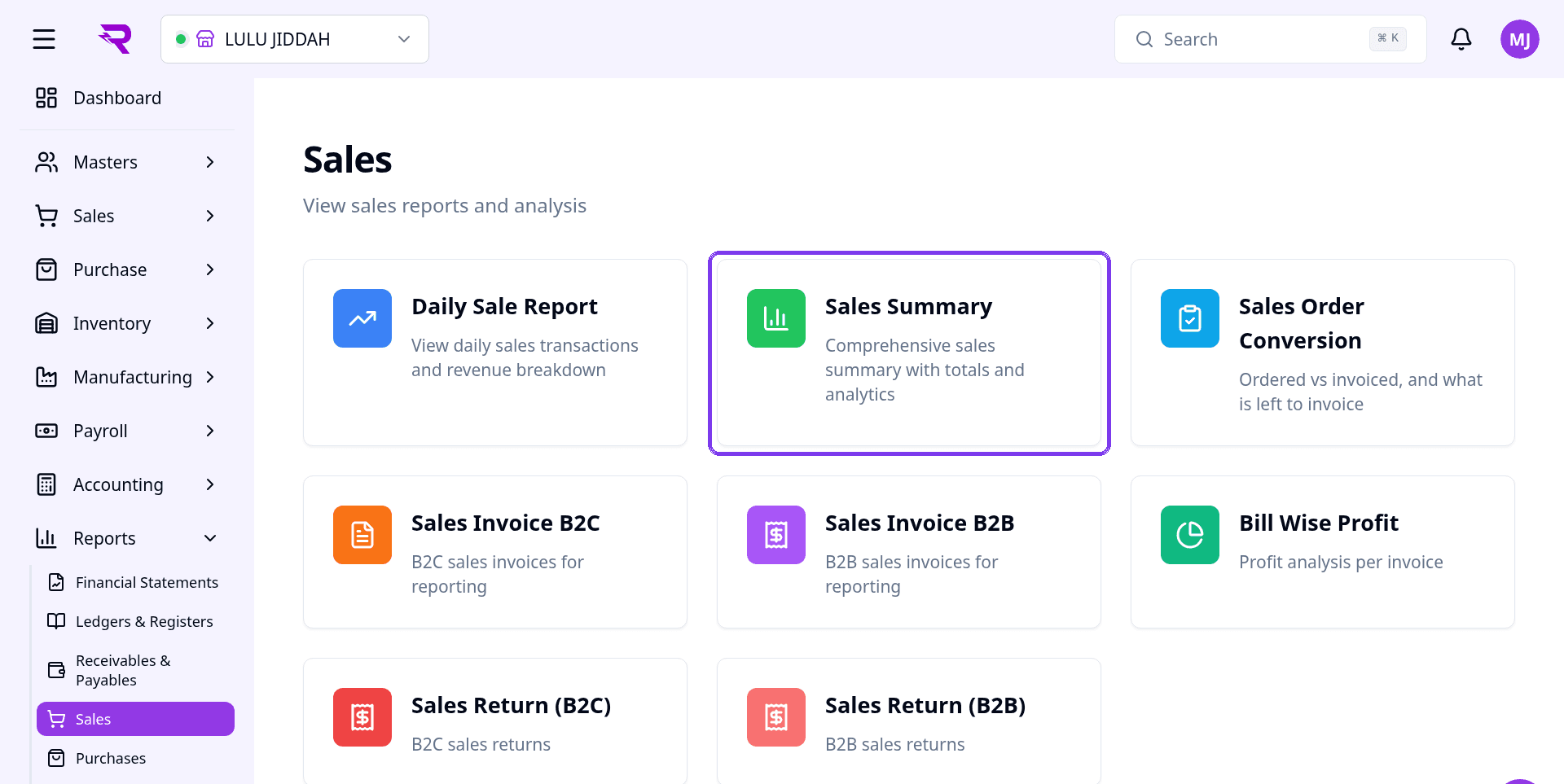
Sales reports include Daily Sale Report, Sales Summary, Sales Order Conversion, Sales Invoice B2C and B2B, Bill Wise Profit, and Sales Return (B2C and B2B).
Go to: Reports > Sales
Step 1: Choose a report
The Sales reports page lists the available reports. Open the one you need, such as Sales Summary.
Step 2: Set filters and export
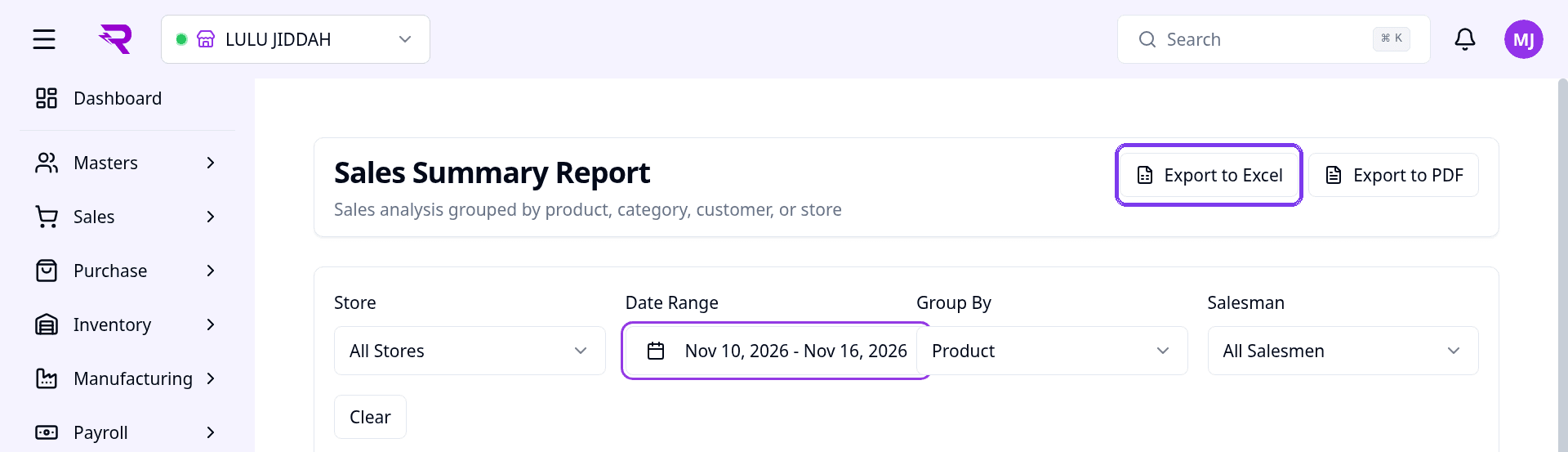
Set the store, date range, grouping and salesman, then click Export to Excel or Export to PDF.