
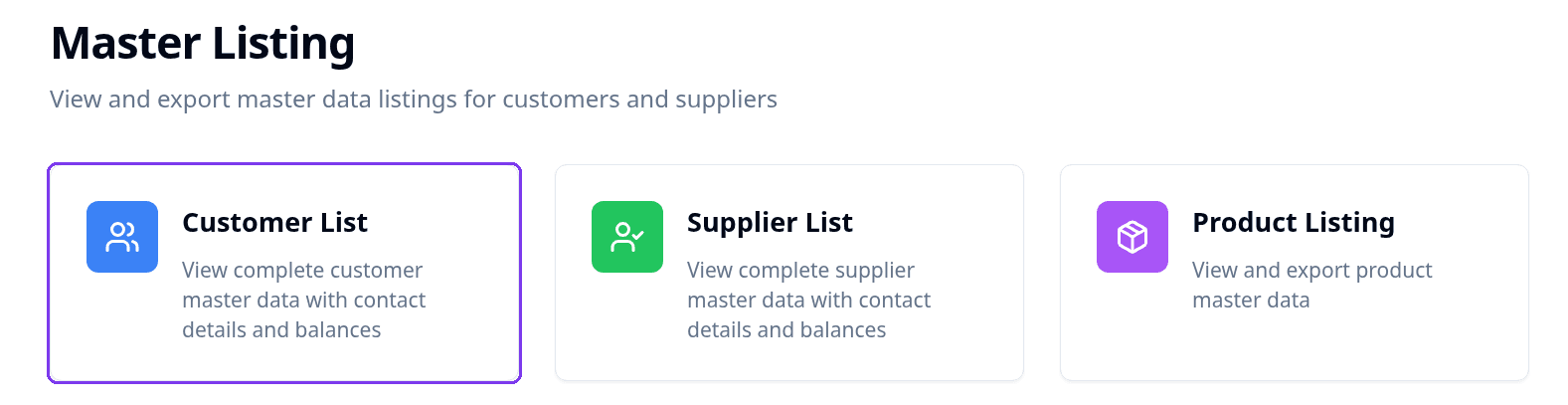
Master Listing includes Customer List, Supplier List, and Product Listing. This guide covers the Customer List.
Go to: Reports > Master Listing
Step 1: Choose a listing
Open Customer List, or another listing.
Step 2: Select a store, filter and export
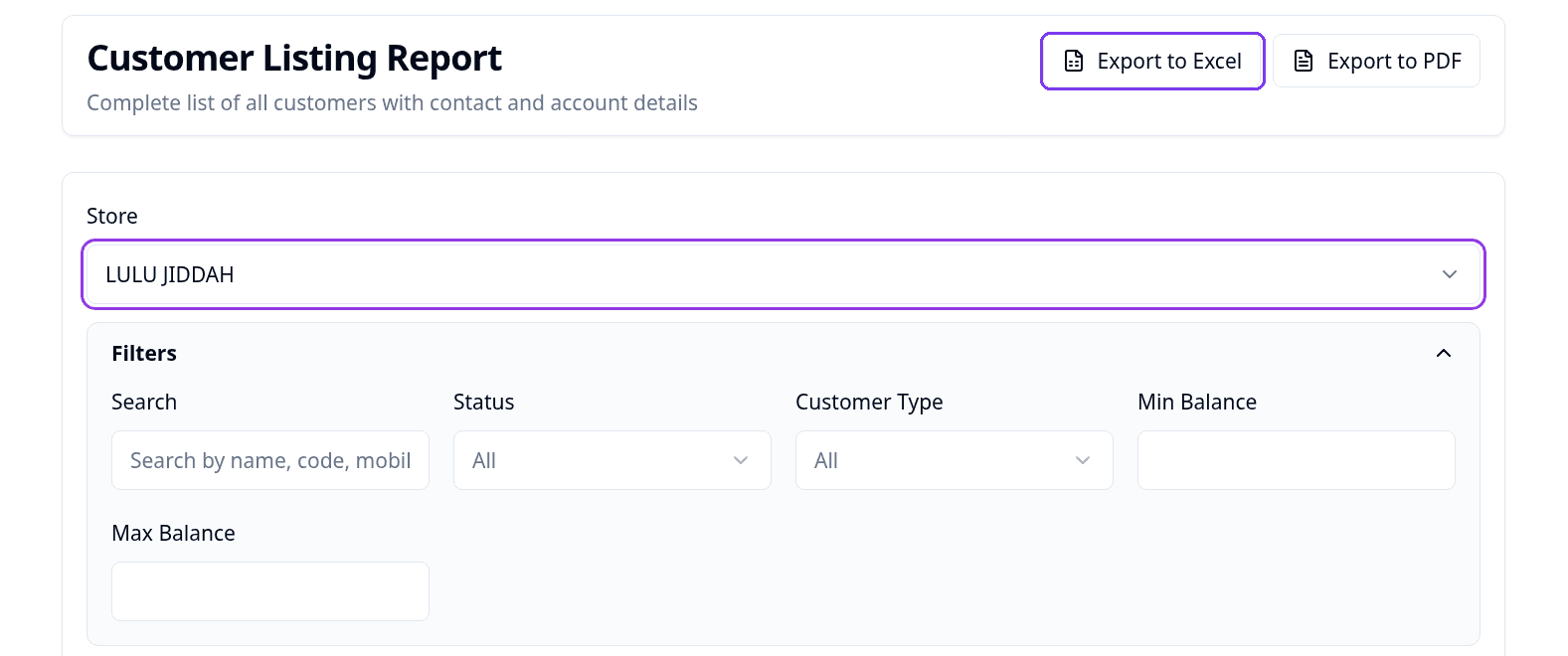
Select a store, then use Search or filter by status, customer type or balance. Click Export to Excel or Export to PDF.
Important Notes
- The Store filter lists individual stores; there is no All Stores option.