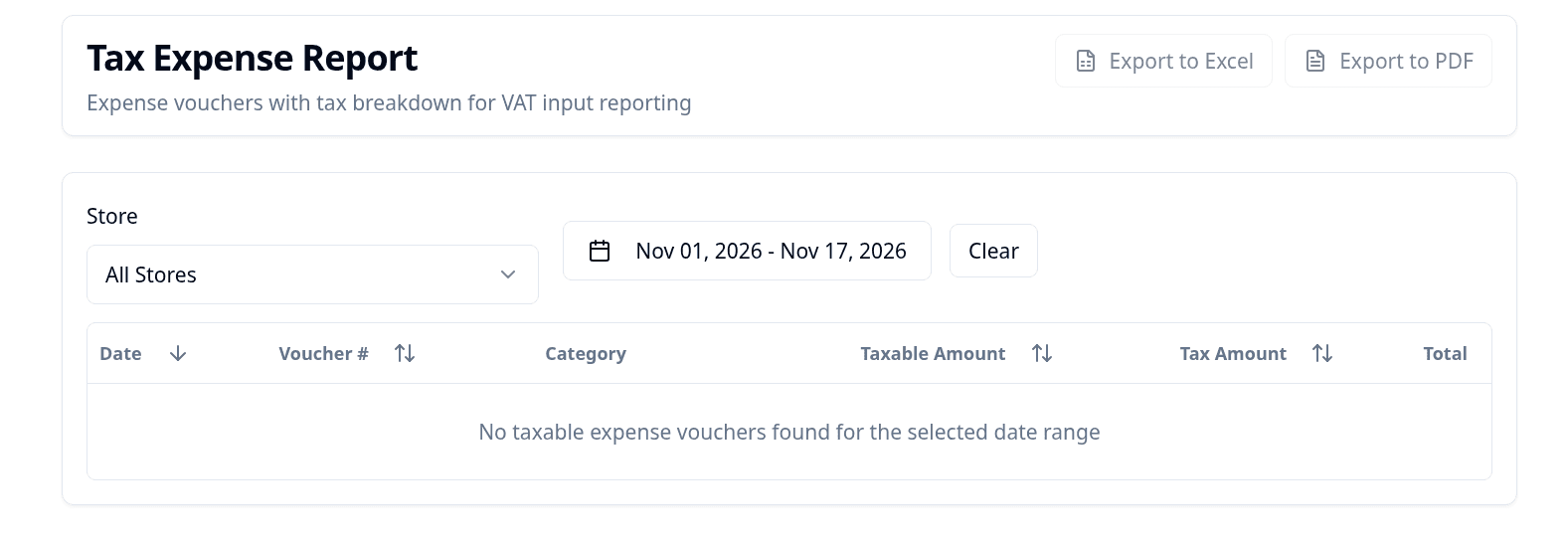
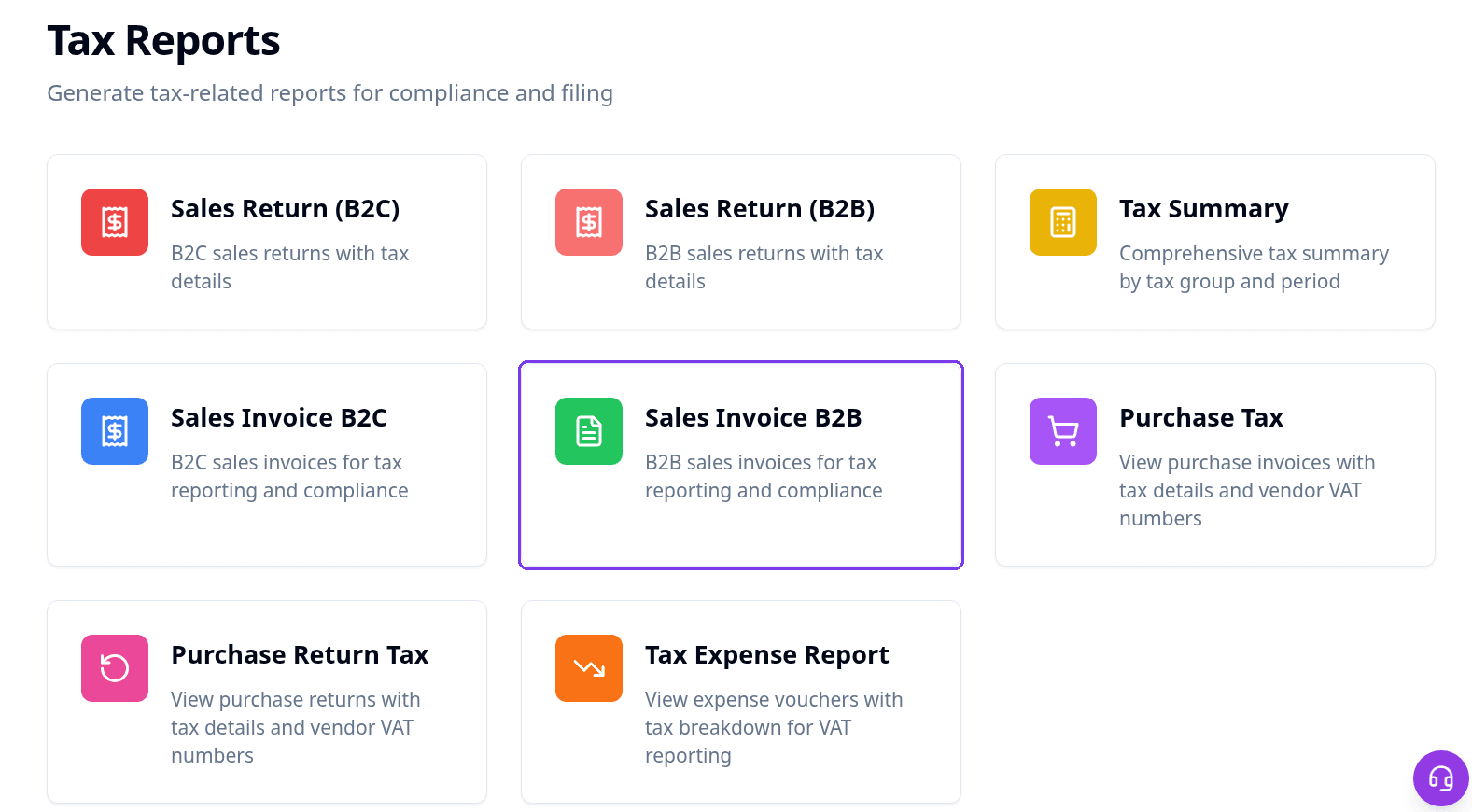
Besides Tax Summary, Tax Reports include Sales Return (B2C), Sales Return (B2B), Sales Invoice B2C, Sales Invoice B2B, Purchase Tax, Purchase Return Tax, and Tax Expense Report. For Tax Summary, see Exporting Tax Reports.
Go to: Reports > Tax Reports
Step 1: Choose a report
Open the report you need, such as Sales Invoice B2B.
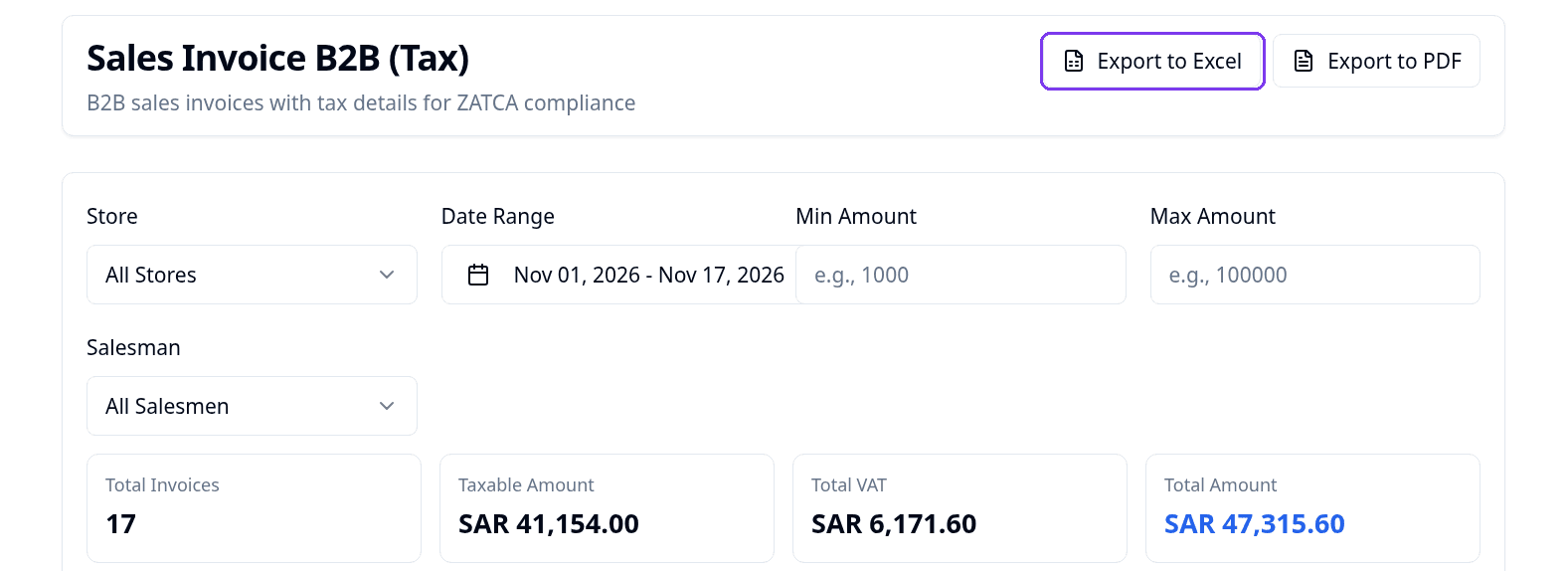
Step 2: Set filters and export
Set the store and date range, and optionally a minimum or maximum amount or salesman. Click Export to Excel or Export to PDF.
Important Notes
- Filters vary by report. Purchase Tax, for example, has only Store and Date Range.
- If no taxable expense vouchers are found for the selected date range, Export to Excel and Export to PDF are disabled.