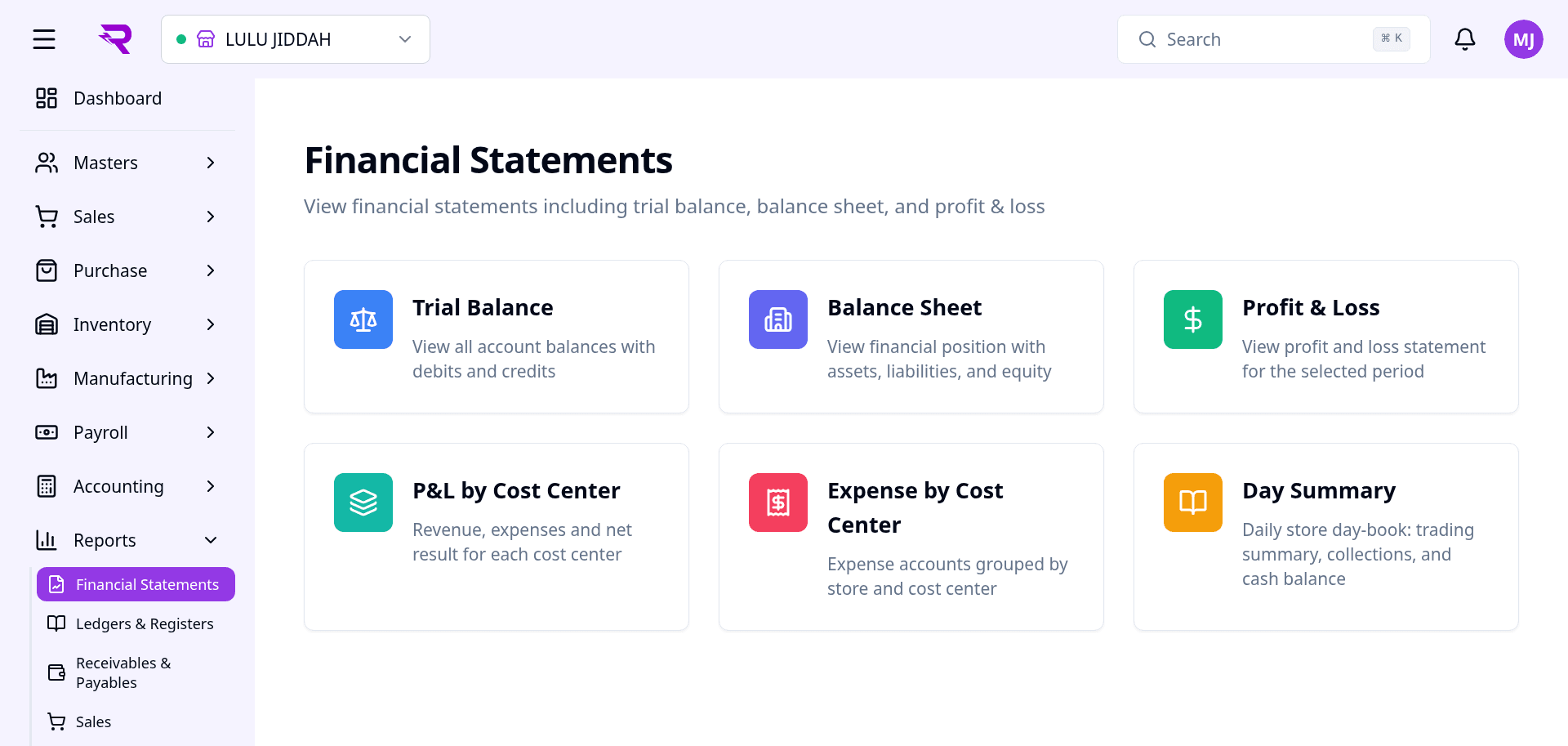
Financial Statements include Trial Balance, Balance Sheet, Profit & Loss, P&L by Cost Center, Expense by Cost Center, and Day Summary. This guide covers Profit & Loss and the Balance Sheet.
Go to: Reports > Financial Statements
Step 1: Choose a statement
Open Profit & Loss or Balance Sheet, or one of the other statements on the page.
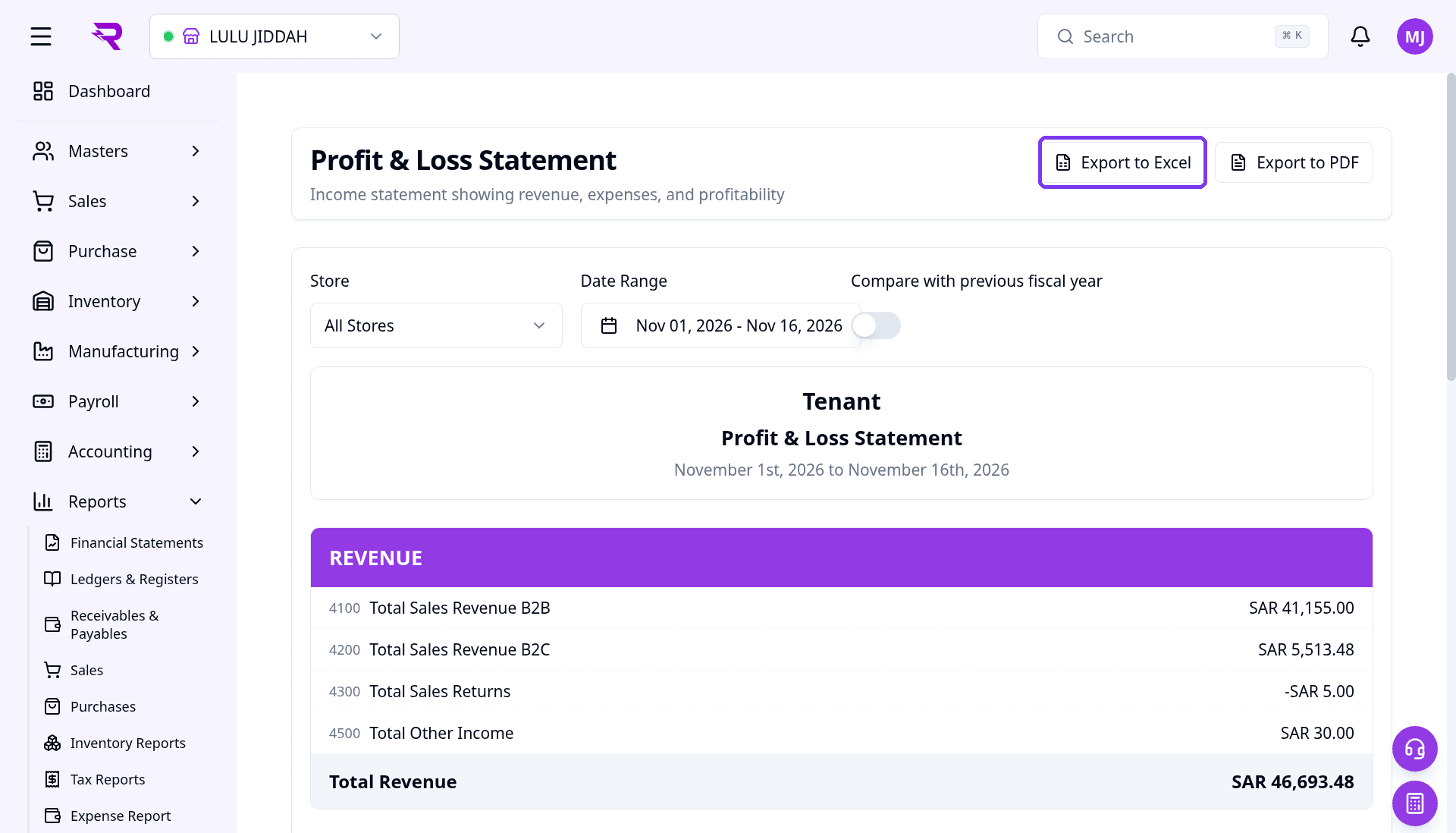
Step 2: Review Profit & Loss and export
On the Profit & Loss statement, set the store and date range, then click Export to Excel or Export to PDF. You can also compare with the previous fiscal year.
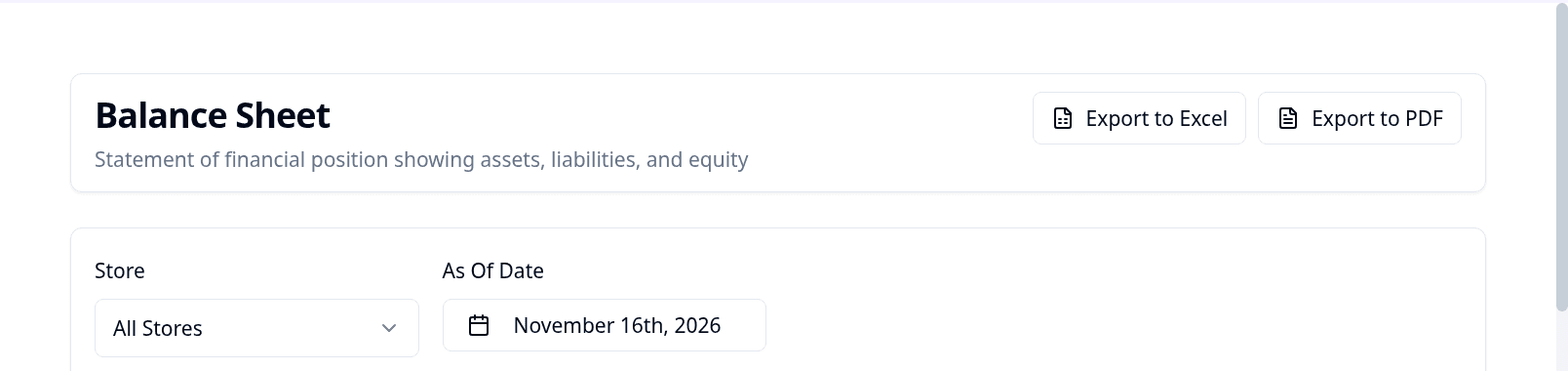
Step 3: Open the Balance Sheet
On the Balance Sheet, set the store and as-of date, then click Export to Excel or Export to PDF.
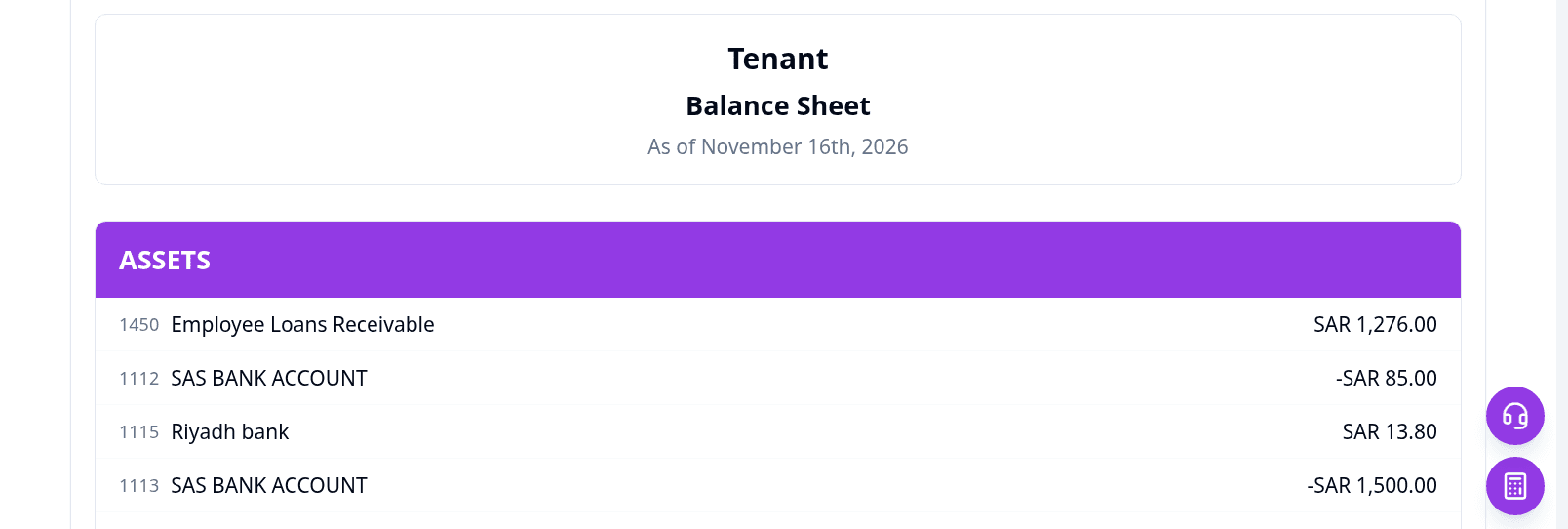
Step 4: Review the statement
The statement lists assets as of the selected date.