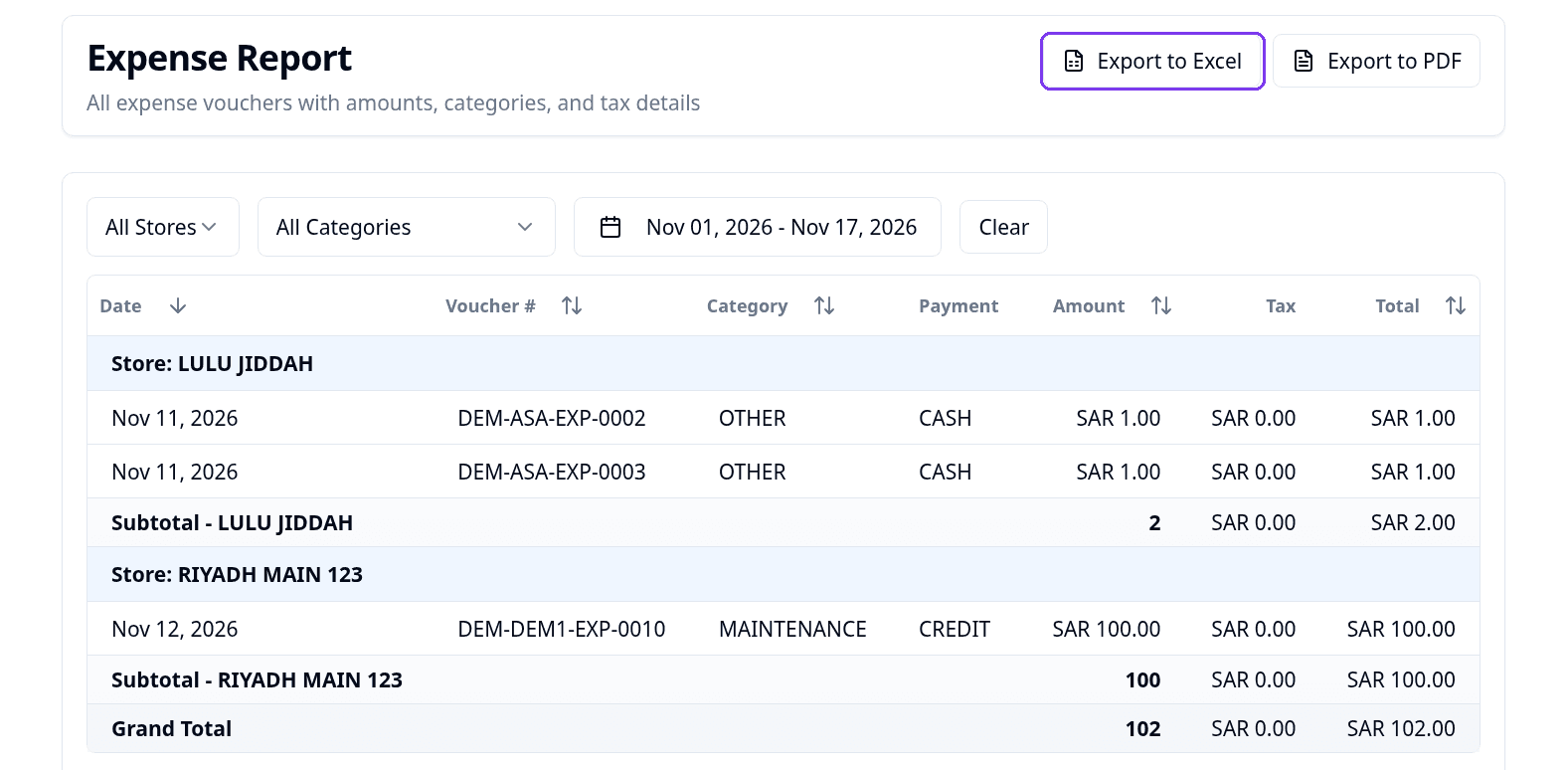
The Expense Report lists expense vouchers with amounts, categories, and tax.
Go to: Reports > Expense Report
Step 1: Set the filters
Choose the store, category and date range. Vouchers are grouped by store, with subtotals and a grand total.
Step 2: Export the report
Click Export to Excel or Export to PDF.