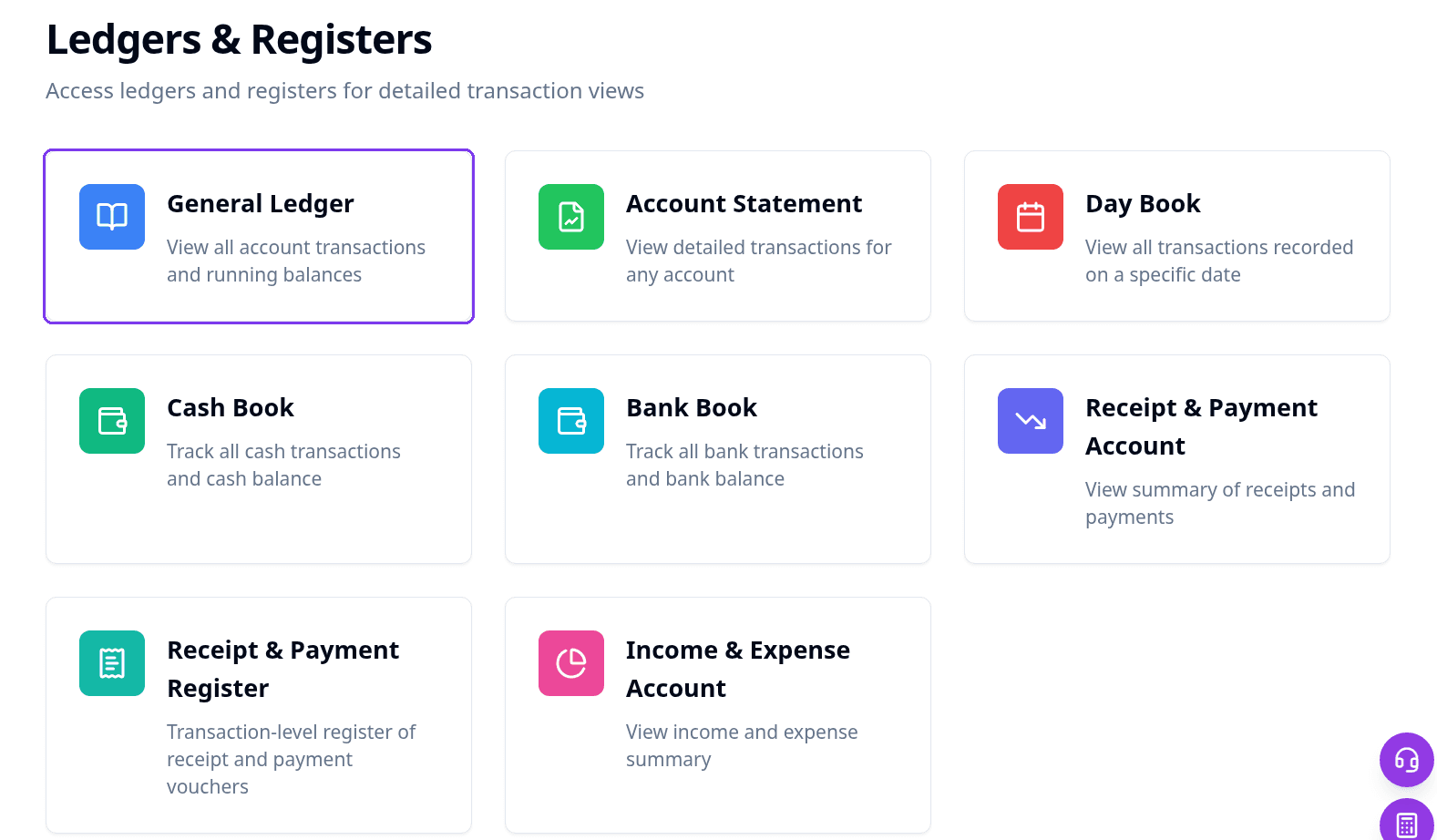
Ledgers & Registers include General Ledger, Account Statement, Day Book, Cash Book, Bank Book, Receipt & Payment Account, Receipt & Payment Register, and Income & Expense Account. This guide covers the General Ledger.
Go to: Reports > Ledgers & Registers
Step 1: Open a ledger
Open the ledger or register you need, such as General Ledger.
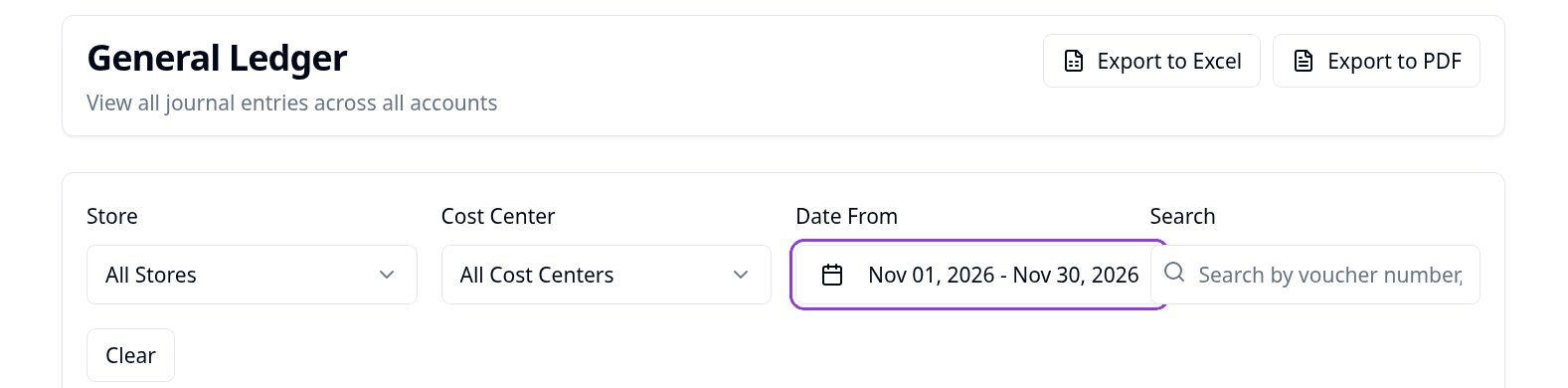
Step 2: Set the filters
Choose the store, cost center and date range, or search by voucher number.