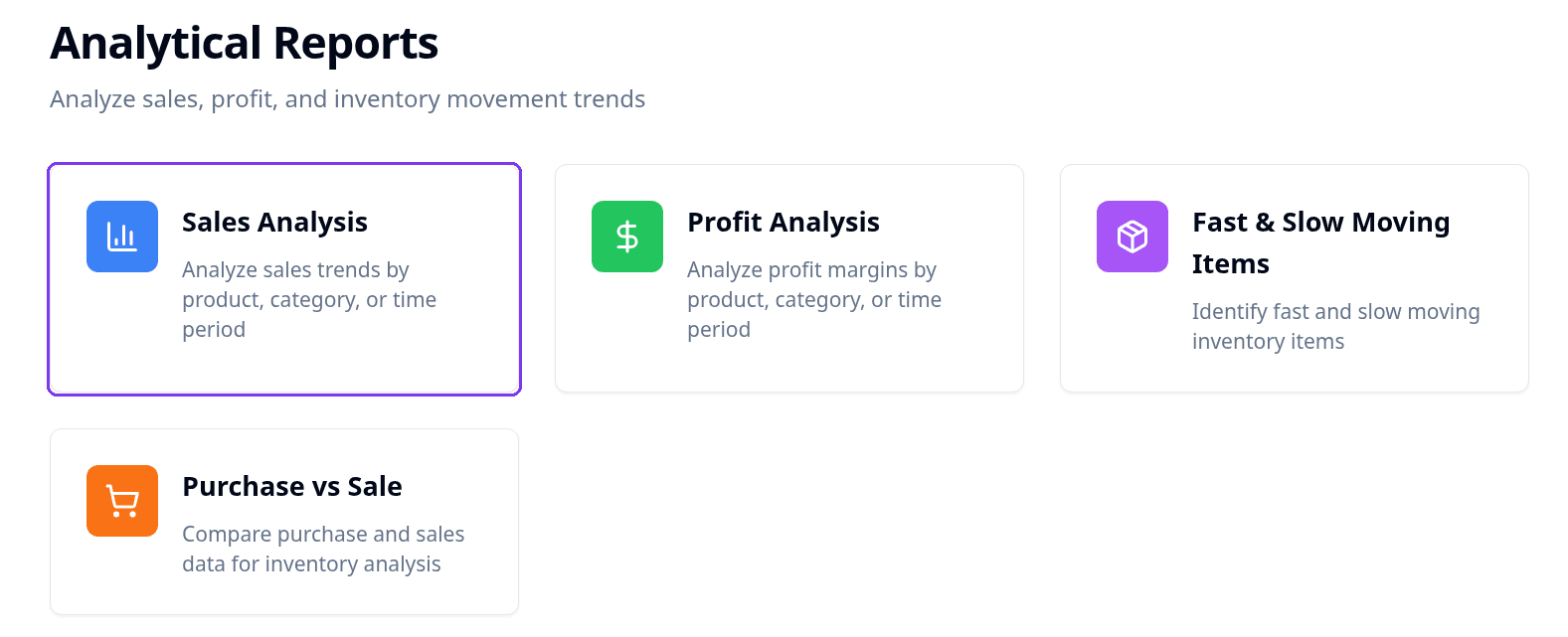
Analytical Reports include Sales Analysis, Profit Analysis, Fast & Slow Moving Items, and Purchase vs Sale. This guide covers Sales Analysis.
Go to: Reports > Analytical Reports
Step 1: Choose a report
Open Sales Analysis, or another analytical report.
Step 2: Set filters and export
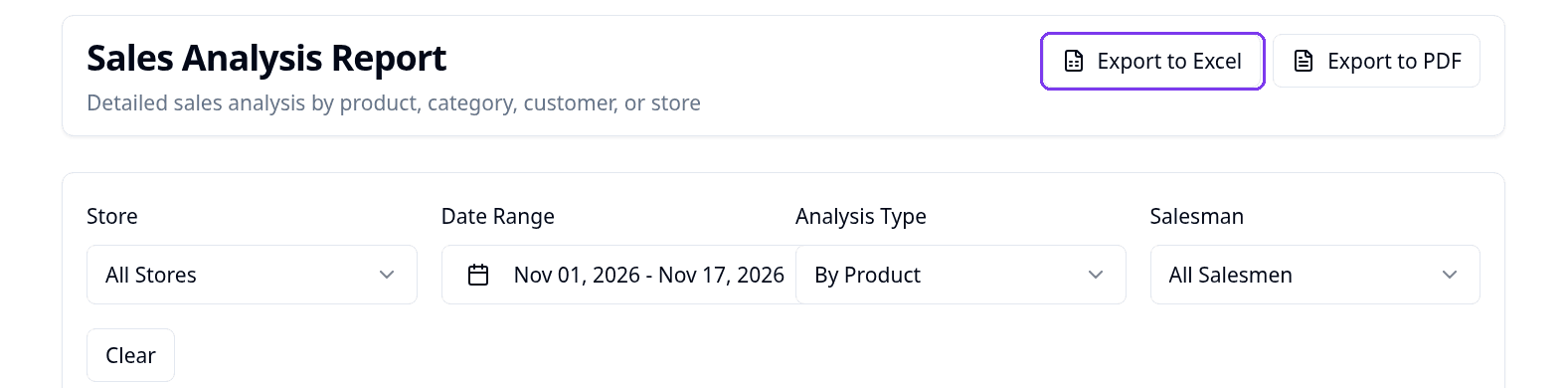
Set the store, date range, analysis type (such as By Product) and salesman, then click Export to Excel or Export to PDF.