
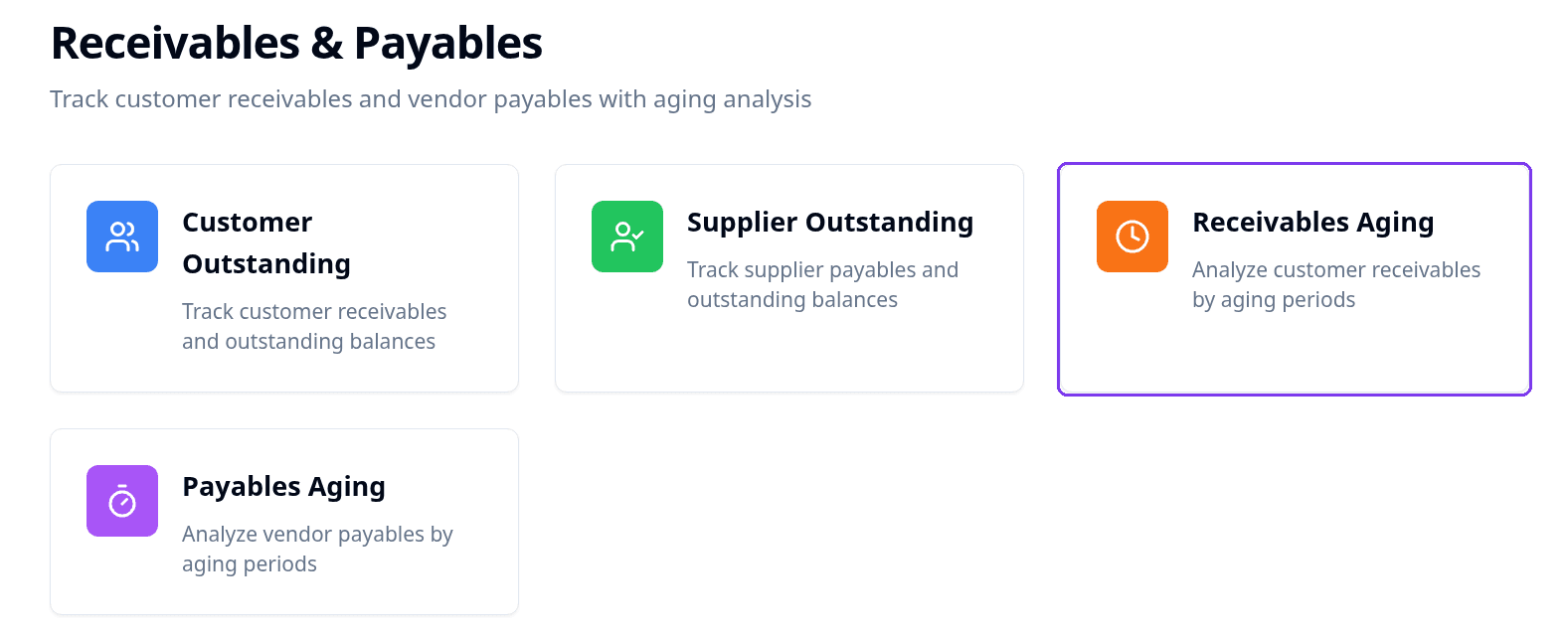
Receivables Aging and Payables Aging show what customers owe you and what you owe vendors, split by aging period. For Customer Outstanding and Supplier Outstanding, see Viewing Who Owes Us and What We Owe.
Go to: Reports > Receivables & Payables
Step 1: Open an aging report
Open Receivables Aging for customers or Payables Aging for vendors.
Step 2: Set the store and date, then export
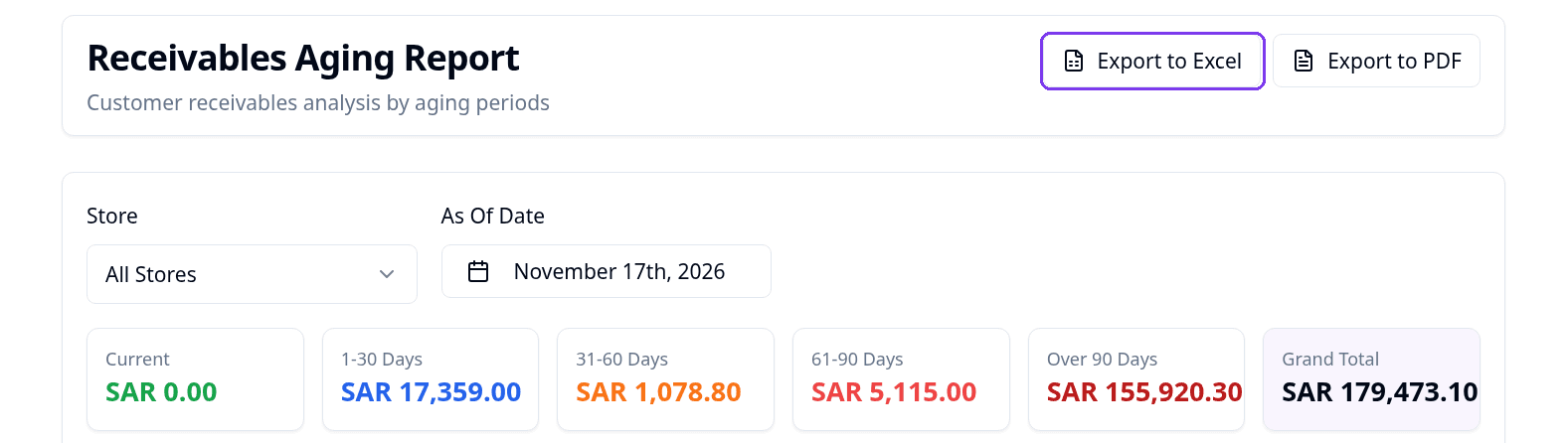
Choose the store and As Of Date to see totals for Current, 1-30, 31-60, 61-90 and Over 90 Days. Click Export to Excel or Export to PDF.
Important Notes
- Payables Aging has the same filters and aging periods, listed by vendor.