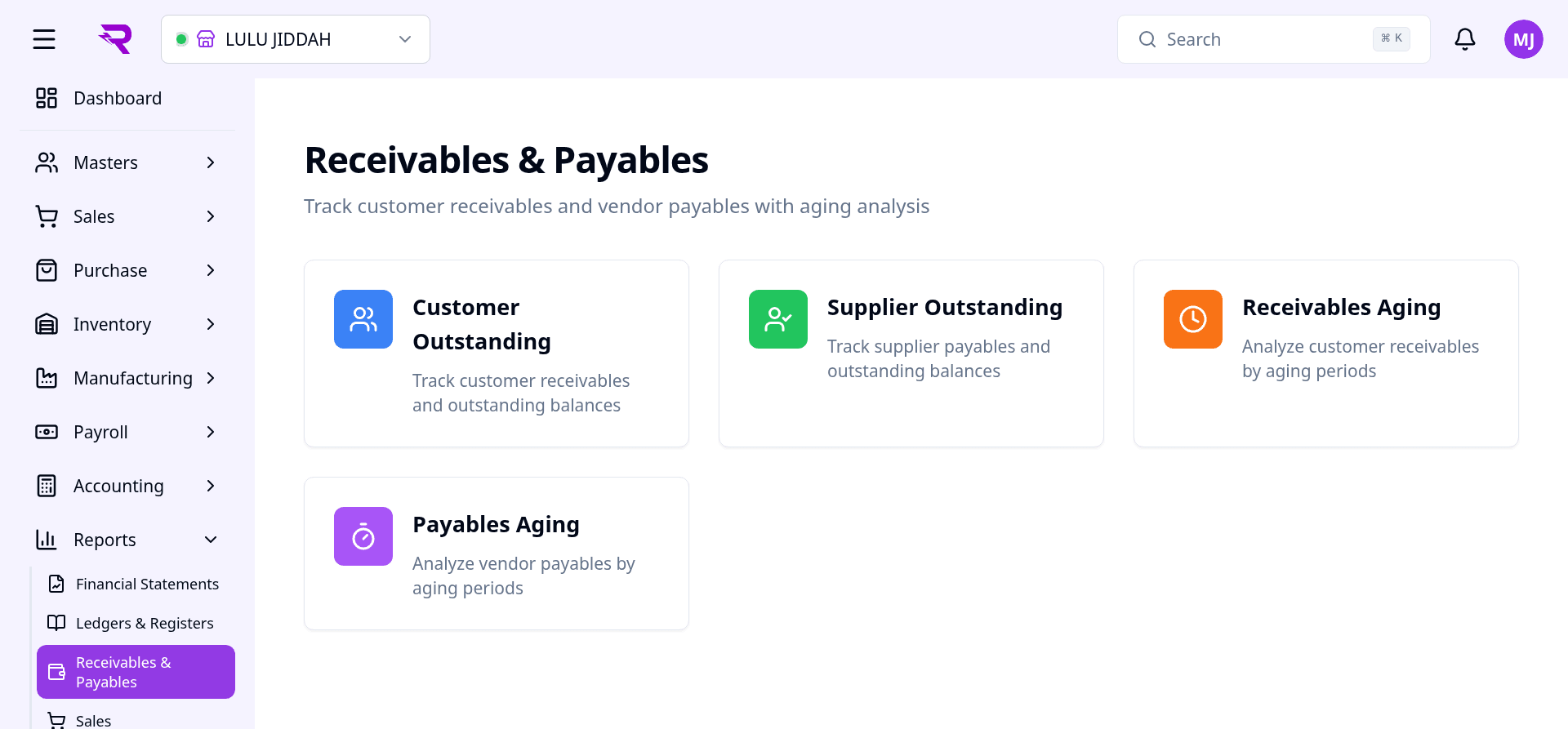
Use Receivables & Payables to see who owes you and what you owe suppliers. You can also open aging reports from the same page.
Go to: Reports > Receivables & Payables
Step 1: Choose a report
Open Customer Outstanding, Supplier Outstanding, Receivables Aging or Payables Aging.
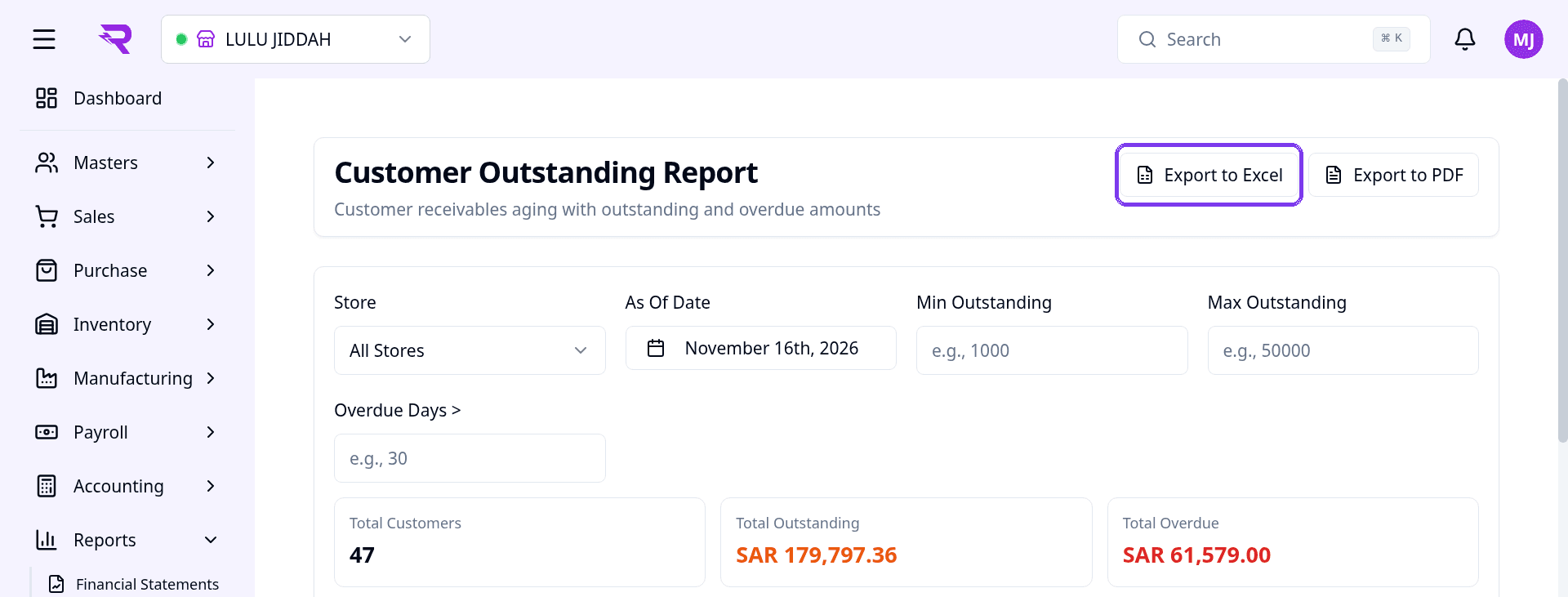
Step 2: Review customer outstanding and export
On the Customer Outstanding Report, set the store, as-of date and any outstanding or overdue filters, then click Export to Excel or Export to PDF.
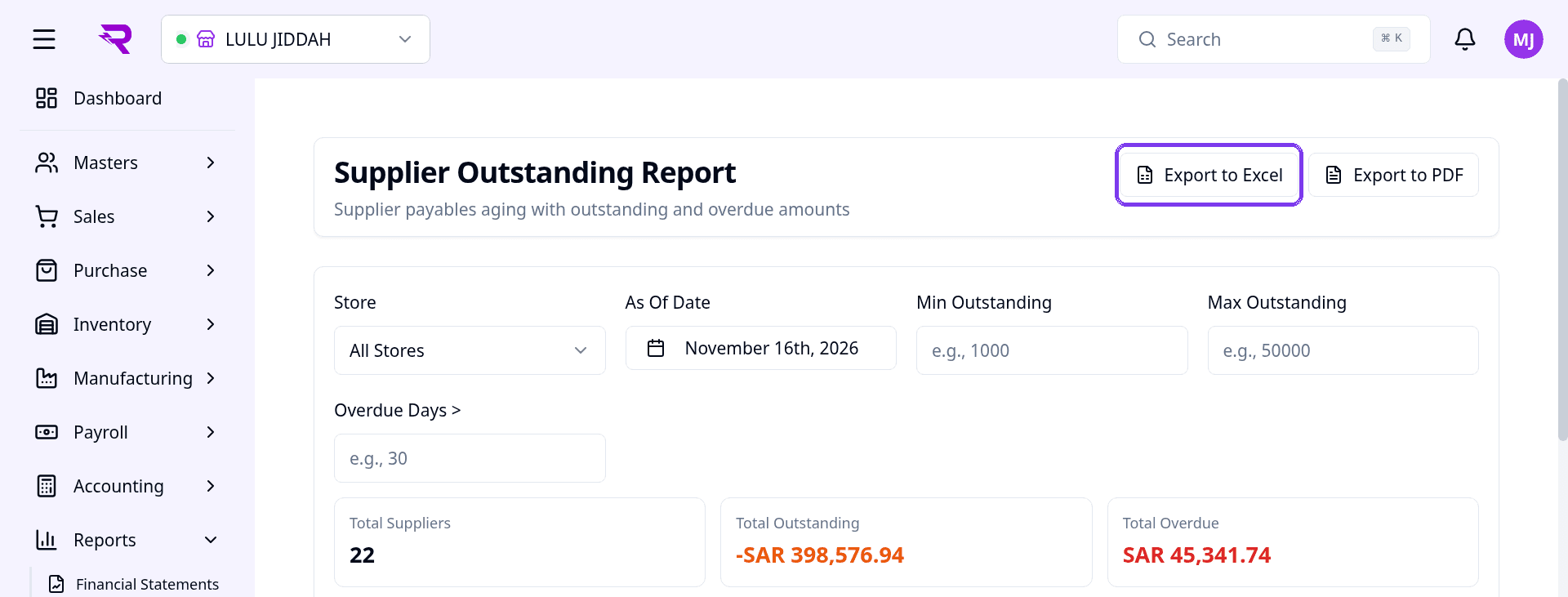
Step 3: Review supplier outstanding and export
The Supplier Outstanding Report uses the same filters and export options for amounts you owe suppliers.