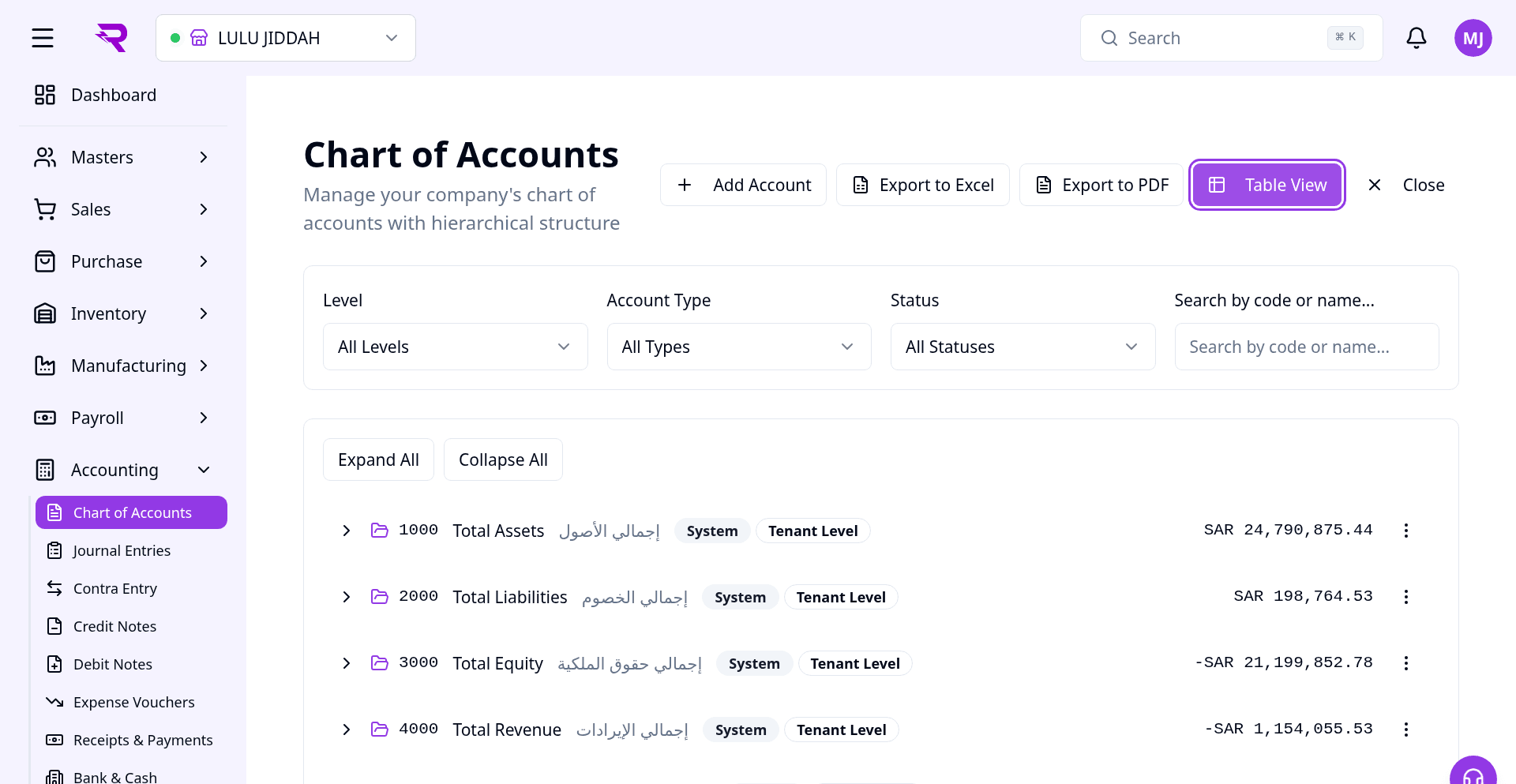
You can export the chart of accounts from Table view or Tree view. For adding accounts, see Adding an Account to the Chart of Accounts.
Go to: Accounting > Chart of Accounts
Step 1: Export from Table view
The list opens in Table view. Click Export to Excel or Export to PDF.
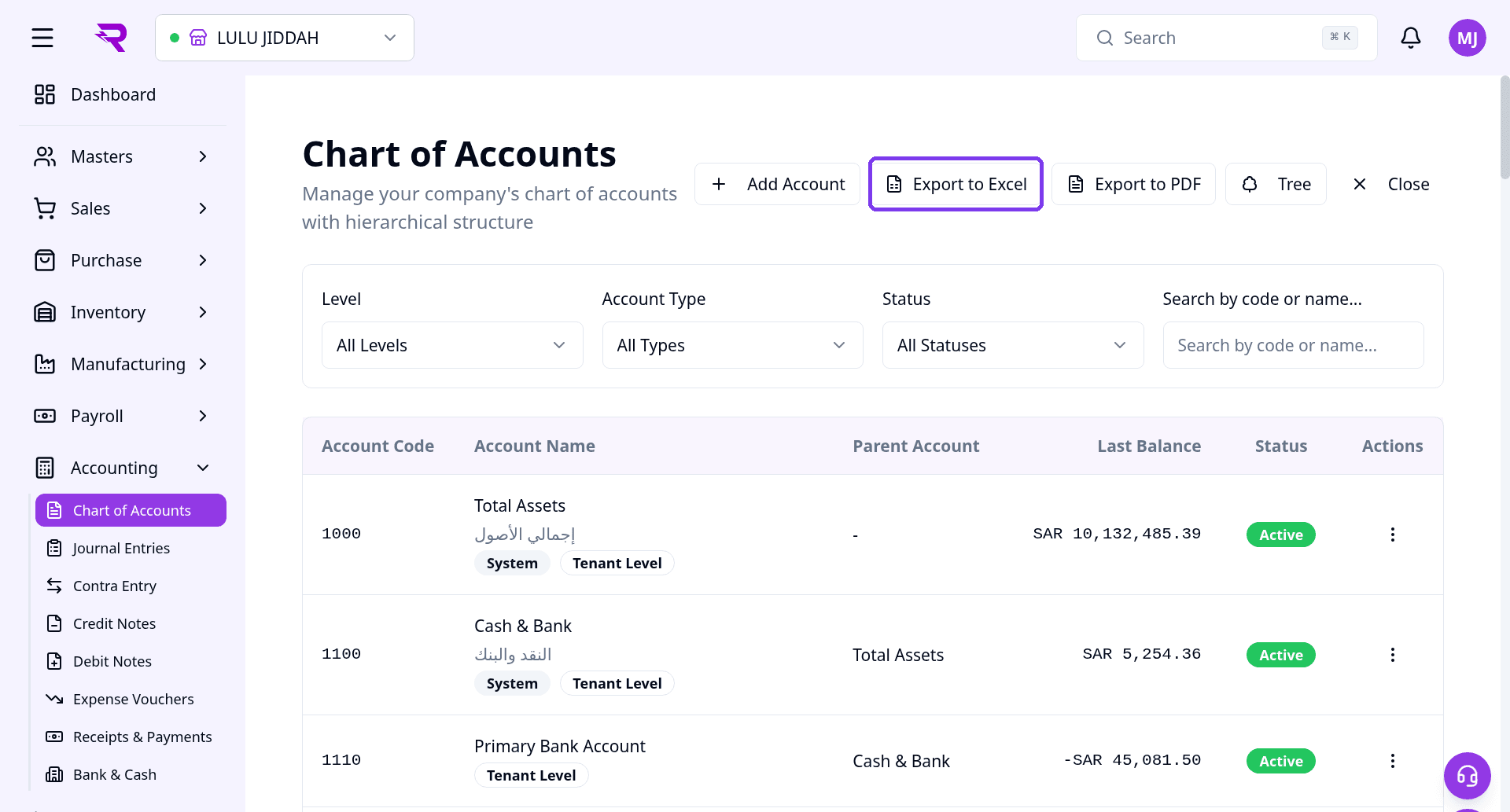
Step 2: Switch to Tree view
Click Tree to see accounts in a hierarchy. You can Expand All, Collapse All, or switch back to Table View. Export to Excel and Export to PDF are also available in Tree view.