
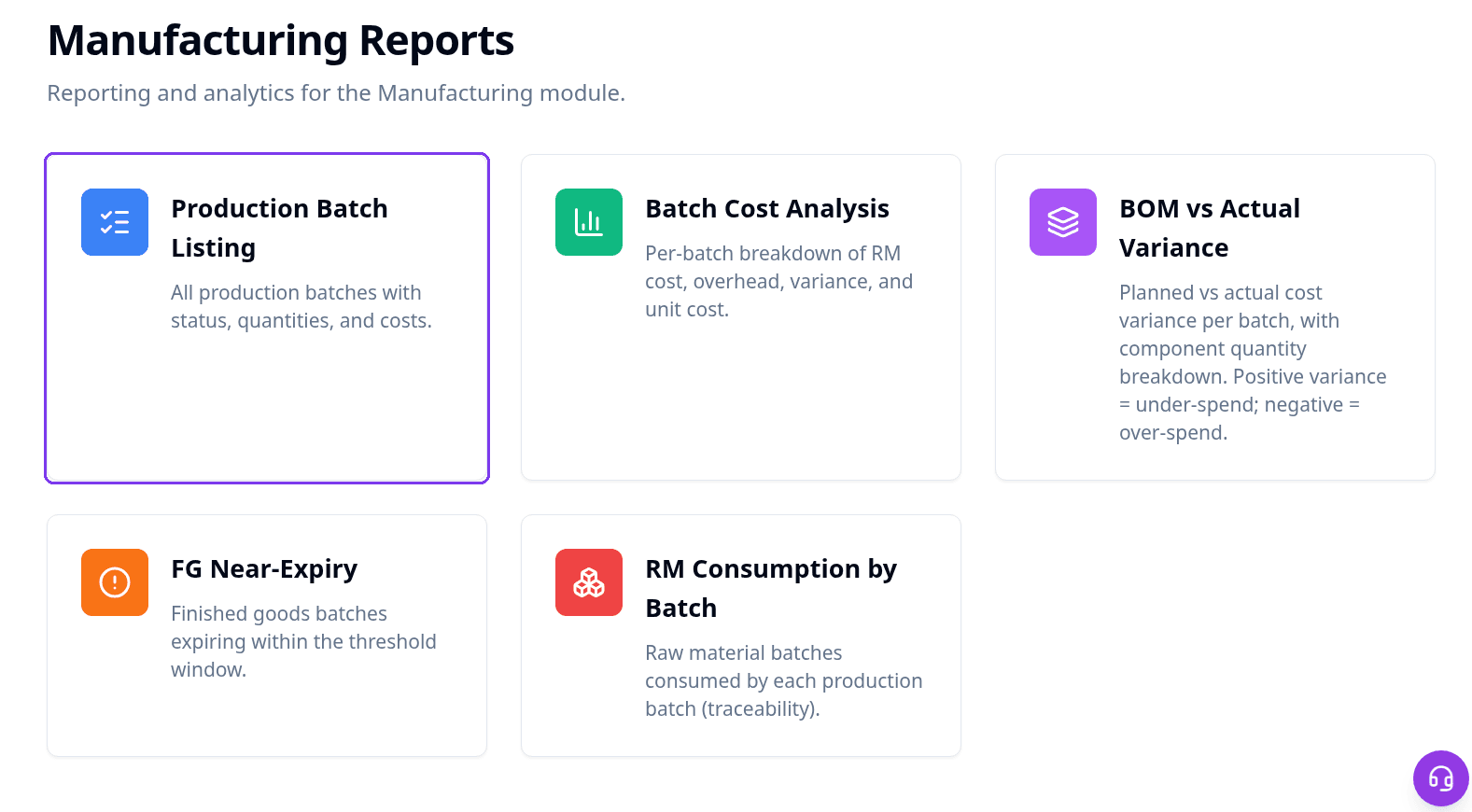
Manufacturing Reports include Production Batch Listing, Batch Cost Analysis, BOM vs Actual Variance, FG Near-Expiry, and RM Consumption by Batch. This guide covers Production Batch Listing.
Go to: Reports > Manufacturing
Step 1: Choose a report
Open Production Batch Listing to see production batches with status, quantities and costs.
Step 2: Set filters and export
Set the store, date range, finished product and status, then click Export to Excel or Export to PDF.
