This guide shows you how to view tax groups and open the form to add one in RAAD ERP.
Go to: Masters > Tax Groups
Step 1: Open Tax Groups
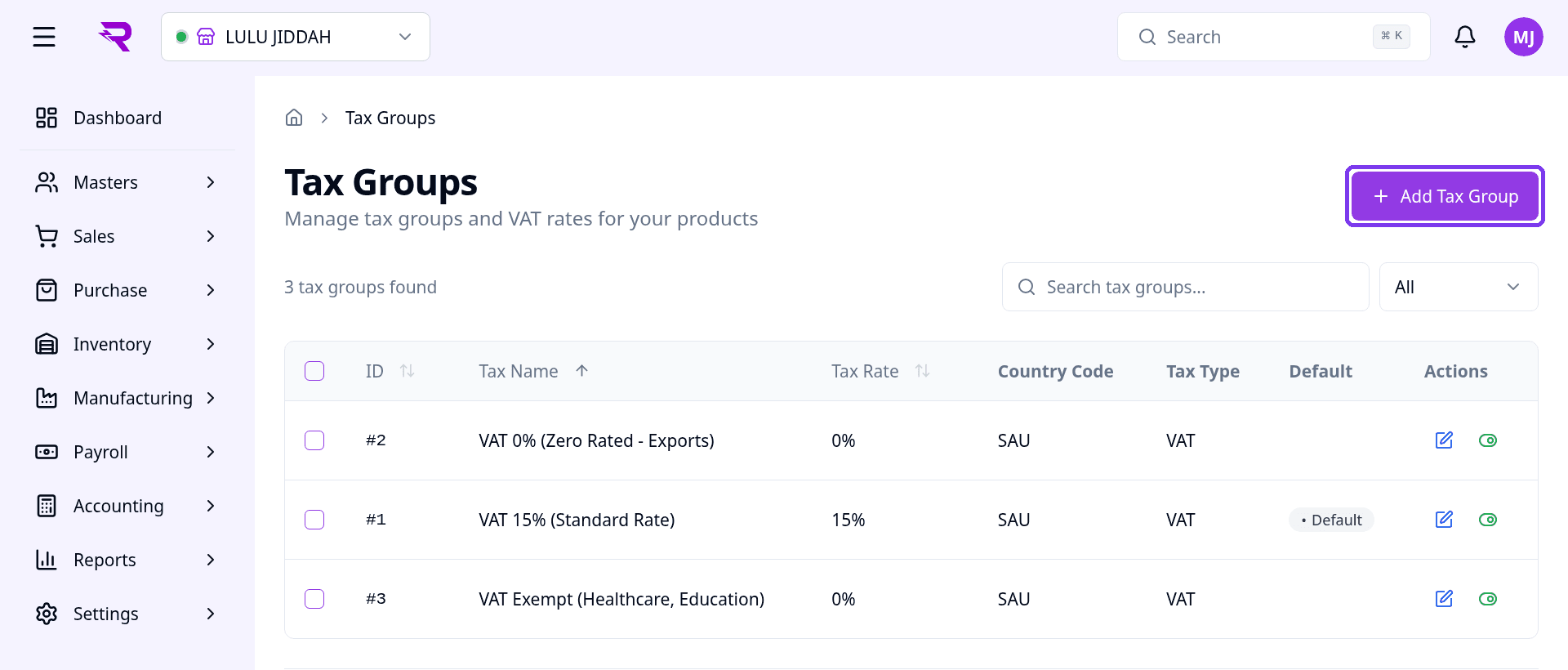
The Tax Groups page lists each group’s Tax Name, Tax Rate, Country Code, Tax Type, and Default. Click Add Tax Group to open the form.
Step 2: Fill in the tax group details
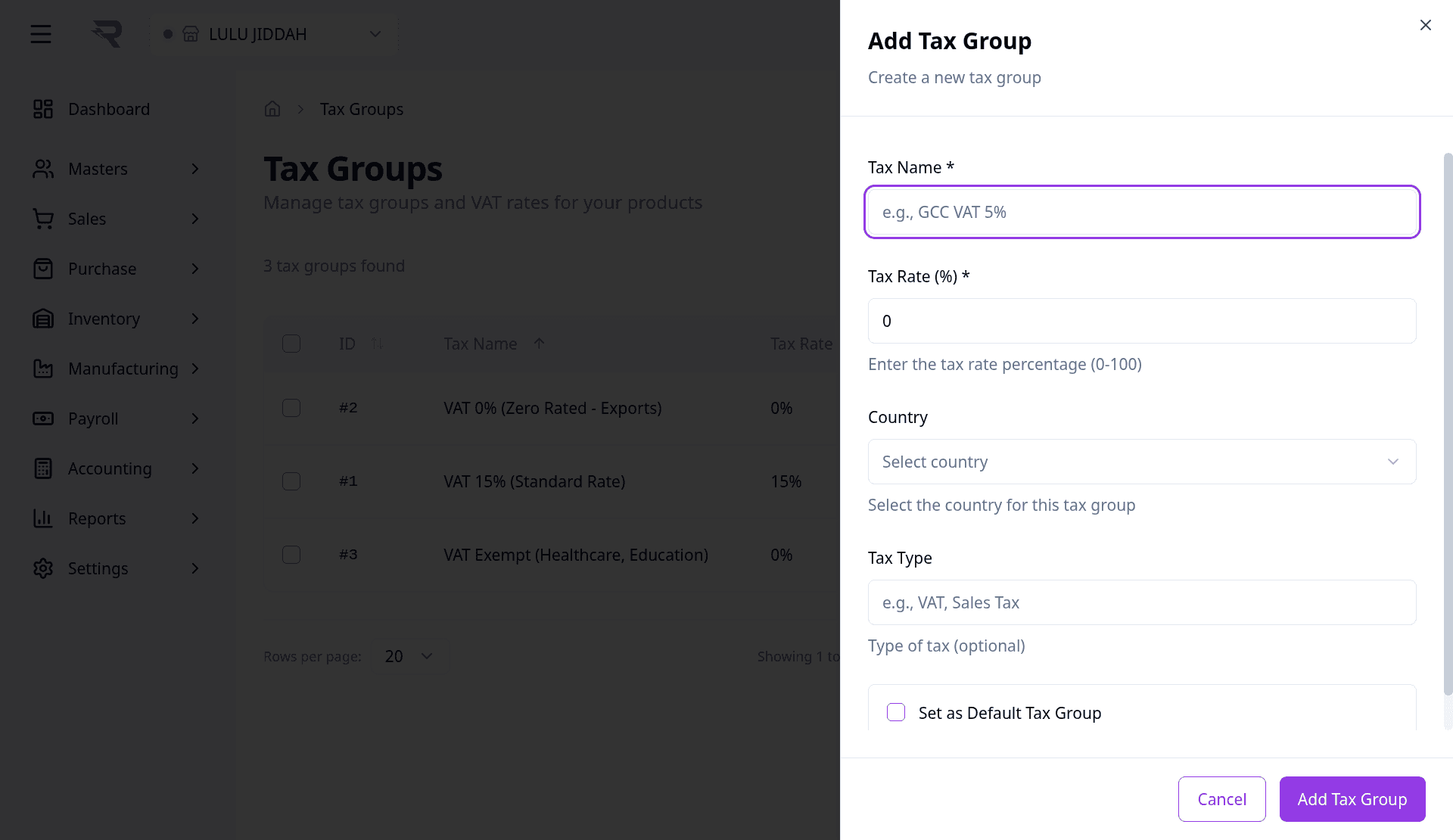
Tax Name and Tax Rate (%) are required. You can also set Country, Tax Type, and Set as Default Tax Group. Use Add Tax Group or Cancel to close the form.