
This guide shows you how to add a salesman in RAAD ERP. A salesman is an employee whose Designation is Salesman.
Go to: Masters > Employees
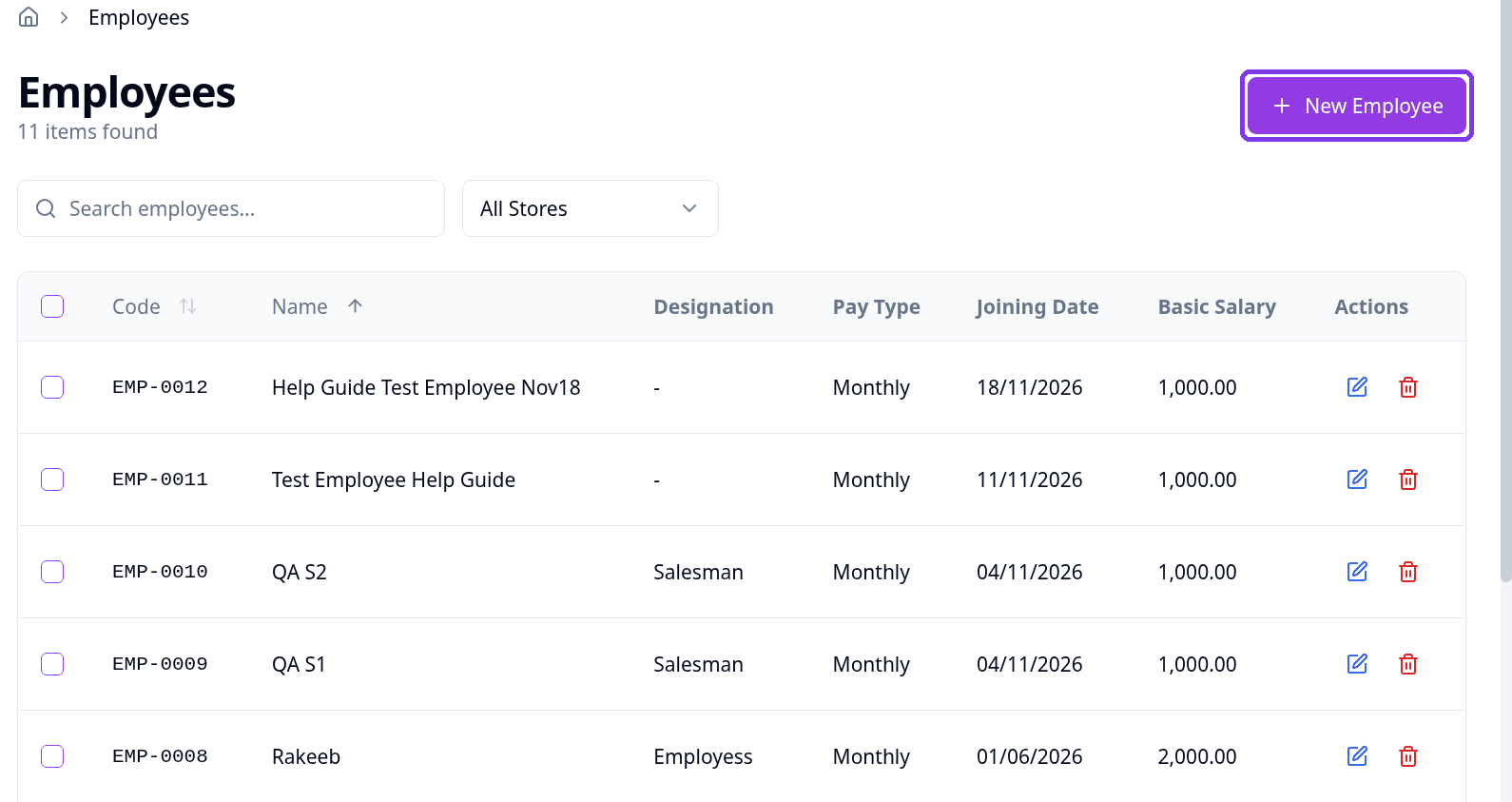
Step 1: Click New Employee
Click New Employee to open the form.
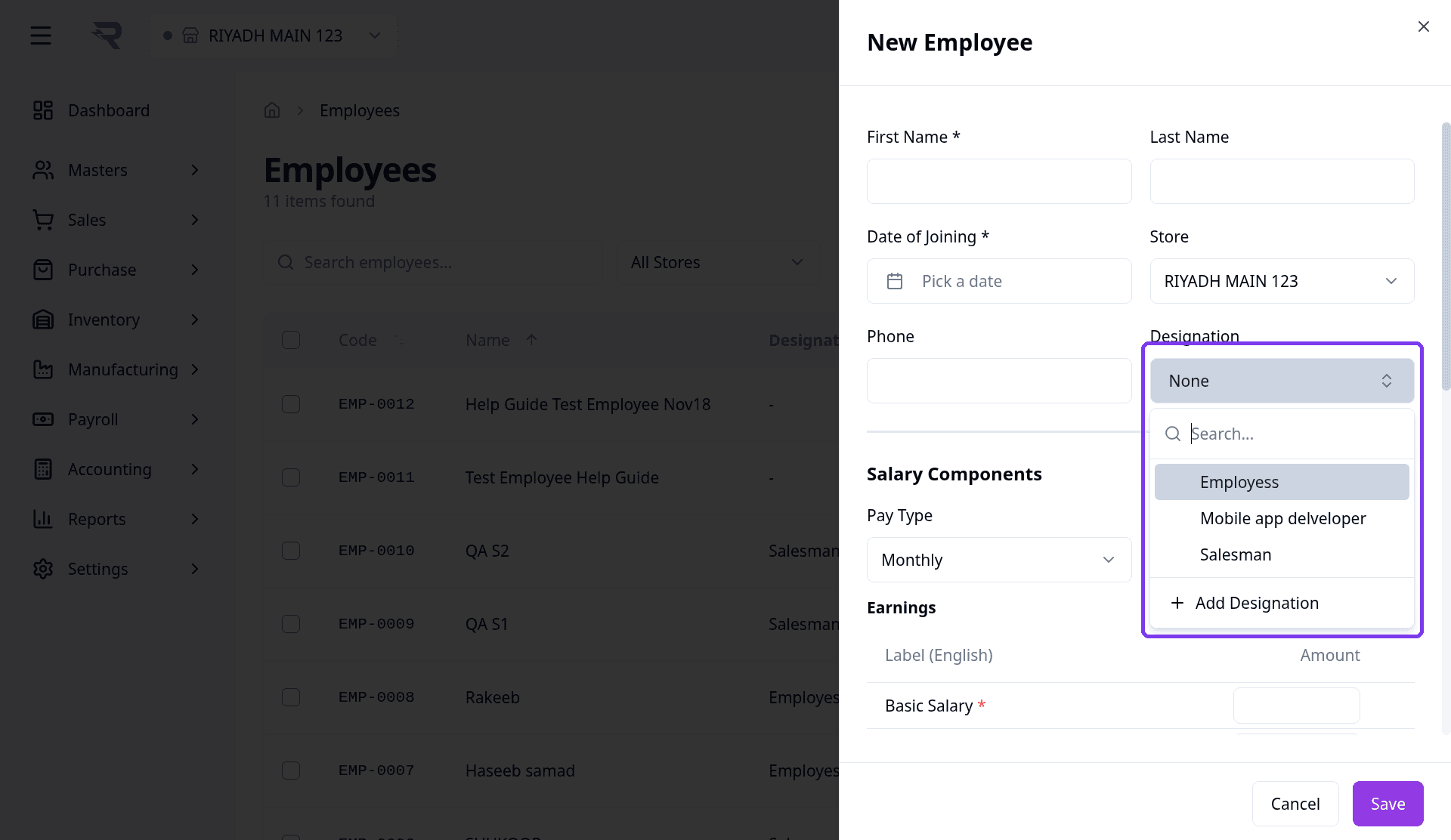
Step 2: Enter the required details and set the Designation
Enter First Name, Date of Joining and Basic Salary. Set Designation to Salesman, using + Add Designation if it isn't in the list, then click Save.
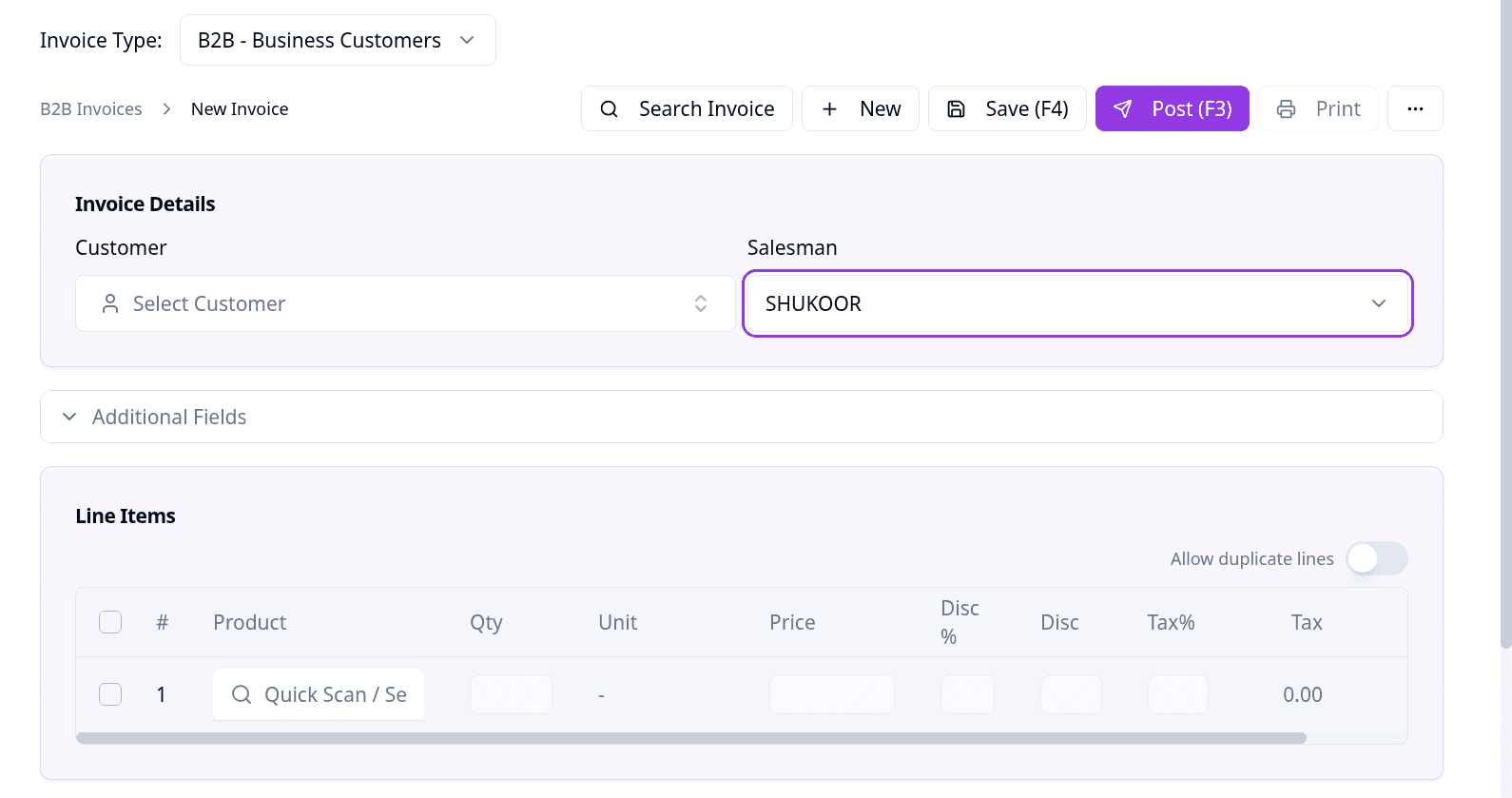
Step 3: Use the salesman on a sales document
The new person appears in the Salesman dropdown on Sales Invoices and other sales documents.
Important Notes
- First Name, Date of Joining and Basic Salary are required.
- If Salesman isn't in the Designation list, click + Add Designation to create it.