
This guide shows you how to open a payslip as a PDF so you can print or download it.
Go to: Payroll > Payslips
Step 1: Open the payslip
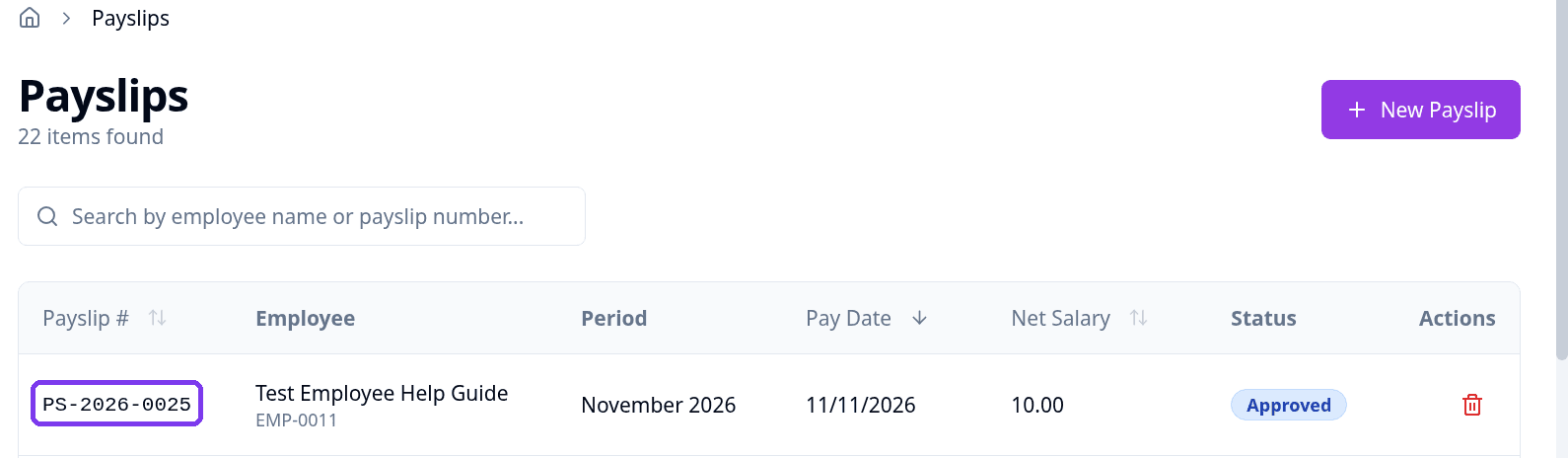
Click the payslip in the Payslips list.
Step 2: Click Print
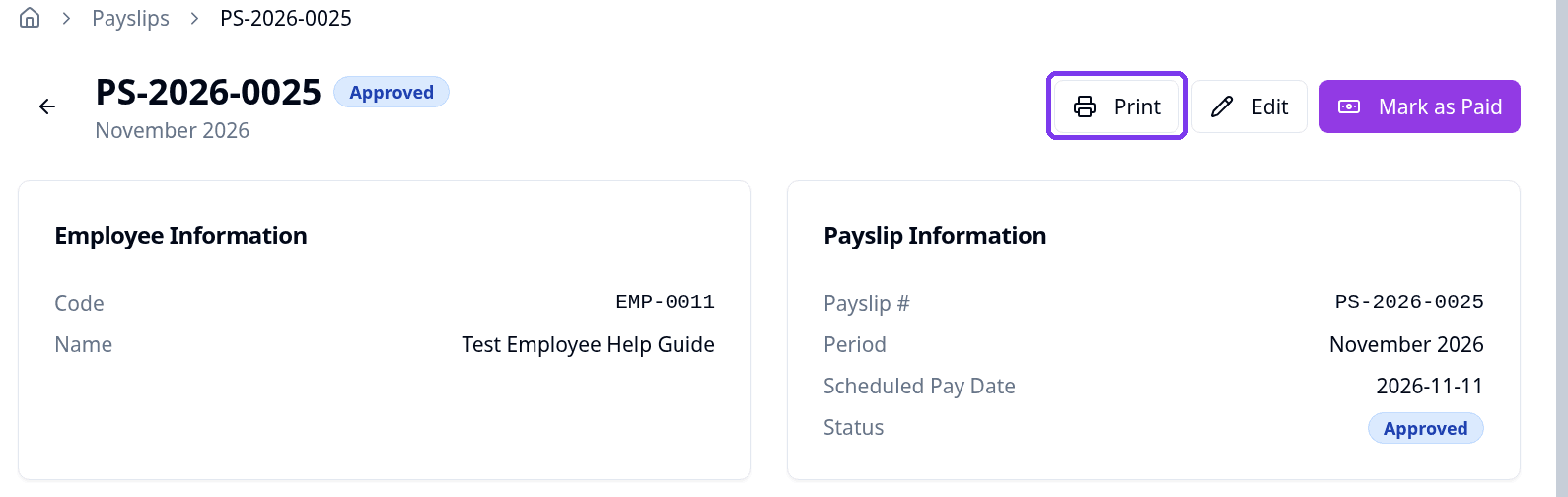
Click Print. After a short wait, the payslip opens as a PDF in a new browser tab.
Step 3: Print or download the PDF
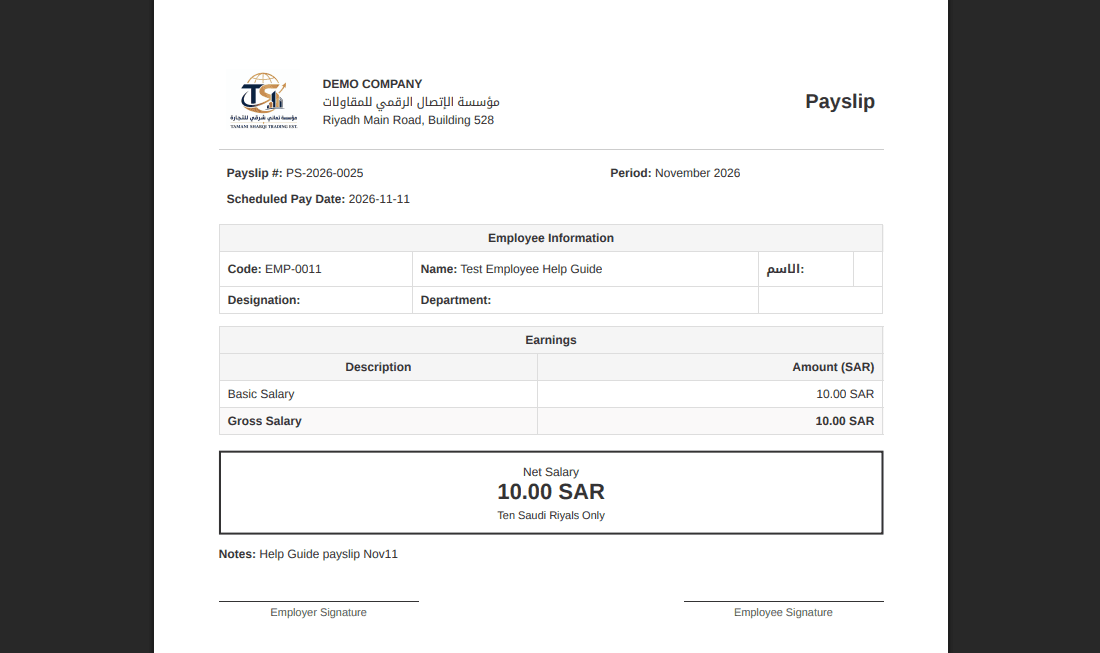
The PDF shows the employee information, earnings, net salary and signature lines. Use the print or download button in the browser's PDF viewer.
Important Notes
- To create a payslip, see Generating an Employee Payslip.