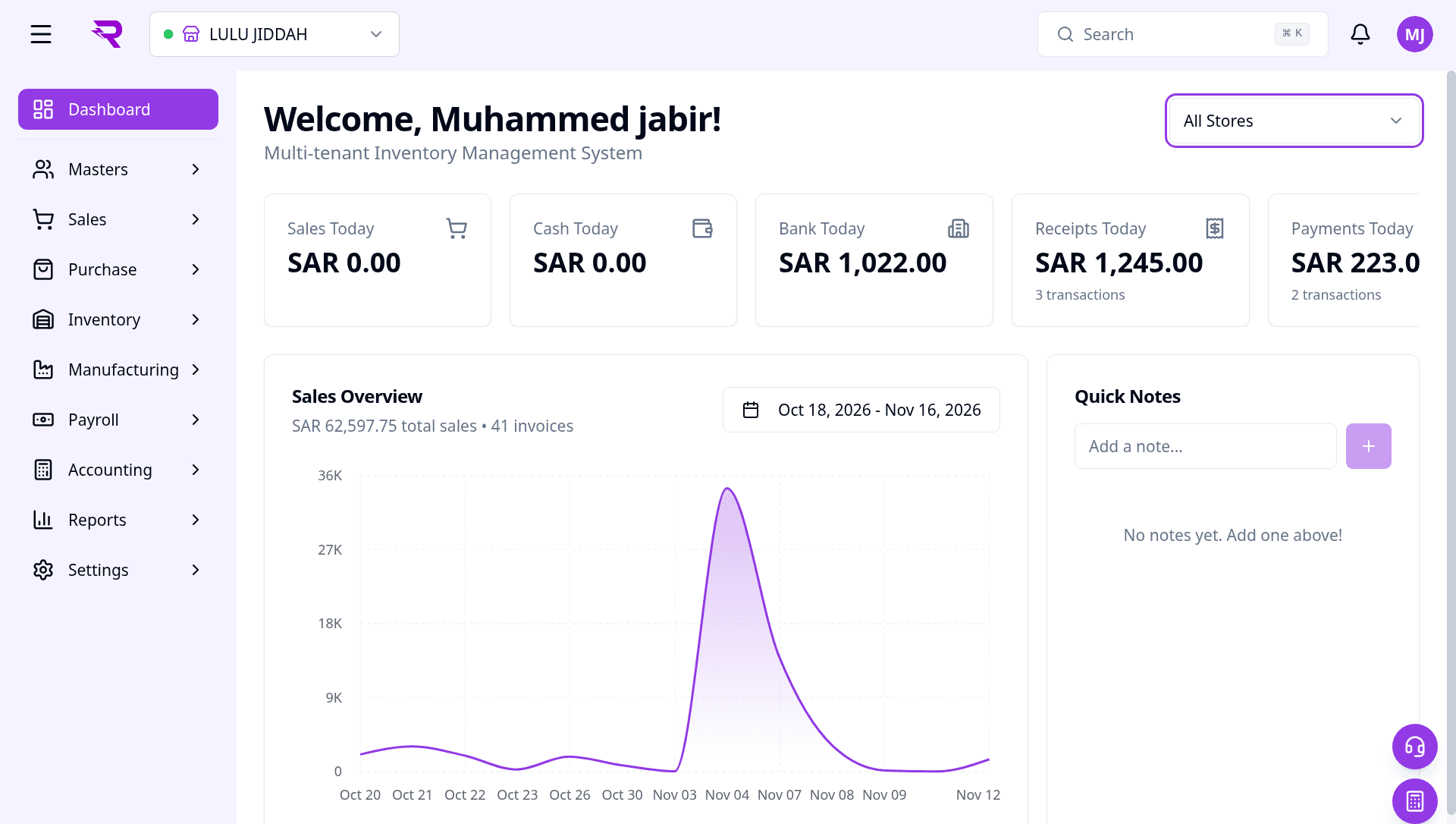
This guide shows you how to open the dashboard and switch the store filter so the figures update for one store or all stores.
Go to: Dashboard
Step 1: Open the Dashboard
The dashboard shows tiles such as Sales Today, Cash Today, Bank Today, Receipts Today, and Payments Today, plus Sales Overview and Quick Notes. The store filter on the dashboard is separate from the store selector in the header.
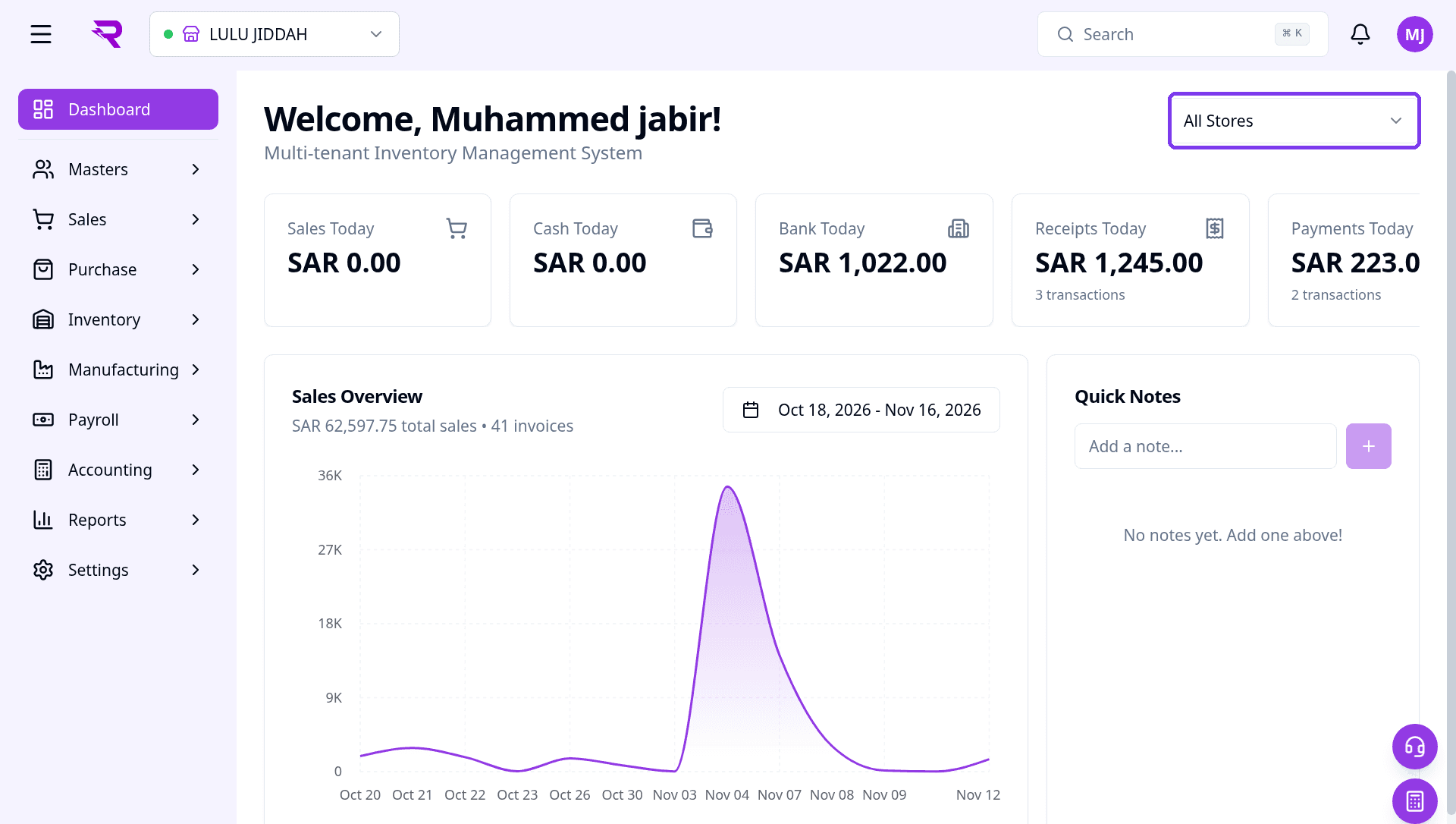
Step 2: Switch the dashboard to a store
Open the dashboard store filter beside the welcome heading and choose a store. Sales Overview updates to that store’s sales and invoice count.
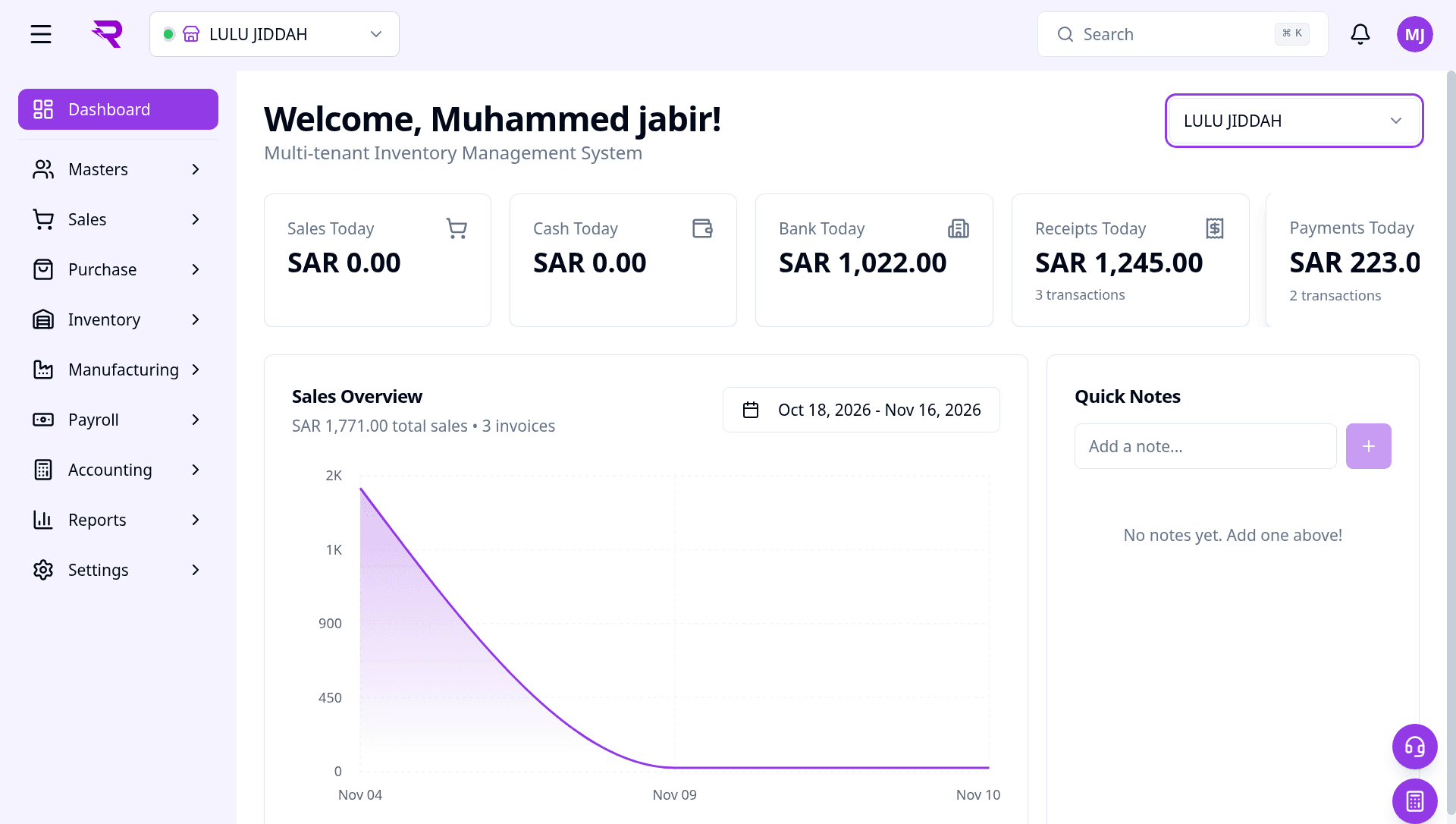
Step 3: Switch the filter to All Stores
Choose All Stores in the same dashboard filter to see combined figures again.