This guide shows you how to generate an employee payslip in RAAD ERP.
Go to: Payroll > Payslips
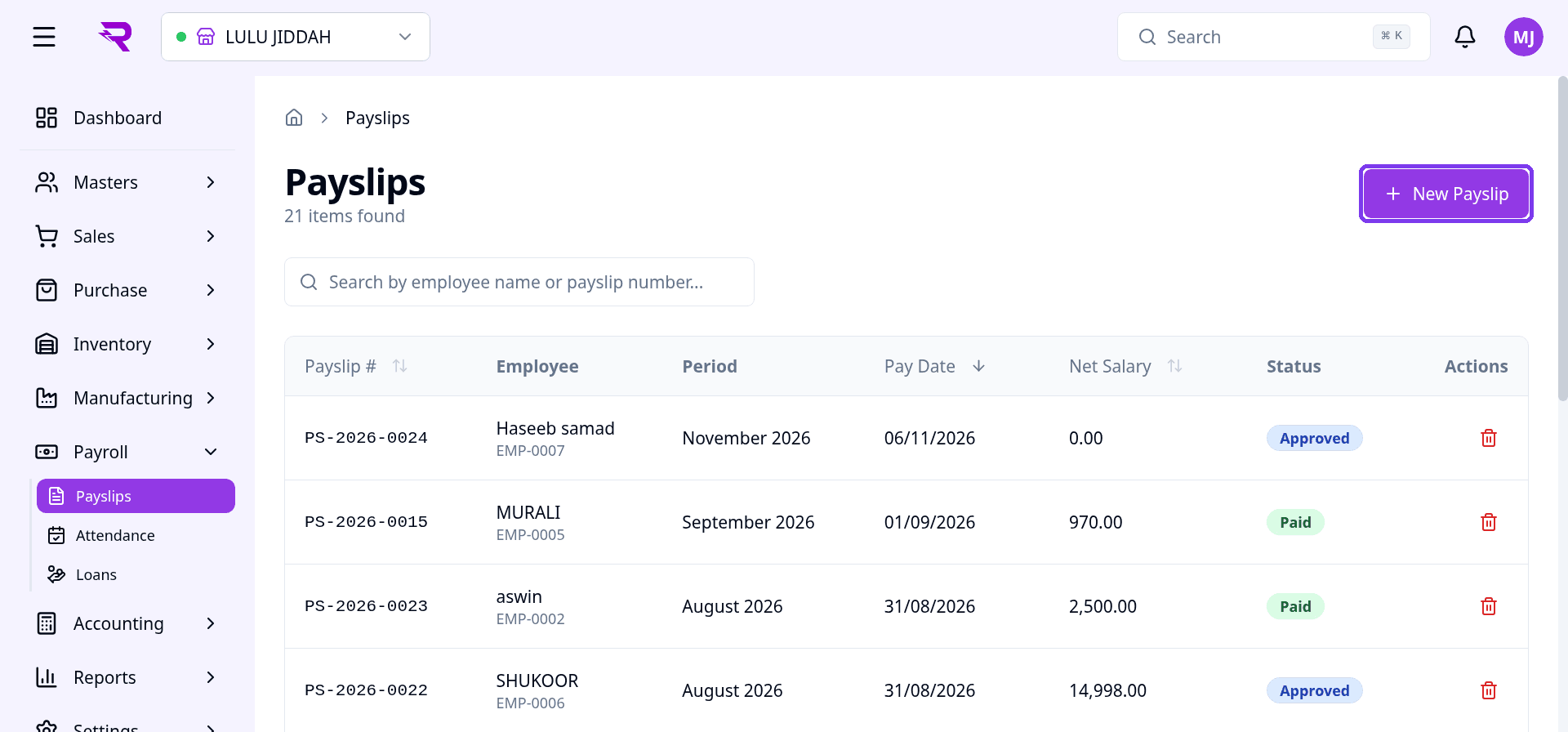
Step 1: Click New Payslip
Click New Payslip to open the form.
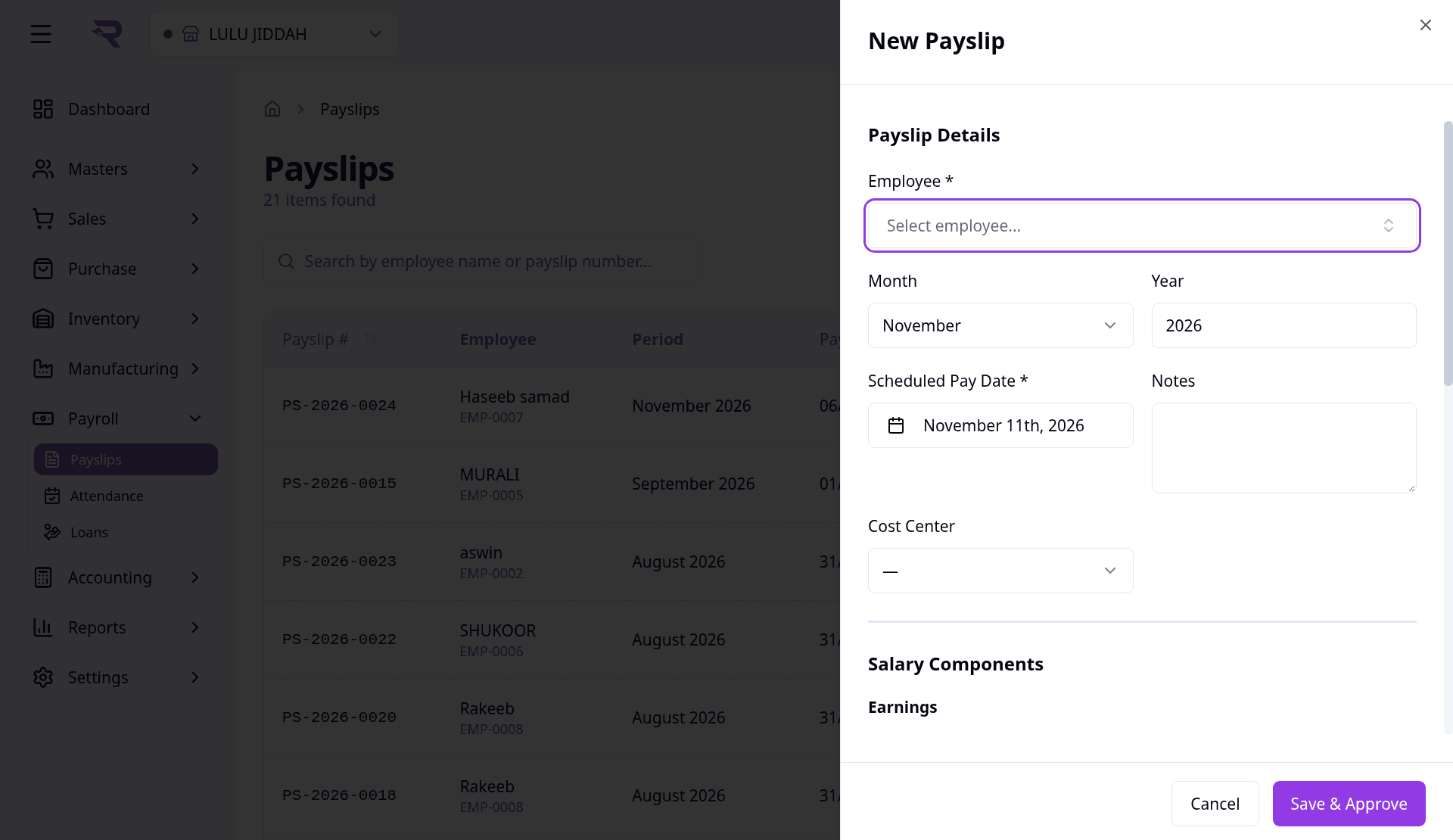
Step 2: Enter the required details
Employee and Scheduled Pay Date are required. Set Month and Year if you need to change the period.
Step 3: Enter salary components
Enter the earnings and deductions for this payslip. Attendance is optional: a notice may say none was recorded and that it will not affect pay.
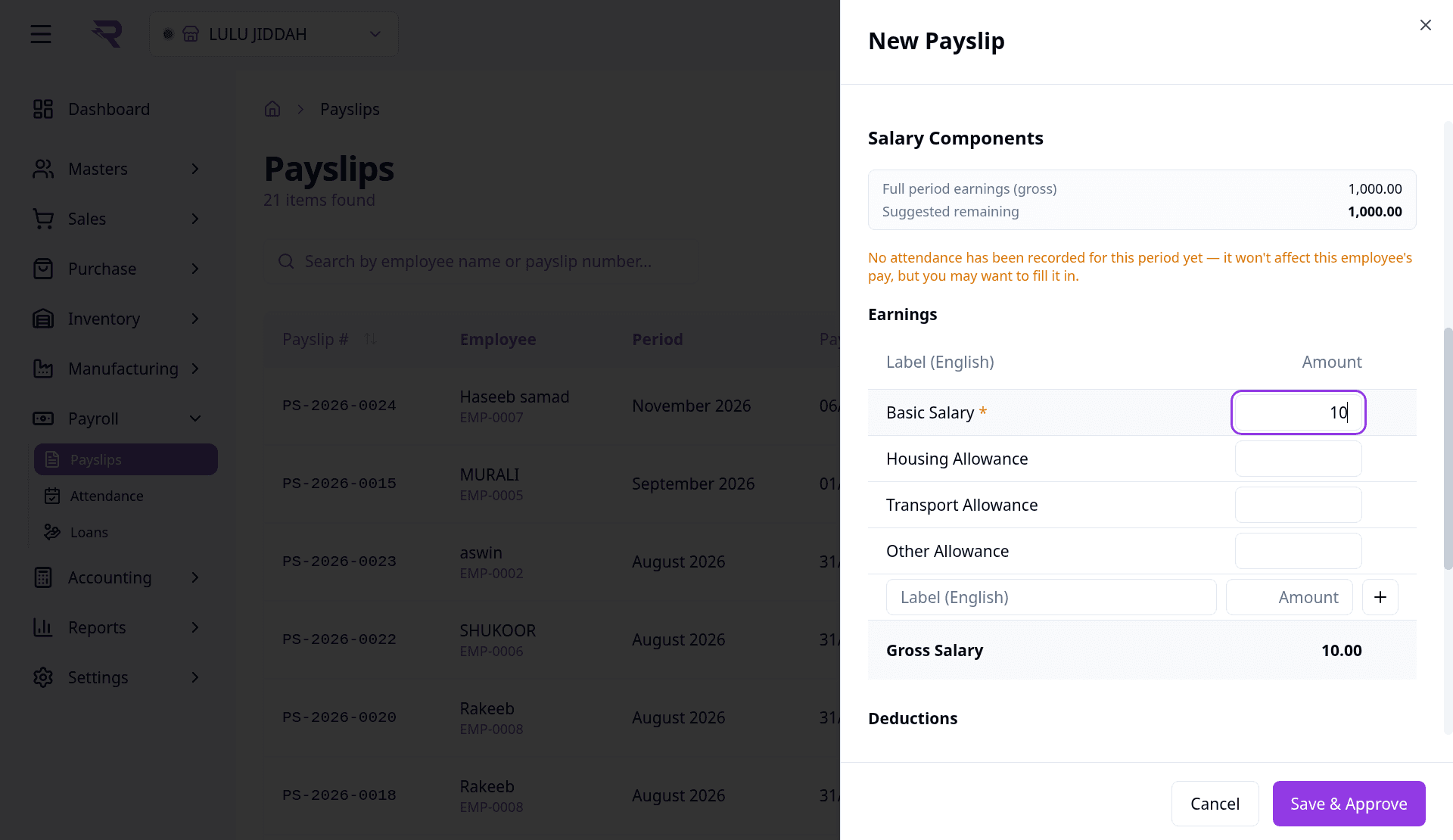
Step 4: Click Save & Approve
Click Save & Approve to post the payslip immediately. No draft button was shown. A toast confirms “Payslip created successfully.”
Step 5: Confirm the payslip
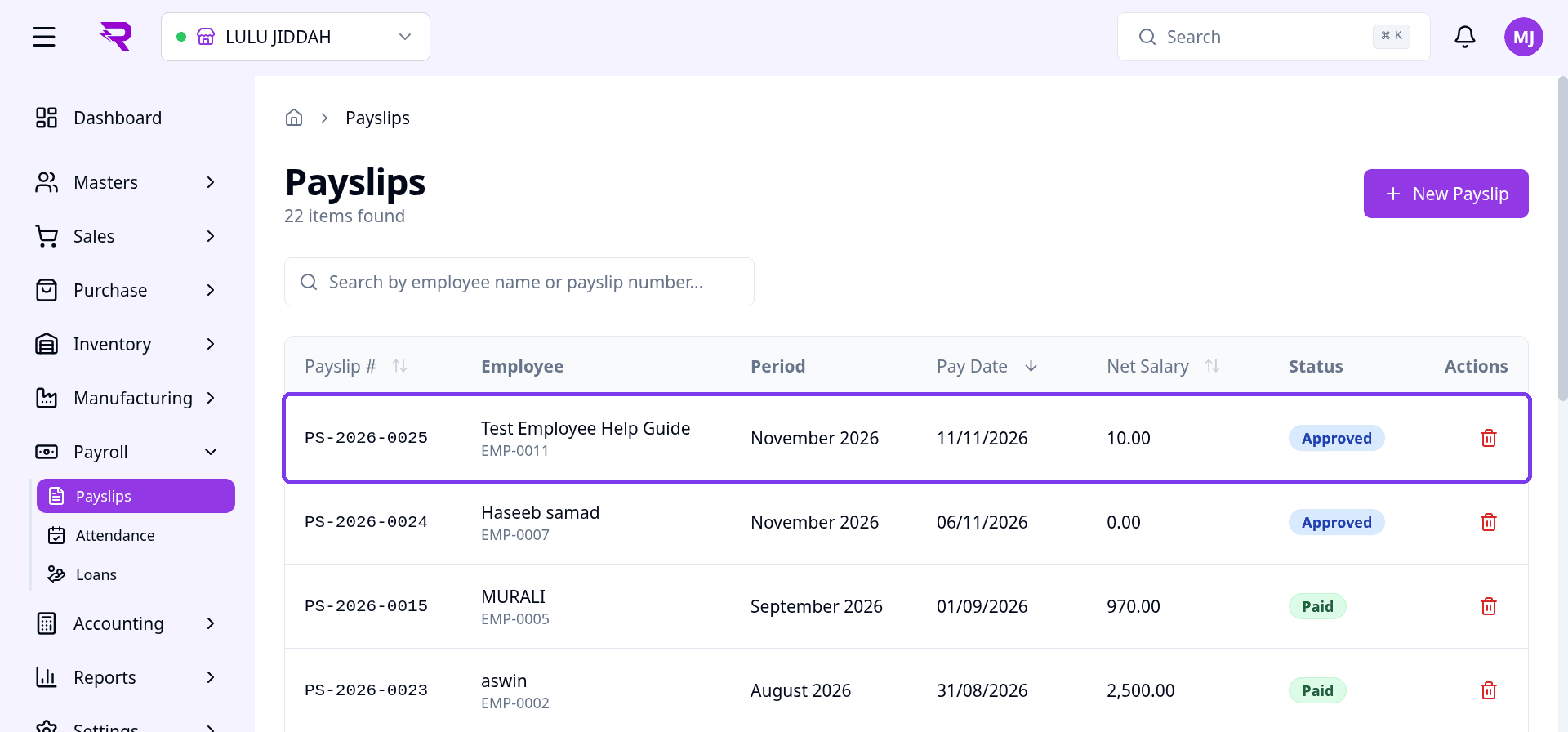
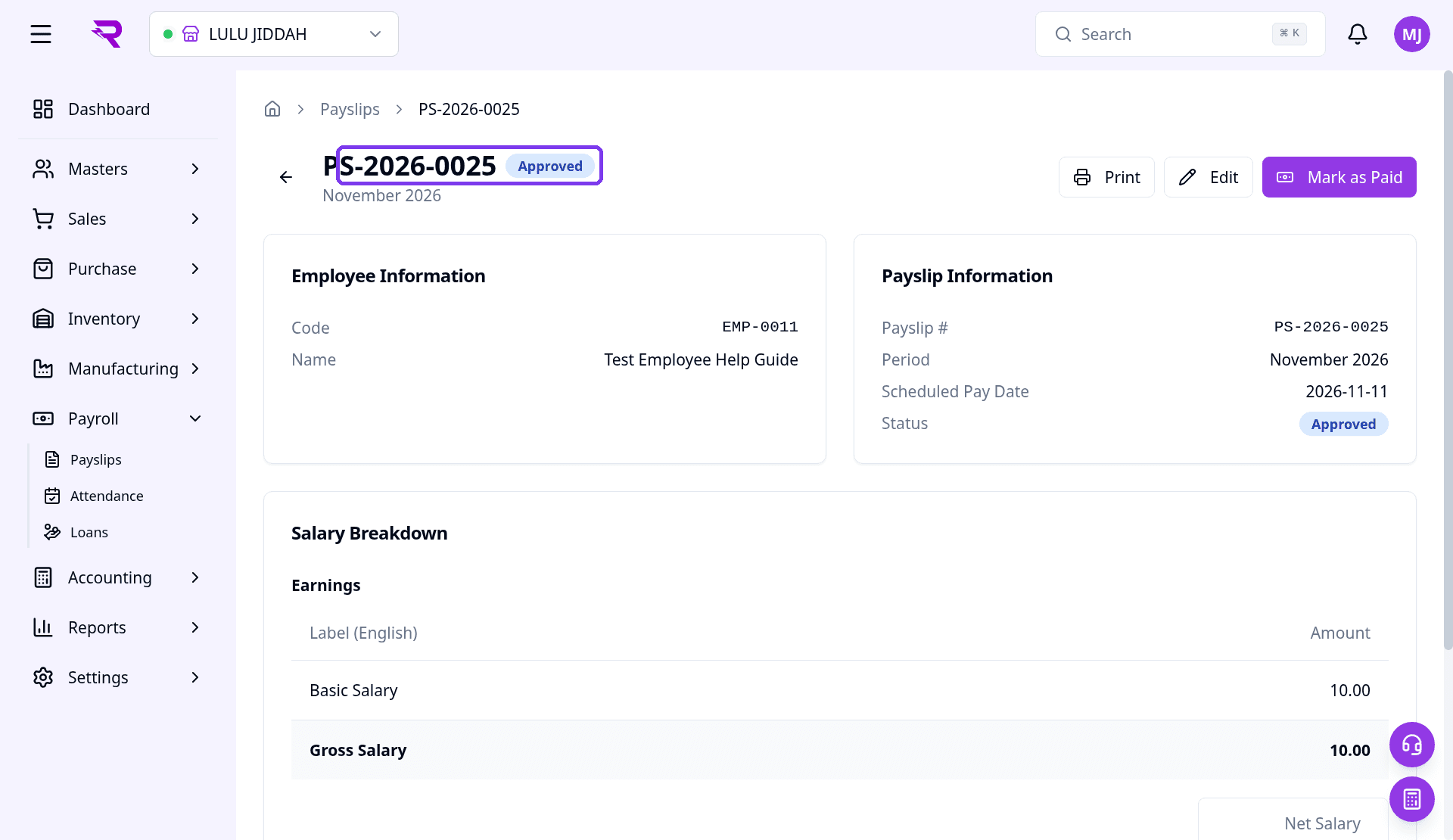
The payslip appears in the list as Approved.