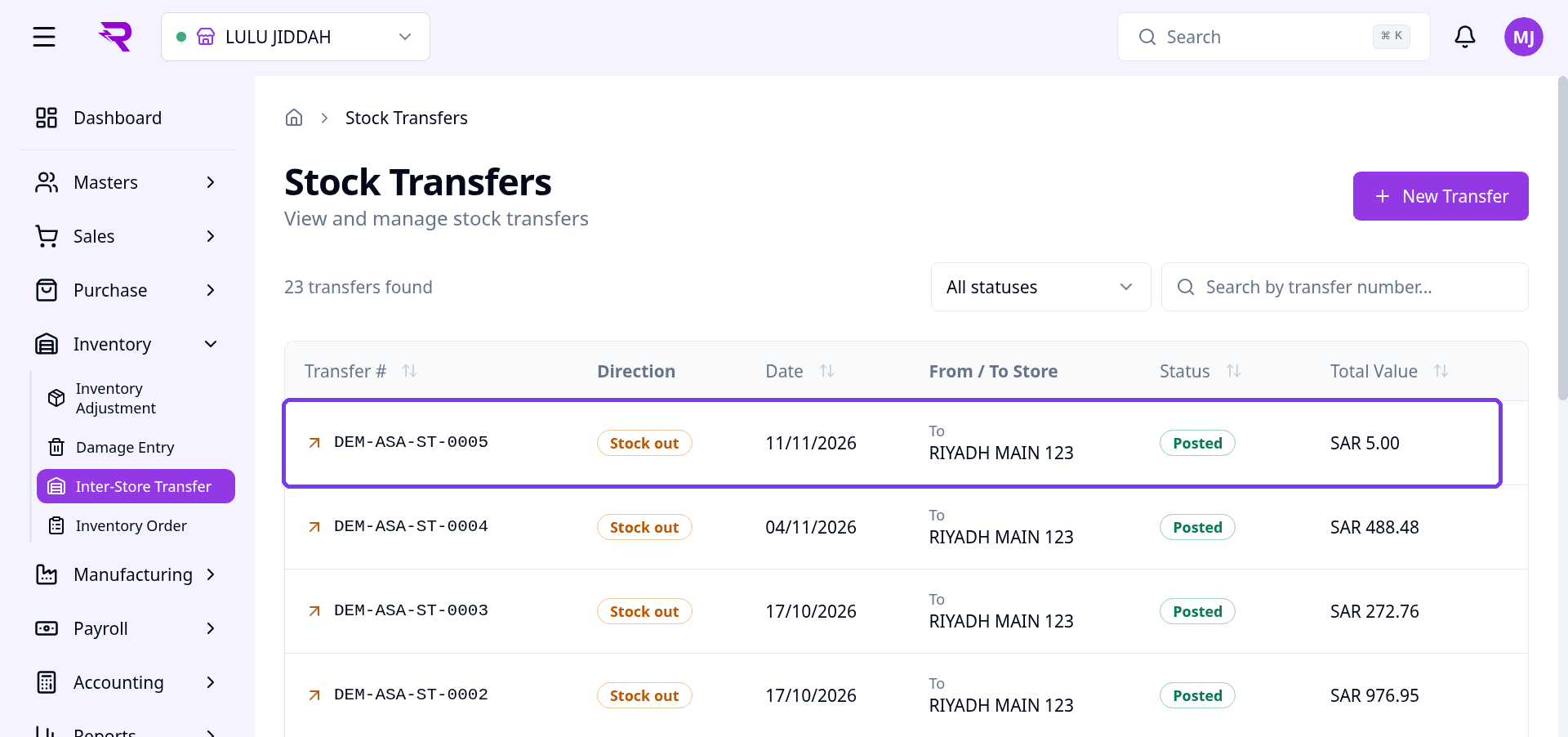
This guide shows you how to transfer stock from the current store to another store in RAAD ERP.
Go to: Inventory > Inter-Store Transfer
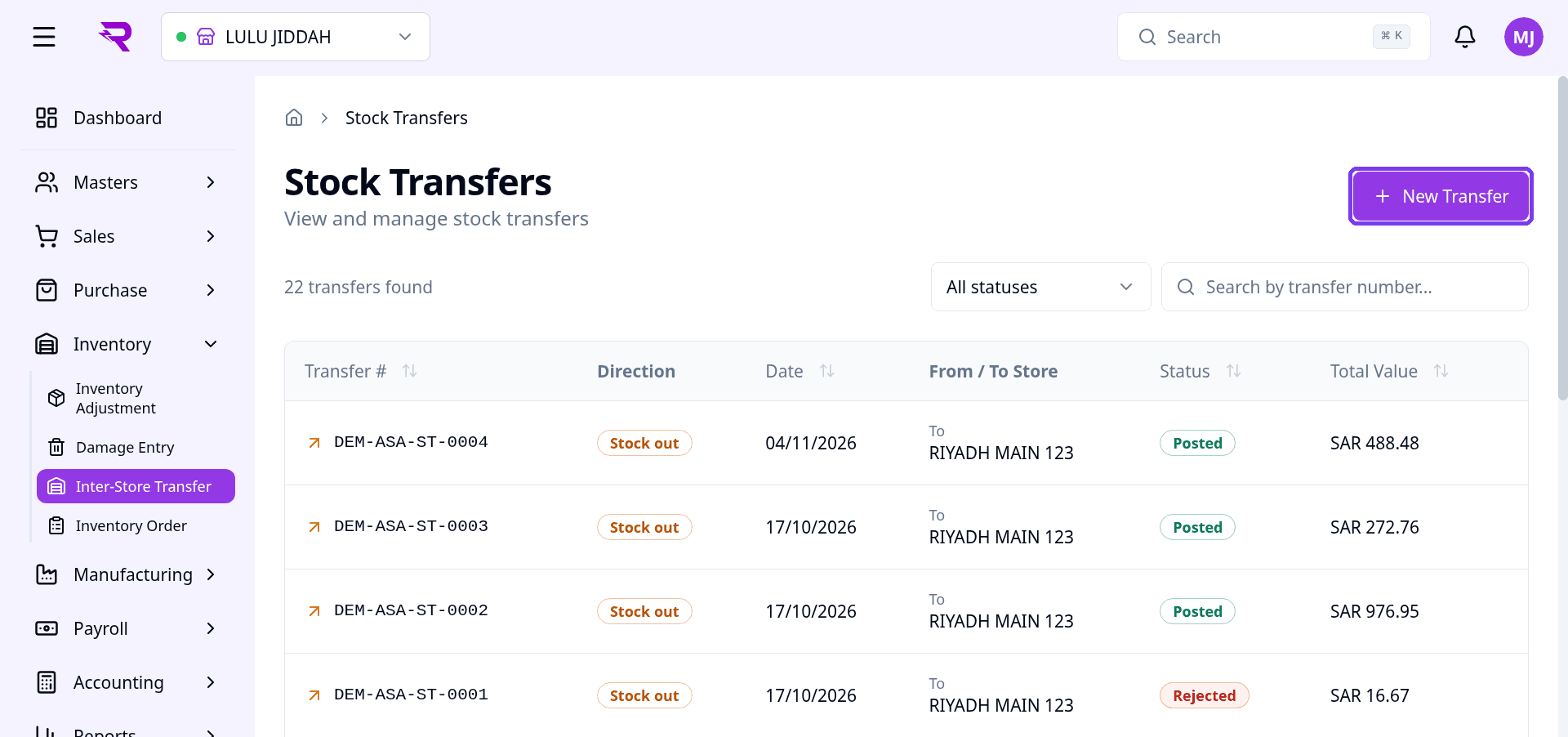
Step 1: Click New Transfer
Click New Transfer to open a new stock transfer.
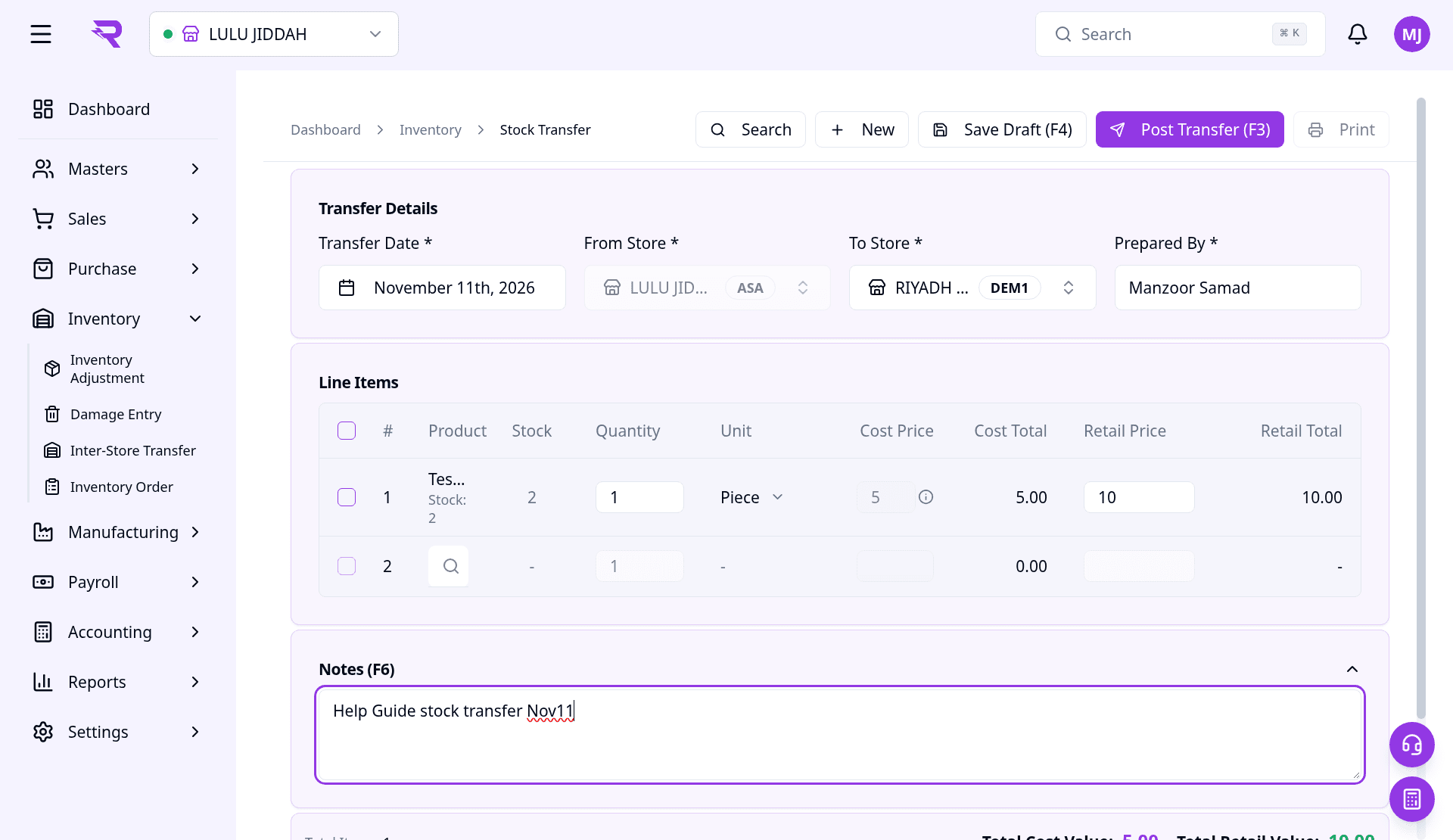
Step 2: Enter the transfer details
Enter Transfer Date, To Store, and Prepared By. From Store is the current store. Add a product and Quantity.
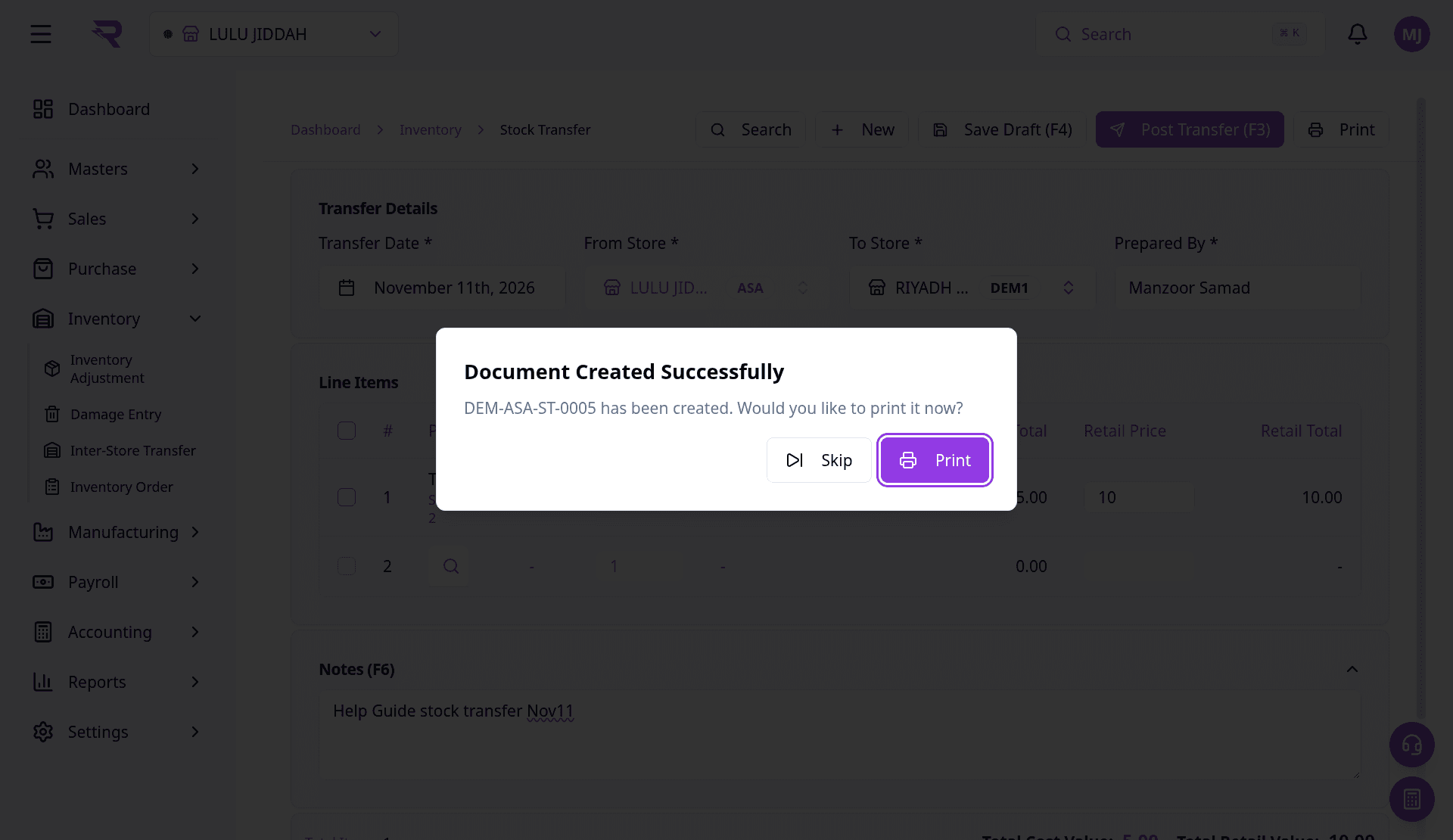
Step 3: Click Post Transfer (F3)
Click Post Transfer (F3) to post the transfer. A toast confirms “Stock Transfer Posted” and “Transfer posted successfully.”
Step 4: Confirm the transfer
The transfer appears in the Stock Transfers list.