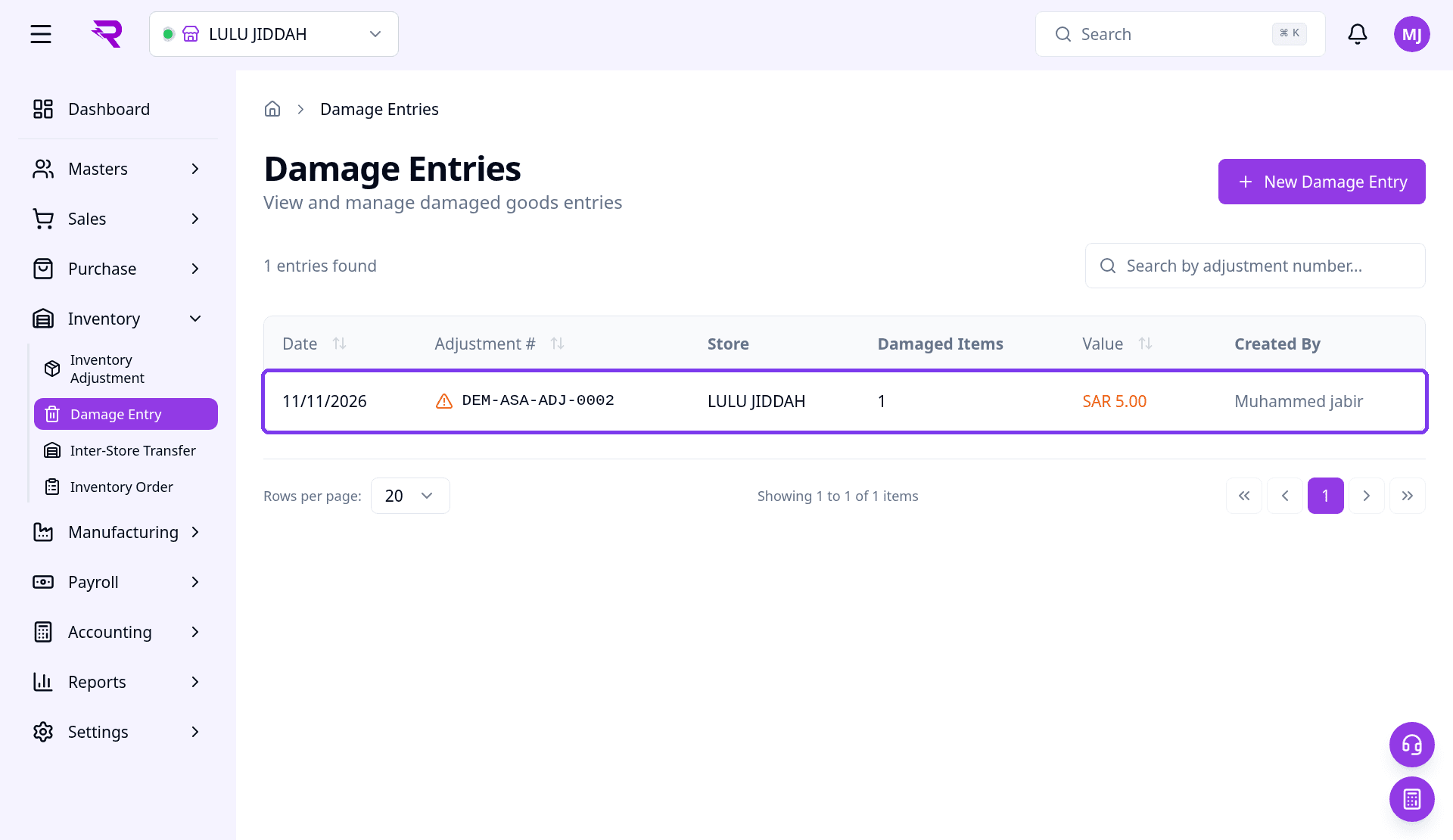
This guide shows you how to record damaged stock in RAAD ERP.
Go to: Inventory > Damage Entry
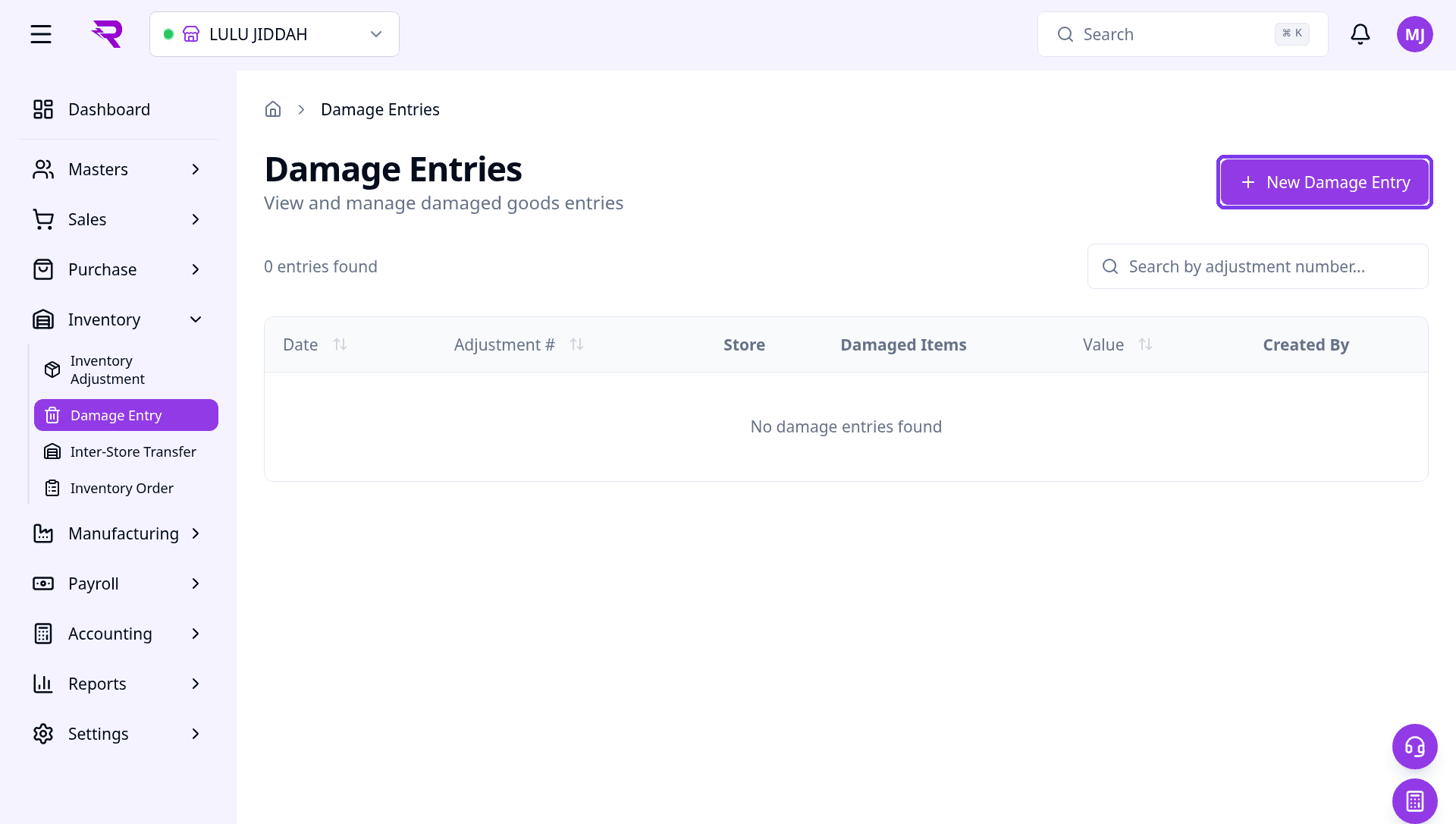
Step 1: Click New Damage Entry
Click New Damage Entry to open a new damage entry.
Step 2: Enter the damage details
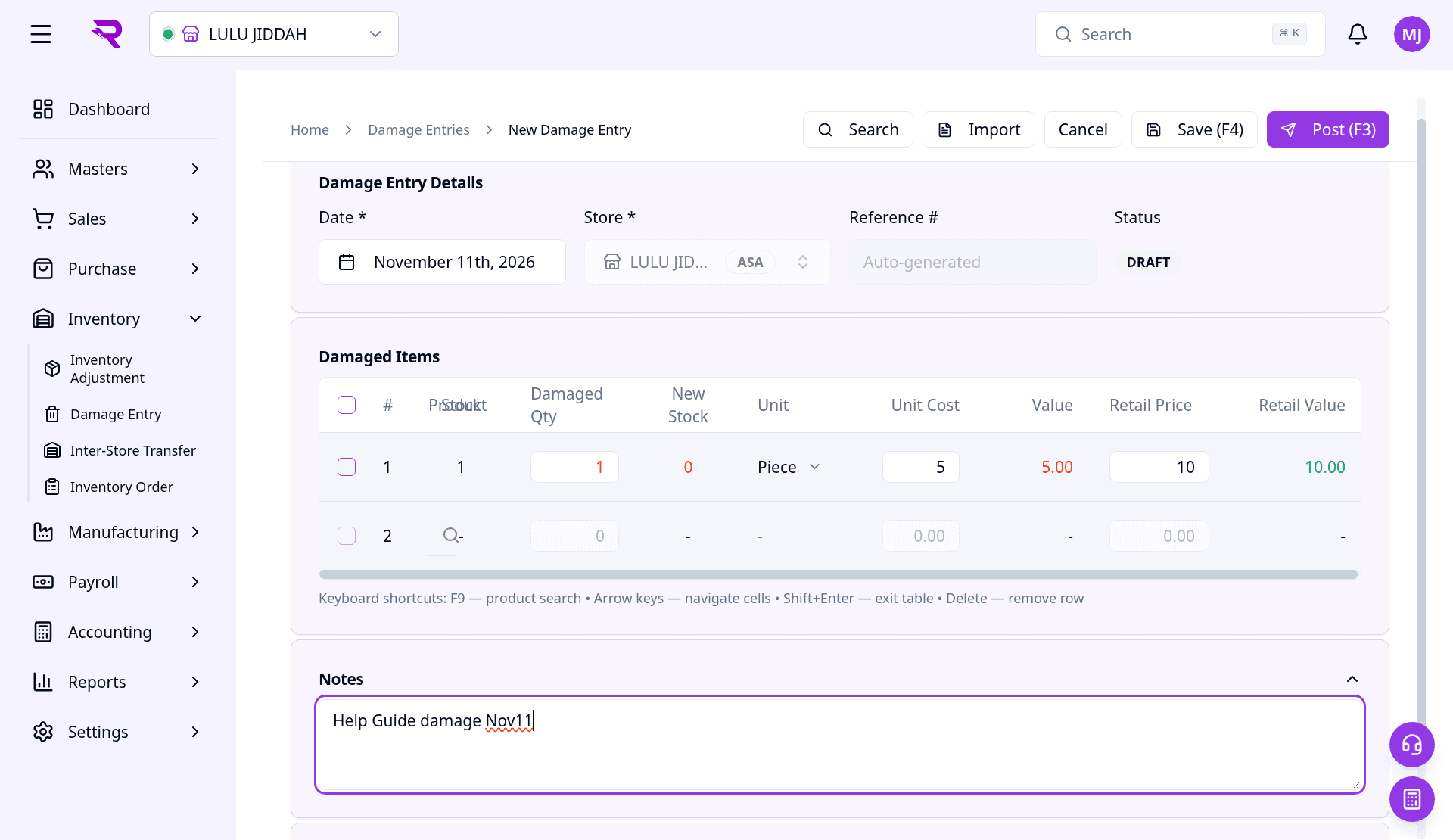
Enter Date, then add a product and Damaged Qty.
Step 3: Click Post (F3)
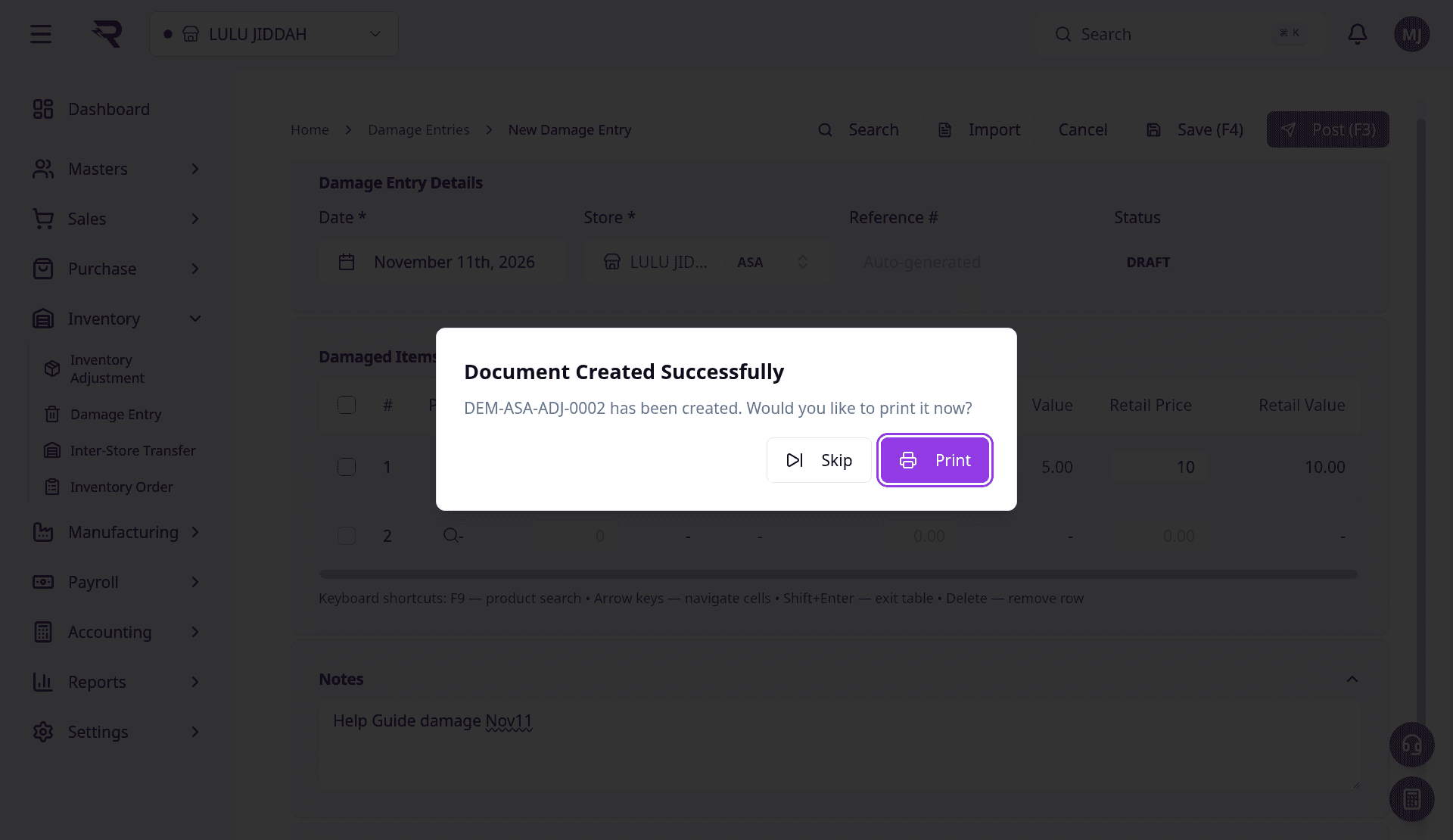
Click Post (F3) to create the entry. A toast confirms “Damage entry created successfully.”
Step 4: Confirm the entry
The damage entry appears in the Damage Entries list.