You can fill a purchase invoice by importing a purchase order or a goods receipt note, instead of entering the lines yourself. For creating an invoice from scratch, see Creating a Purchase Invoice. For recording a goods receipt, see Creating a Goods Receipt Note (GRN).
Go to: Purchase > Purchase Invoice
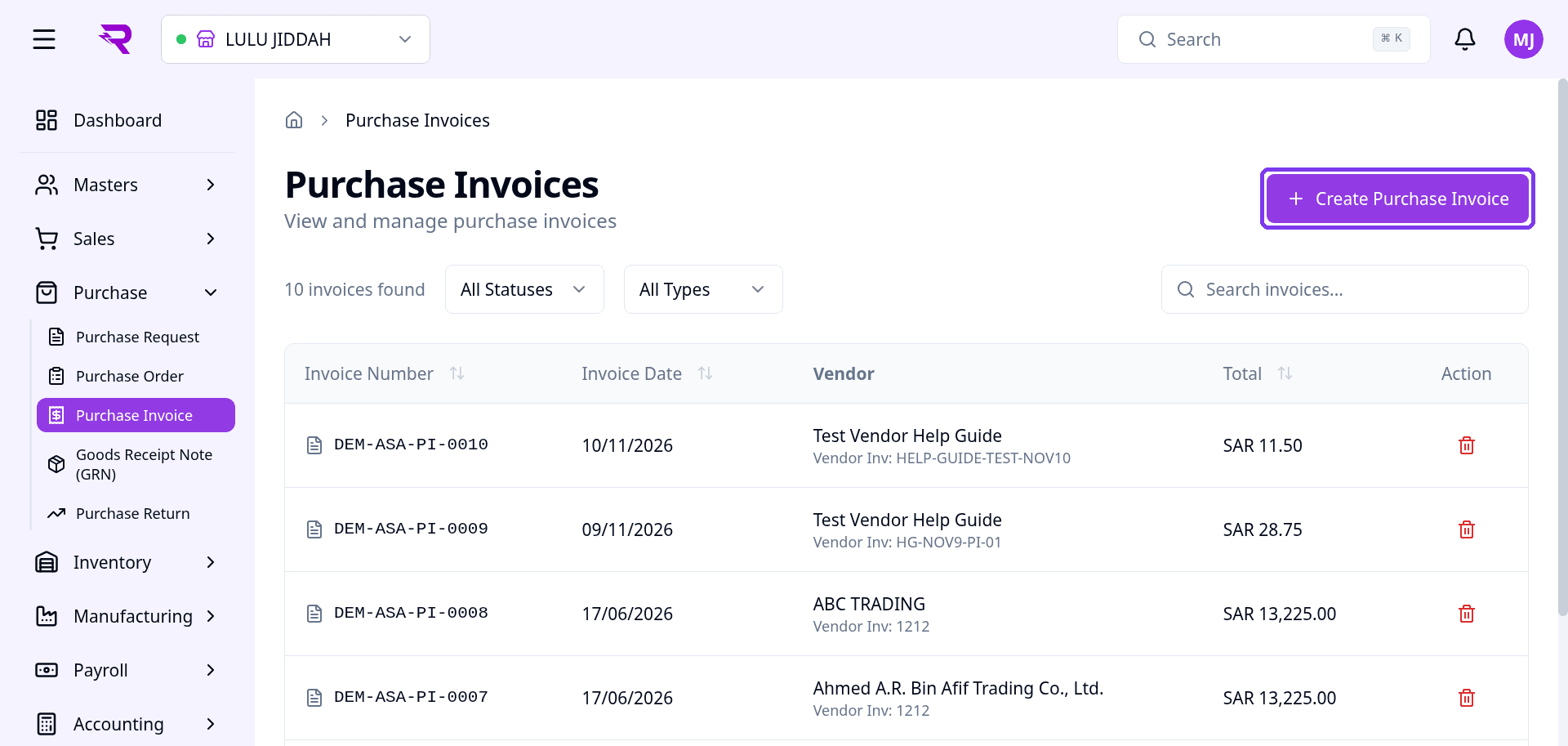
Step 1: Click Create Purchase Invoice
The Purchase Invoices list opens. Click Create Purchase Invoice to start a new invoice.
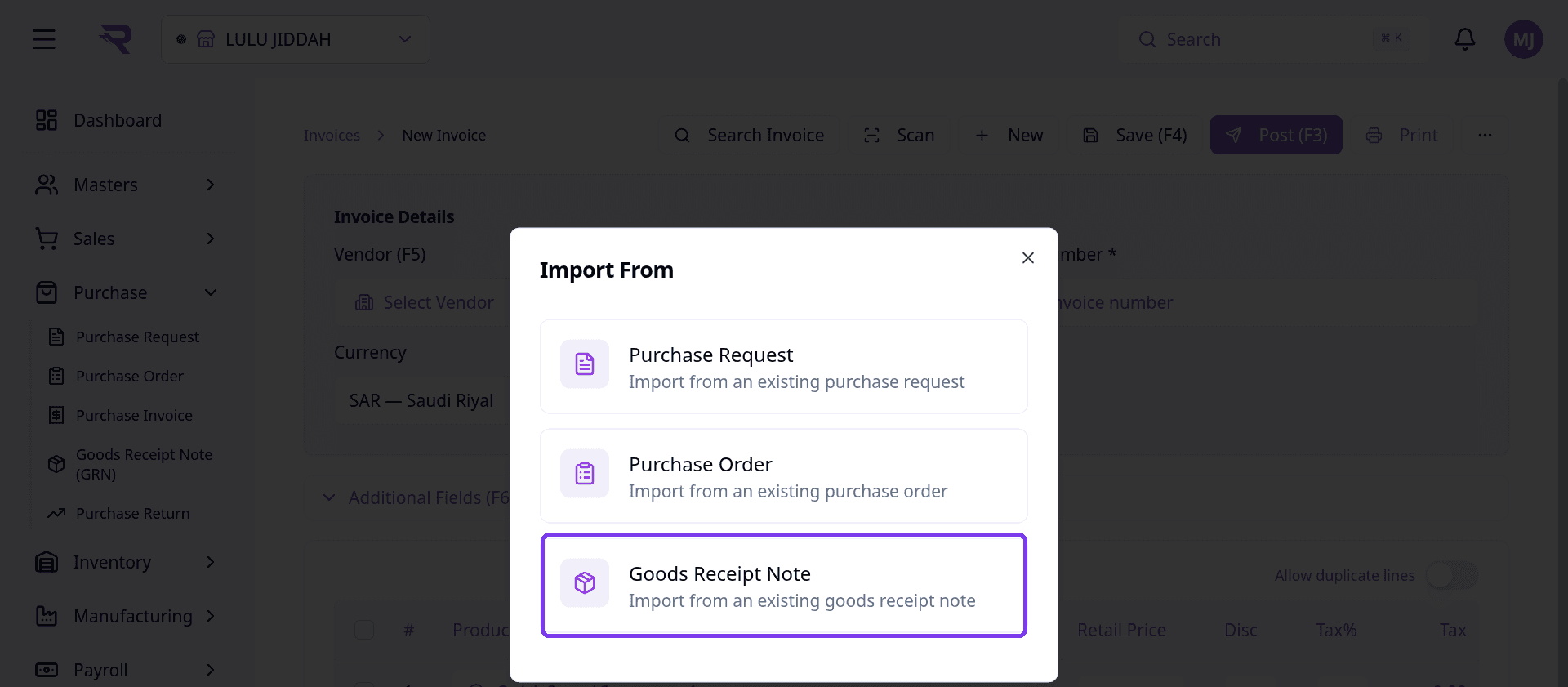
Step 2: Click Import From and choose a source
Click Import From. Choose Goods Receipt Note to bill from a receipt, or Purchase Order to bill from an order. The dialog also offers Purchase Request.
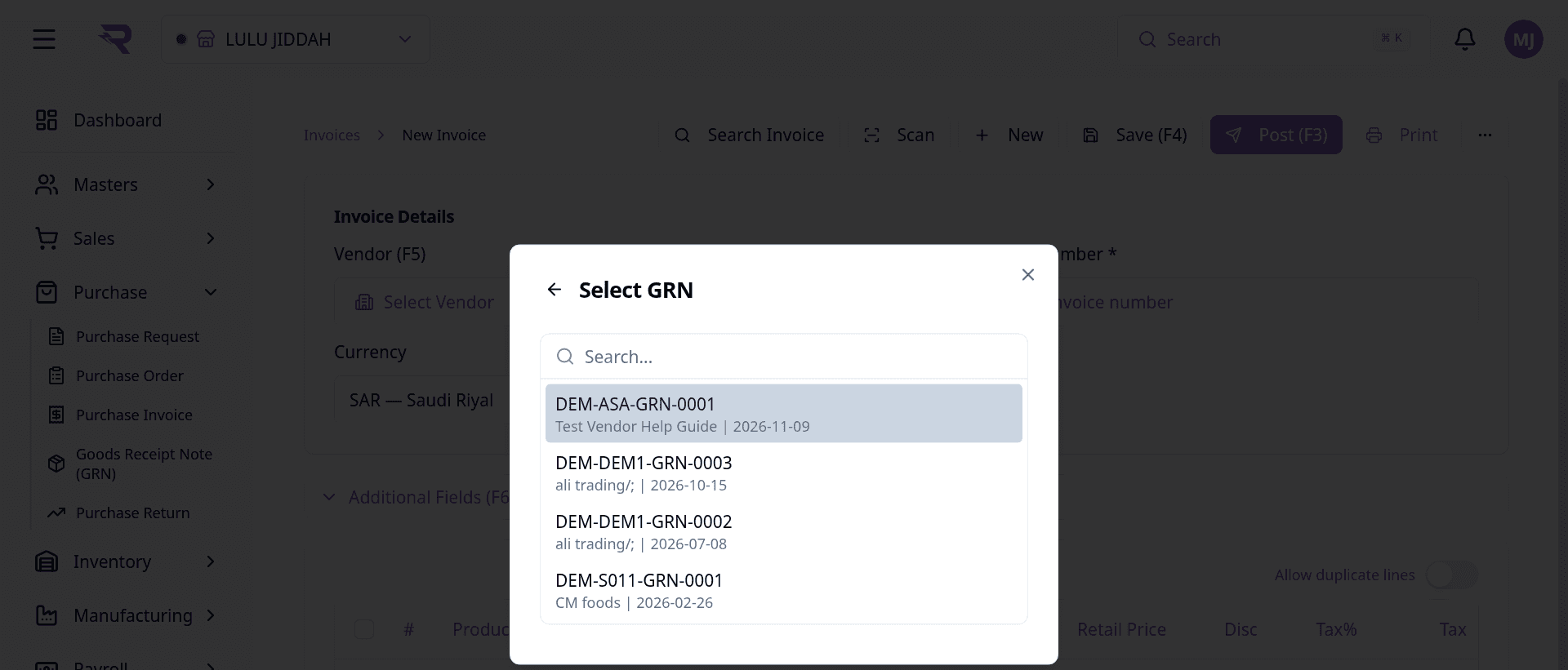
Step 3: Select the goods receipt note
Select the GRN you want to bill and confirm.
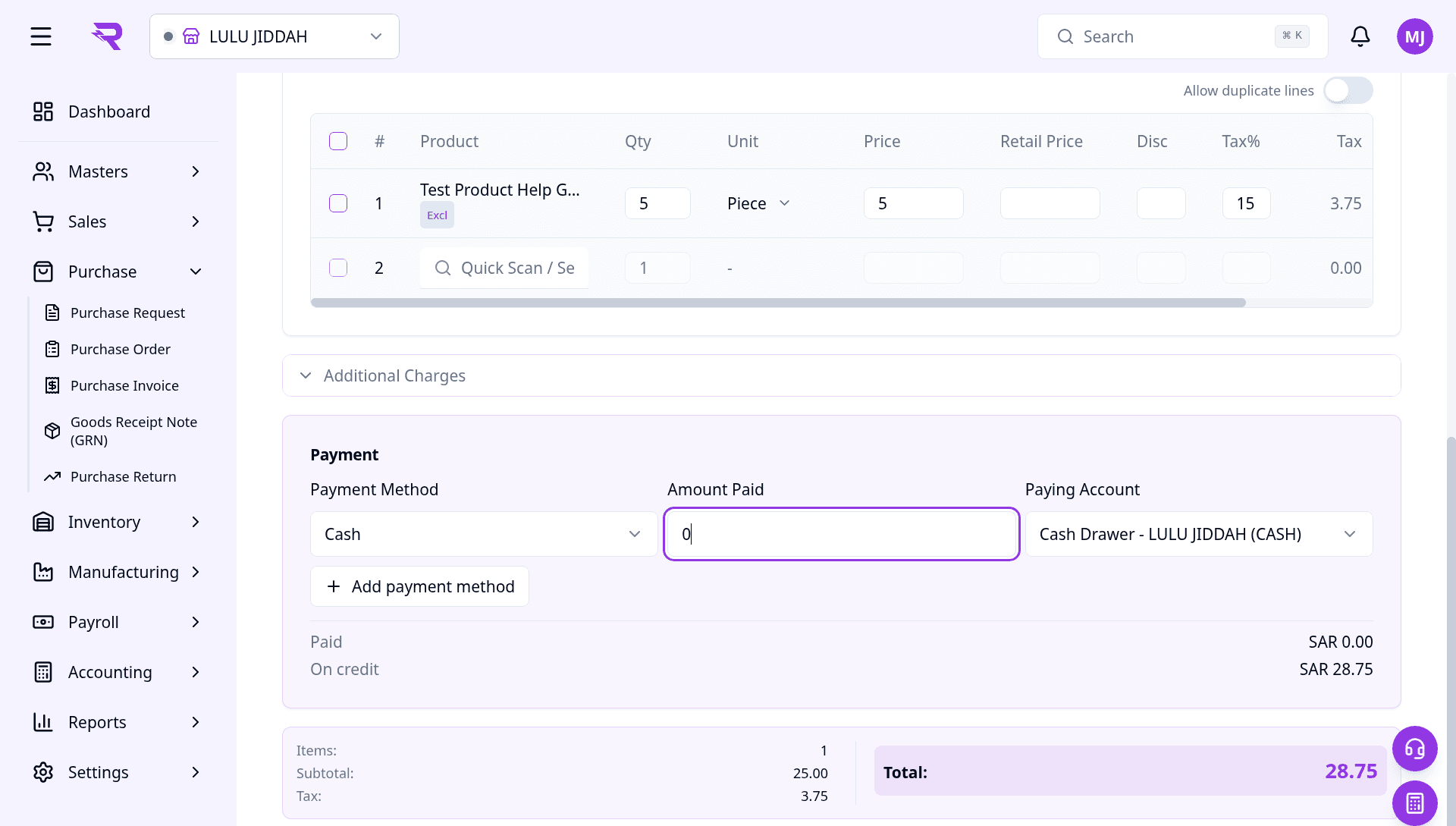
Step 4: Check the imported lines and amount paid
The invoice is filled with the products, quantities and amounts from the GRN. Set Amount Paid if you are paying now, or leave it at 0 to post the invoice on credit.
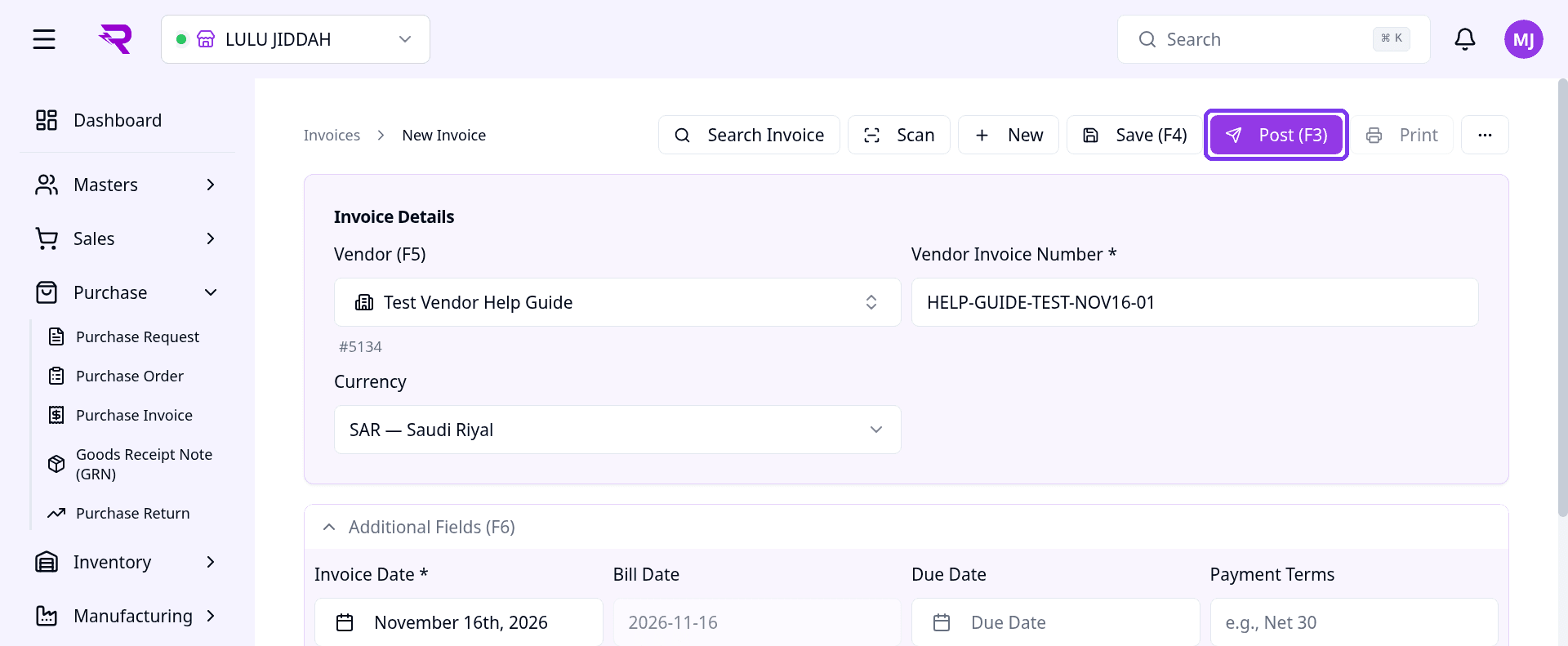
Step 5: Enter the vendor invoice number and post
Enter the Vendor Invoice Number (required) and check the Invoice Date. Click Post (F3) to post the invoice.
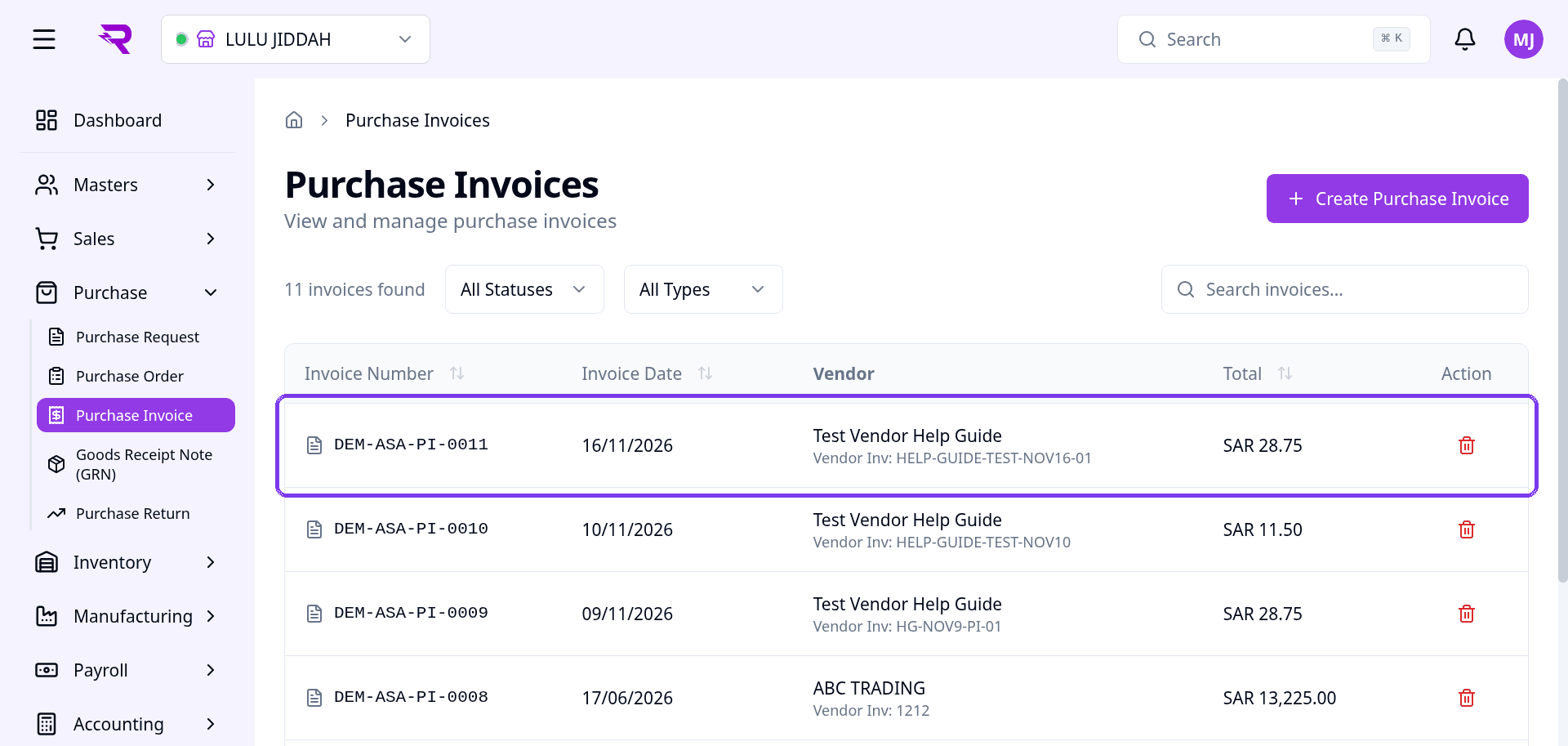
Step 6: Check the invoice in the list
The posted invoice appears in the Purchase Invoices list.